
Lightroom Classic 13.3.1 never completes Photo Merge HDR process
Hi
I have since upgrading to Lightroom Classic 13.3 (and today 13.3.1) had serious problems working with my Lightroom.
I do have a large catalog. I have 422.767 photos in my catalog, but it has been no problem so far.
Symptoms
When I start an Photo Merge HDR it does not complete. It stays like this without completing:
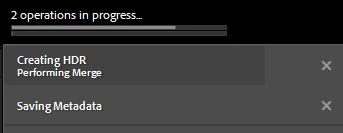
The new HDR.dng file is added to the catalog.
If I start another HDR merge, it will be queued.
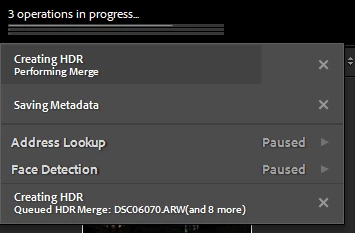
Other side-effects (more in-consistantly - I haven't spotted the pattern yet)
Contextual Menu (right mouse click) can be minutes to appear.
Import files can be several minutes to complete.
Things I have tried
- I have tried to do a backup of the Lightroom Catalog, and used that backup instead. This apparently solved the problem for a couple of days, but now it is back and I can't make that "magic work again" (do a backup and use that instead).
- I have tried to reset settings, with no difference.
- I updated my Nvidia drivers last week to latest studio drivers, with no difference.
- I have optimized my catalog, with no difference.
About my setup and system
The Lightroom Catalog itself is on an SSD drive with 191 Gb free storage.
My RAW files are on spin harddrives.
I have got no external drives.
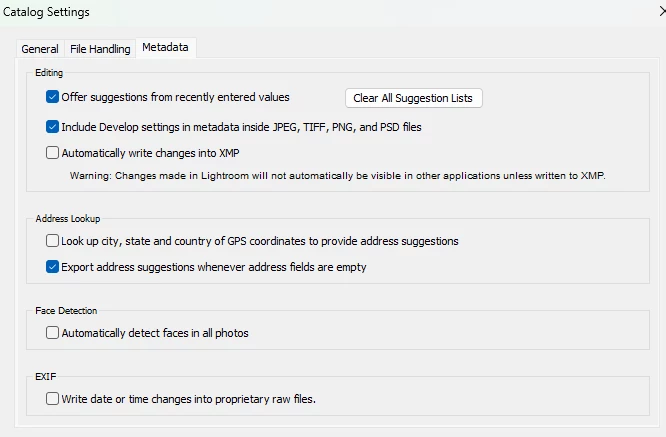
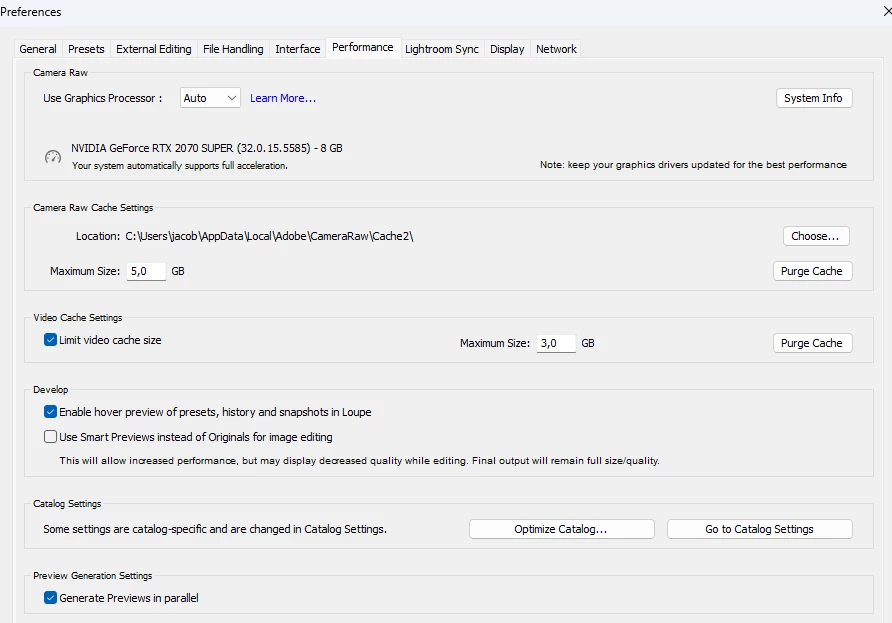
This is my system:
Windows 11 Pro, 23H2.
NVidia GeForce RTX 2070 Super, driver version 555.85, driver type: DCH

Hope there is help to get 🙂
Kind regards
Jacob


 AdChoices