
Participating Frequently
October 6, 2025
Question

Lightroom Classic - 3 Minutes to startup

  • October 6, 2025
  • 2 replies
  • 236 views

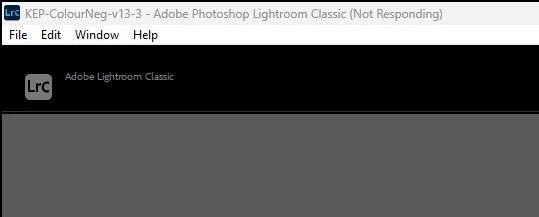
So, I've spent the last few days cleaning my computer. I uninstalled and reinstalled Lightroom Classic last night. There is 32 GB of RAM to work with, the program is running on a SSD, and my video card has 6 GB available.  I just started LR Classic and had to wait three minutes for my smallest database to load. Come on Adobe - you can do better. Your user survey asked about new features when the old features take forever to load. Help!


2 replies

Community Manager
October 17, 2025

Hi @TyroneMan!

Just checking in to see if you're still running into that issue. Let me know when you get a chance!
Thanks so much,
Alek

*(If you mention me with an @, like @Aleke, I’ll get a notification and can respond faster.)*
dj_paige
Legend
October 6, 2025

Something on your PC is interfering with the normal LrC startup. This isn't a RAM issue or a SSD issue. One possibility is that the antivirus has been misconfigured and now is scanning your LrC catalog for viruses — most antivirus programs let you indicate which folders or files should never be scanned. Please check this, or turn off the antivirus temporarily to see if that makes a difference.


Also, LrC plugins can also affect startup. Please try disabling all plugins to see if the problem improves.

TyroneManAuthor
Participating Frequently
October 7, 2025

I protected the DB files from being scanned on startup. It helped a bit, but still slow.

DdeGannes
Community Expert
Community Expert
October 8, 2025

You indicate that you protected the DB files from scanning. What are you refering to, be specific.


Regards, Denis: iMac 27” mid-2015, macOS 11.7.10 Big Sur; 2TB SSD, 24 GB Ram, GPU 2 GB; LrC 12.5,; Lr 6.5, PS 24.7,; ACR 15.5,; (also Laptop Win 11, ver 24H2, LrC 15.0.1, PS 27.0; ) Camera Oly OM-D E-M1.