Question
Lightroom Classic 9.2 Import Issue with Nikon D3
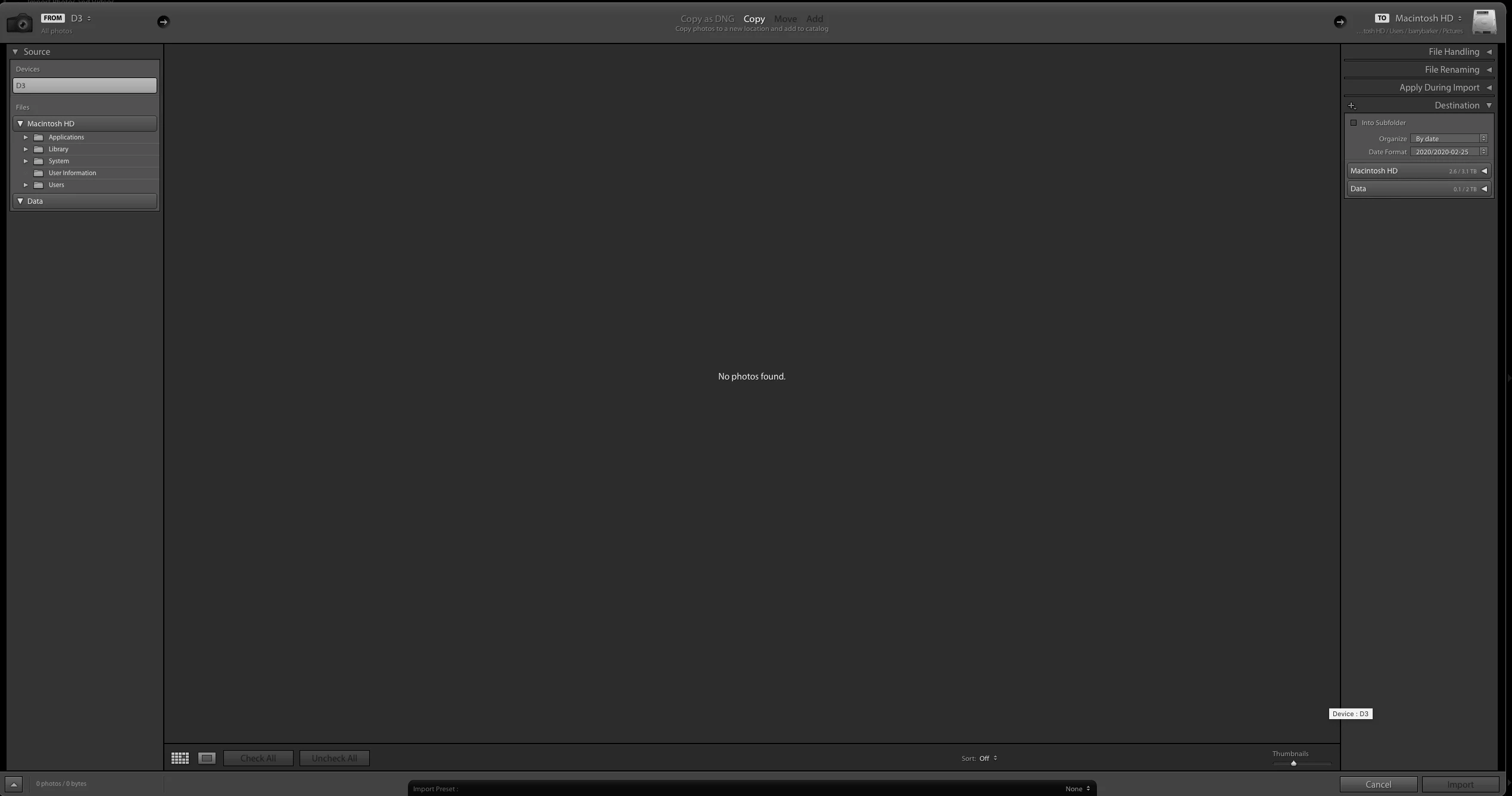 I have the Creative Cloud Suite with all the latest apps, currently Lichtroom Classic is v9.2. Since this update I cannot import photos from my D3, the import screen just has the message 'no photos found'. I have read various other posts where issues were similar like partially importing etc. I just cannot import. I have to create a folder on my Desctop, get the images from the camera into that folder, move the folder to a safe non desktop place and then I can import into Lightroom using this file/folder. I am using McOS Catalina.
 AdChoices