Participant
July 28, 2020
Question

Lightroom Classic 9.3 Nef corrupted problem.

  • July 28, 2020
  • 3 replies
  • 350 views

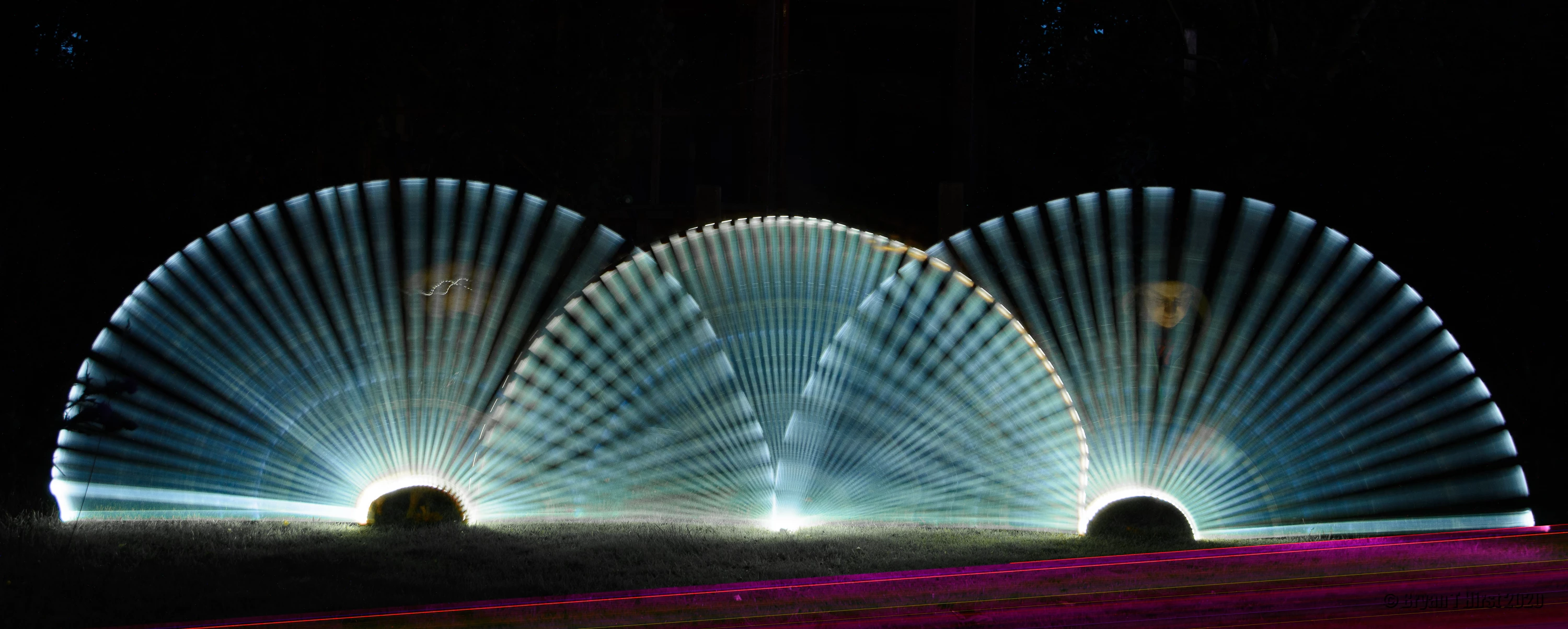
A Nef file edited and saved to Jpeg yesterday was ok. Today the Nef file has red lines (diagonal due to a levelling crop). Yesterdays Jpeg and today's attached. Restarting LrC 9.3 did not help. 

This topic has been closed for replies.

3 replies

Participant
July 29, 2020

I'm now convinced it's a Library glitch. Red lines are not there in the Develop module or any other Raw file viewer. 

Here is the same image viewed in the Library and Develop modules. 

dj_paige
Legend
July 29, 2020

Then the RAW file itself is not corrupted, but the preview that is shown in the Library Module is corrupted.


What happens if you select this photo in the library module and Library->Previews->Build 1:1 Previews?

Just Shoot Me
Legend
July 28, 2020

Try turning off the option to use the GPU in the LrC Preferences on the Performance tab and test.

Participant
July 29, 2020

I've not tried that yet. Mainly because it's only affecting one image in a folder that holds 100s Thinks for the hint. 

ManiacJoe
Inspiring
July 28, 2020

Normally this is a sign of hardware failure:

memory card going bad

problem with the card reader

USB cable broken

bad sectors on the hard drive


In this case, since the problem is new and well after being copied to the hard drive, the first suspect is a bad sector on your hard drive. Of course, a good second opinion is to try a Nikon program (View NX-i or Capture NX-d) just to verify it is not a raw interpreter problem.


Participant
July 29, 2020

Thank you for your response. I've since found that opening the NEF file outside Adobe it is fine. The problem only manifests in LrC and Photoshop. 

dj_paige
Legend
July 29, 2020

That's because other software often shows you the JPG preview which can be uncorrupted when the RAW image itself is corrupted. So, the conclusion remains ... the only known source of this particular type of corruption is hardware.