Inspiring
September 26, 2020
Question

Lightroom Classic and Lightroom Mobile not syncing newly added images to collections

  • September 26, 2020
  • 2 replies
  • 235 views

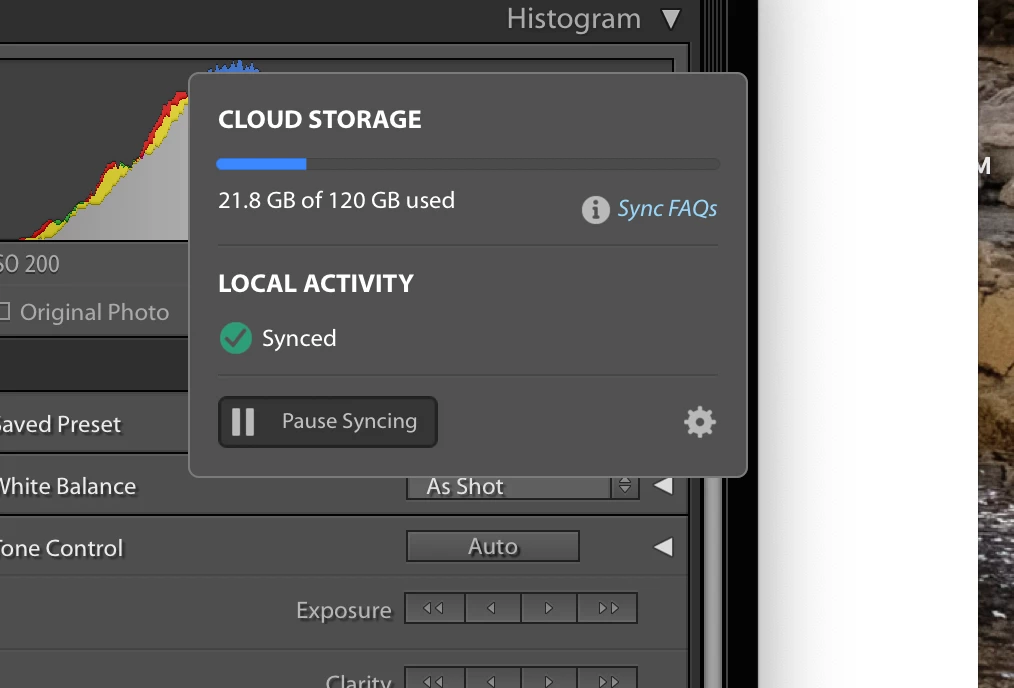
Hello,I cannot get LrC and my mobile device (iphone 6s) to update the most recent images to my synced collections. This began with the installation of the most recent version of LrC. When looking at the cloud on the top left of LrC it indicates everything to be working properly. 

I have gone through a variety of suggested solutions to this issue.   I have tried the following:

  • restarted lightroom on devices
  • initiated all updates
  • paused sync and then restarted sync
  • rebuilt the sync data in LrC preferences


Would love help in trying to resolve this issue. 

Thanks!
 

This topic has been closed for replies.

2 replies

Just Shoot Me
Legend
September 27, 2020

Oh you mean when you add an image on your phone it does not get added to a collection in LrC.


Unless you import them into an album and you have that Album name as a Collection in the LrC collections section they might get added to a collection named From Lightroom as a Sub-collection.


habrinAuthor
Inspiring
September 27, 2020

Acutally, the reverse, I add a new image to an existing or new collection in LrC and it does not show up in any of the albums on the mobile device.  I also check under "Recently Added" in the mobile LR and nothing new appears.

Just Shoot Me
Legend
September 26, 2020

What is showing up on the Web base interface for Lr? Are all you synced images from LrC showing up there?