
Question
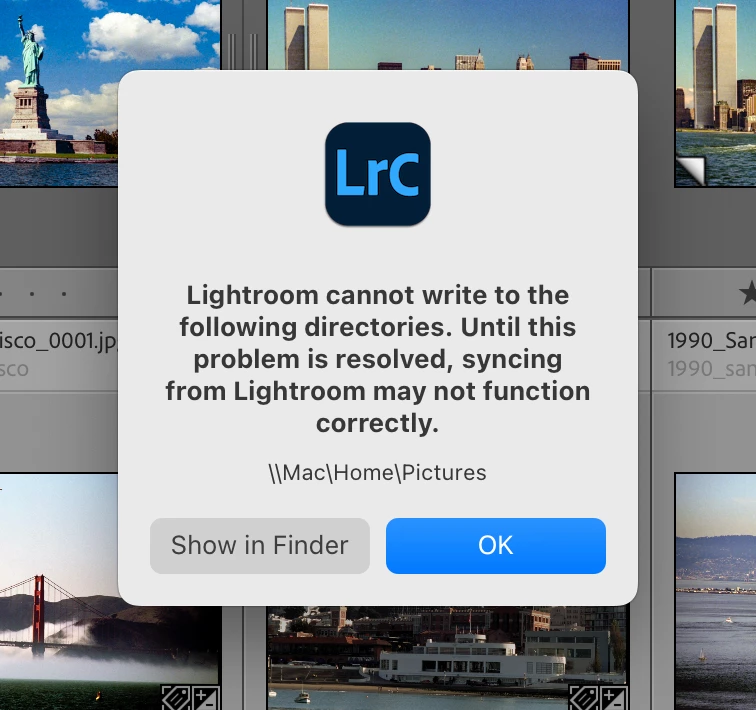
Lightroom Classic cannot write to \\Mac\Home\Pictures
I get this error message right after Lightroom Classic startup:
Lightroom cannot write to the following directorioes. Until this problem is resolved, syncing from Lightroom may not function correctly.
\\Mac\Home\Pictures
Show in Finder button has no luck locating it either.
What can I do?
Running LrC 14.1.1 on Mac Studio Ultra M2 with Sequoia 15.1.1
[Moved from ‘Bugs’ to ‘Discussions’ by moderator, according to forum rules.]


 AdChoices