noaha15127557
Participating Frequently
October 25, 2017
Question

Lightroom Classic Catalog issues

  • October 25, 2017
  • 2 replies
  • 2420 views

I recently updated to the Lightroom Classic. I am on the Adobe Photography plan, so I always have the latest updates from CC versions. The Lightroom Classic has properly converted my 2015, 2016 and 2017 photos into the new catalogs. However, my 2013 and 2014 catalogs are not so easy. Both my 2013 and 2014 Catalogs are stored on my Seagate 3TB device. Through some luck, I was able to get the 2013 catalog to be converted. The 2014 Catalog is not yet converted. With following the steps from Lightroom Classic, the catalog seems not to convert as needed. Below are the screen shots that is repetitive in trying to convert.
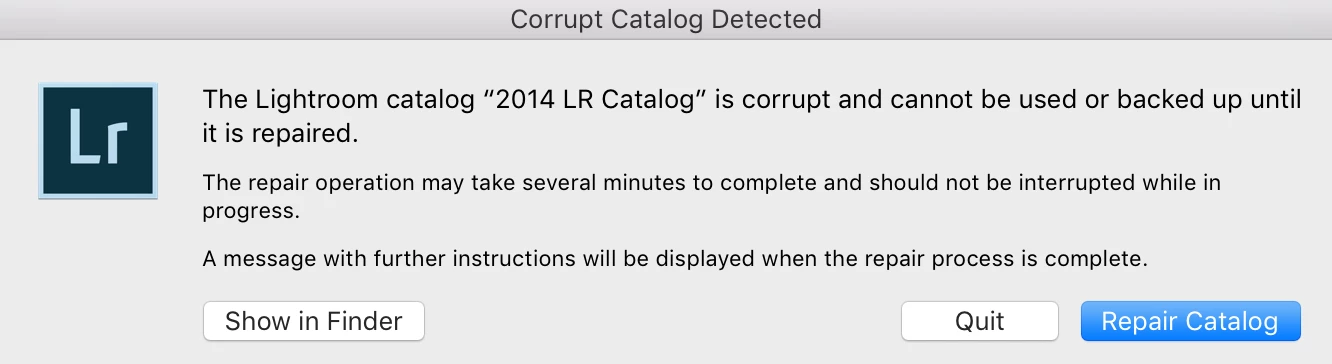
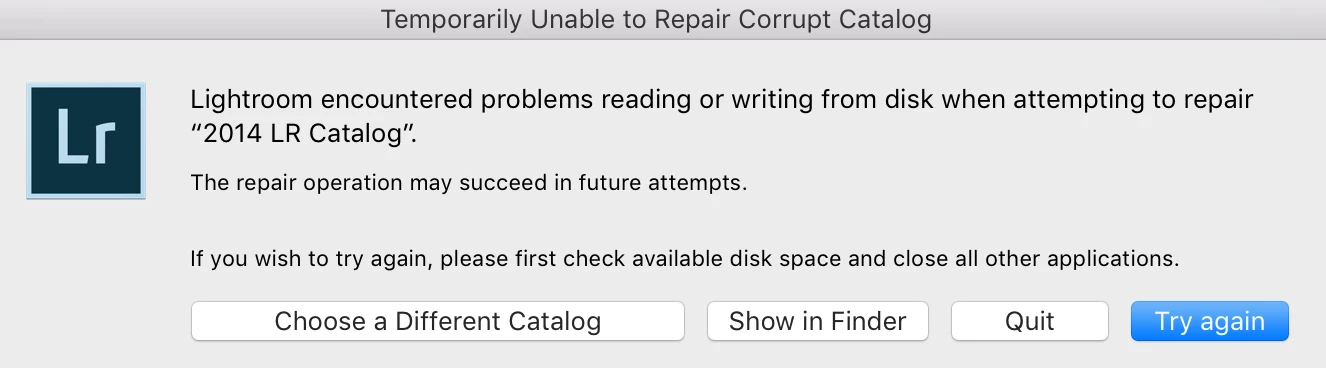
Keep in mind as I followed the same process for converting the 2013 catalog and had success. So I am confused.

Below is my computer info if this helps in understanding my operating system.

Any help and/or suggestions would be greatly appreciated so that I can finish the conversion process.

This topic has been closed for replies.

2 replies

AviMathur
Adobe Employee
Adobe Employee
October 27, 2017

Yes, this is Lr6.0,

you can update this to 6.13 now & test whether you 2014 catalog opens.

but by the looks of it, It does not seem to be an LR Classic Issue, the catalog was already corrupt since it cannot be opened in LR 6.x

Try on a decent catalog (from any of the backups) and recall when last did you use that 2014 catalog and was working fine.

Thanks,

Akshay

noaha15127557
Participating Frequently
October 27, 2017

First of all thanks to you and Geoff the kiwi for providing support on my issues with this one catalog.

I followed and updated the previous version of LR as you mentioned in your last response. The 2014 catalog and its backups do not get recognized by either version of Lightroom. Like you mentioned, I believe some how this catalog got corrupted at some point. With that being said, I really would like to understand (as a daily user of LR) how did this catalog get corrupted. Even thou I am frustrated with the fact that I lost my work on the thousands of photos, I am even more worried as to what/how did I corrupt my catalog. For me, I need to make sure this does not happen again as every year I create a new catalog and each year the total amount of pictures increase. So I have more at risk as each year develops in my photography business.

Inspiring
October 29, 2017

Are you sure that you did actually work with that catalog ever? May be you created it but never loaded any photos into it but rather worked with another catalog by accident. You may want search all discs and folder for a lrcat file.

Geoff the kiwi
Community Expert
Community Expert
October 25, 2017

Have you tried copying the catalog to your internal drive and upgrading from there??

noaha15127557
Participating Frequently
October 25, 2017

Yes sir...I have copied to the hard drive and get the following messages.

Then I created a new catalog for 2014 and then opened the  import from another catalog feature and got the following message.

What is weird is that the catalog had worked with the last version of Lightroom CC.

Geoff the kiwi
Community Expert
Community Expert
October 25, 2017

The previous CC app was removed during installation??

If so download Lightroom 6 from here

then see if you can open the catalog.