

Answered
Lightroom Classic CC 2019 CR2 import fail
I upgraded to the last version of Lightroom last week, and since then I have trouble importing the raw files from my Canon EOS 80D. Some pictures appear as stripes on a white background (as shown on the following capture) :
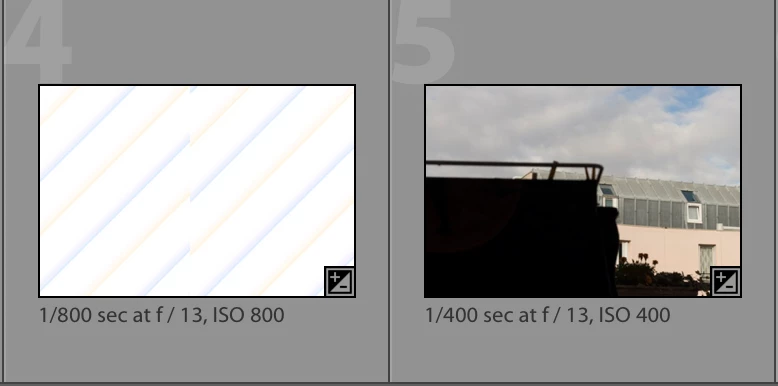
This is what I tested until now:
- Deleting an re-importing may solve the problem, but not for all pictures;
- The generation of the previews has no effect (1:1, smart previews);
- The conversion to DNG on import has no effect either, as well as the application of develop settings on import;
- Enabling/disabling the graphics processor has no effect;
- The image look the same in all the modules/display modes;
- The image always open correctly in Camera RAW/Photoshop;
Anyone in this situation, or with an idea on how to solve that?
 AdChoices