

Lightroom Classic CC 2020 Crashes! Macbook Pro
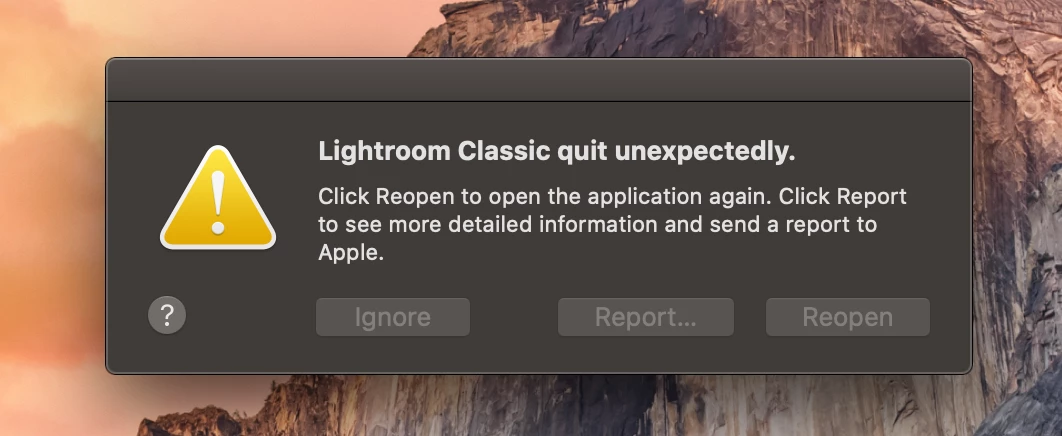
I've recently installed the new Photoshop CC 2020 because I need to retouch an image I edited with Lightroom Classic CC. I wanted to export the photo, but when I click the application, it crashes and it says "quit unexpectedly". I tried resetting the preferences, deleting the com.adobe.LightroomClassicCC7.plist. I have also read that "resetting the GPU setting" within the preferences menu on Lightroom would help, but I can't do it because I can't open Lightroom. I don't know if it is Photoshop, but it seems it is. I have no Wi-Fi in my house due to technical problems, and I downloaded Photoshop in a friend's house. I can't download the app again because of what I said before. Also, this happened after I downloaded Photoshop CC. I know it may be Photoshop, but I still think there is another solution for it.
If any of you can give a solution or any advice, it will be very much appreciated.
Good evening.
My mac specs are the following:
- Model: Macbook Pro
- Year and Size Screen: 2015 and 13 inch
- Ram: 8GB LPDDR3
- Storage: 256GB SSD
- Graphics Card: Intel Iris Graphics 6100 1536 MB
A screenshot of the error message:


 AdChoices