

Answered
Lightroom Classic CC - hasselblad raw file error in windows 10
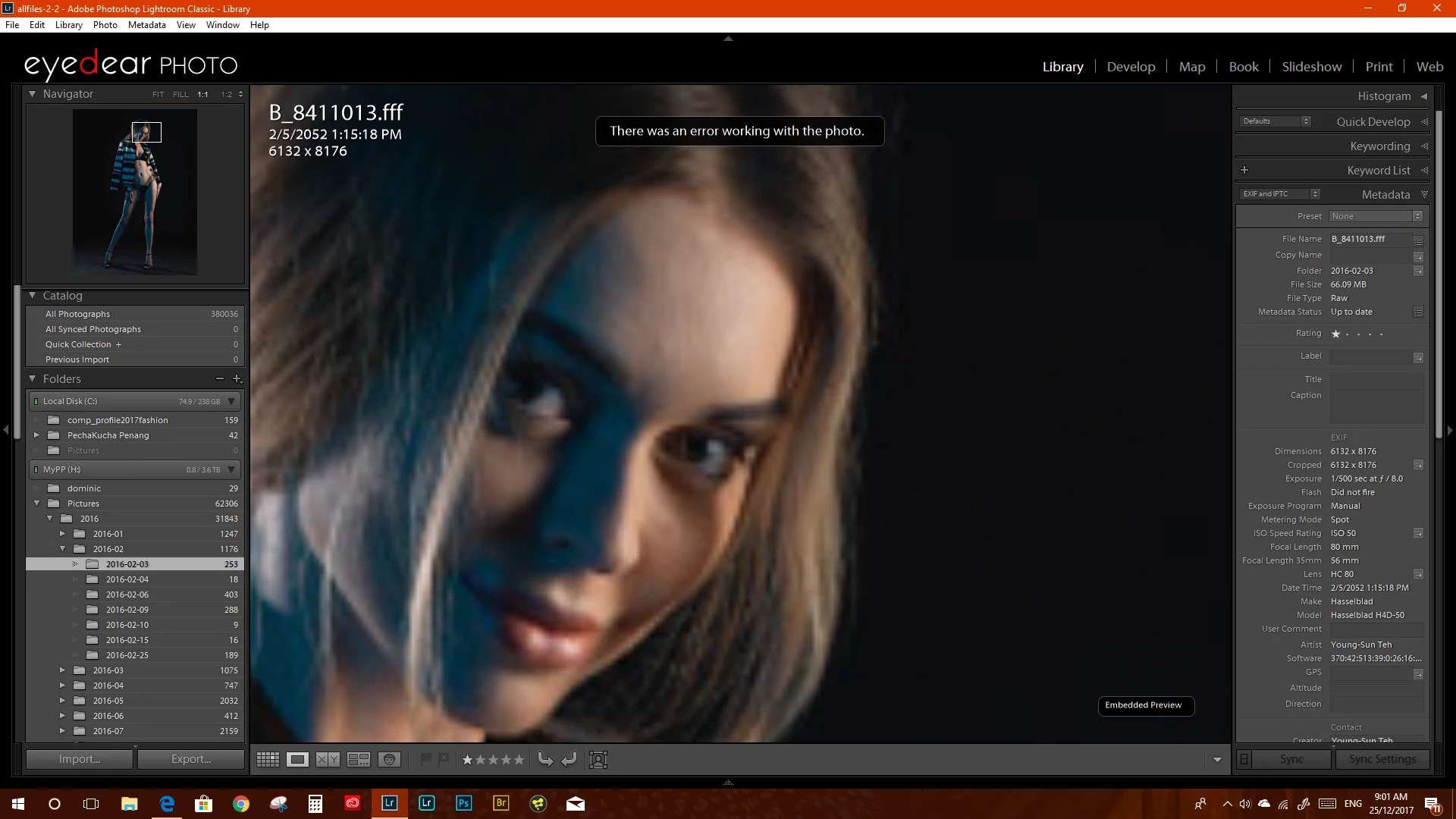
I am having issues with the lightroom classic CC. I am unable to work with my Hasselblad H4D-50 .fff files giving me an error message " There is an error working with this photo". On the Mac side its working as it should. I have created a new catalog and reimport the files its still does not work. attach is a image of the error I am getting.
it has not been working since I upgraded to lightroom classic cc 7 or 7.1
I hope adobe is looking into this as there is no way to send a direct bug report to adobe.
its a major issue as I use my Hasselblad images as my primary images. I hope it can be solved soon
 AdChoices