

Lightroom Classic CC on Mac - Mobile sync repeatedly stuck and randomly re-snags after any 'fix'
Wondering what the official... or at least best course of action is for this repeatedly annoying and never solved sync problem. I've read all the threads and gathered lots of information - this has happened to me randomly over the years and only seems to resolve itself when it feels like it. This time, I keep fixing it, and it just comes back the next day with a random number of stuck images - each time I fix it, it's after I've tried loads of different things, and it seems there's no one single solution. Help me out team!
Mac OS High Sierra using Lightroom CC as a professional.
I found this solution on Youtube the other day... The guy triumphantly announces he's solved it once and for all - and then takes you through a process where you have to delete ALL your shared collections, wipe everything and then re-build it all from scratch! I won't be doing this.
Guys, I have over 200 shared collections - sharing over 15,000 images. Some of them are public, others not. Some for commercial clients, some for friends. Rebuilding this from scratch doesn't bear thinking about!
Here's what I HAVE done so far:
- I have gone to the library / caches / adobe / lightroom folder and deleted and rebuilt the Sync Data file - done this numerous times. It takes ages to rebuild... and seems to have knocked all of my 'public' galleries back to private (which I never asked it to do) - the public links sent to clients still seem to work though - who knows why. It does jog things - but is not a reliable fix all.... read on!
- I have gone to preferences and lightroom sync.... then I've held down option and 'Rebuild Sync Data' from here
- I have used the Sync Activity window (below this rebuild sync option above) and selected troubled images, tried to find them and then deleted them - not really a fix it turns out.
- When I have done this, sometimes the problem goes away for a while... then it just re-populates with new images. Some of them are classed as 'uploading' and others classed as 'error'. I can never clear this window - and most of the time it doesn't seem to matter. Often sync is working without issue, and still there are error reports in this box. The 60-70 images it reports on in here are not always easy to locate - and deleting them doesn't seem to change anything.
- I have deleted stray images completely from the LR catalogue - IE not just the sync collection in the hope of ridding the disease. But it's obviously not as simple as this.
- Do bear in mind that I go months without any issue. Sometimes, when it does snag, it just seizes up meaning that I have to purge and fiddle with these settings until it fixes - other times it will just sync new shots and leave the other previous ones hanging. Most of the time I can't identify which images are causing the problem - and I NEVER actually find out why.
- I have deleted thousands of images from my collections - including whole galleries of things that never used to cause me any problem before. Just to reduce the load and attempt to tidy / or extract anything that might cause upset. Wasted time it turns out!
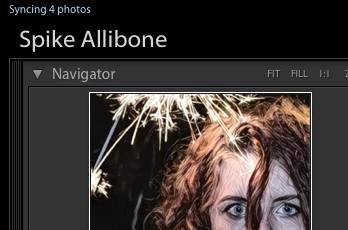
- Sometimes it's just one or two or four files that won't sync - other times it's way more - today we're back to 4 images. My sync activity report window is showing errors for over 60 images meanwhile (as I mentioned above).
- Using the browser and accessing my collections from a signed in position I sometimes see a list of problem files in the sync - I couldn't identify them though... and now they've gone. My mobile app and my online browser on Mac OS both think that everything's fine.
As I mention above, there's no one solution - and no understanding of what's causing the problem, or what order to do things in when this happens. I'm just lost and vaguely stabbing at things until it goes away - until next time.
I would love some logical consistency. Can someone give me an official solution please!? 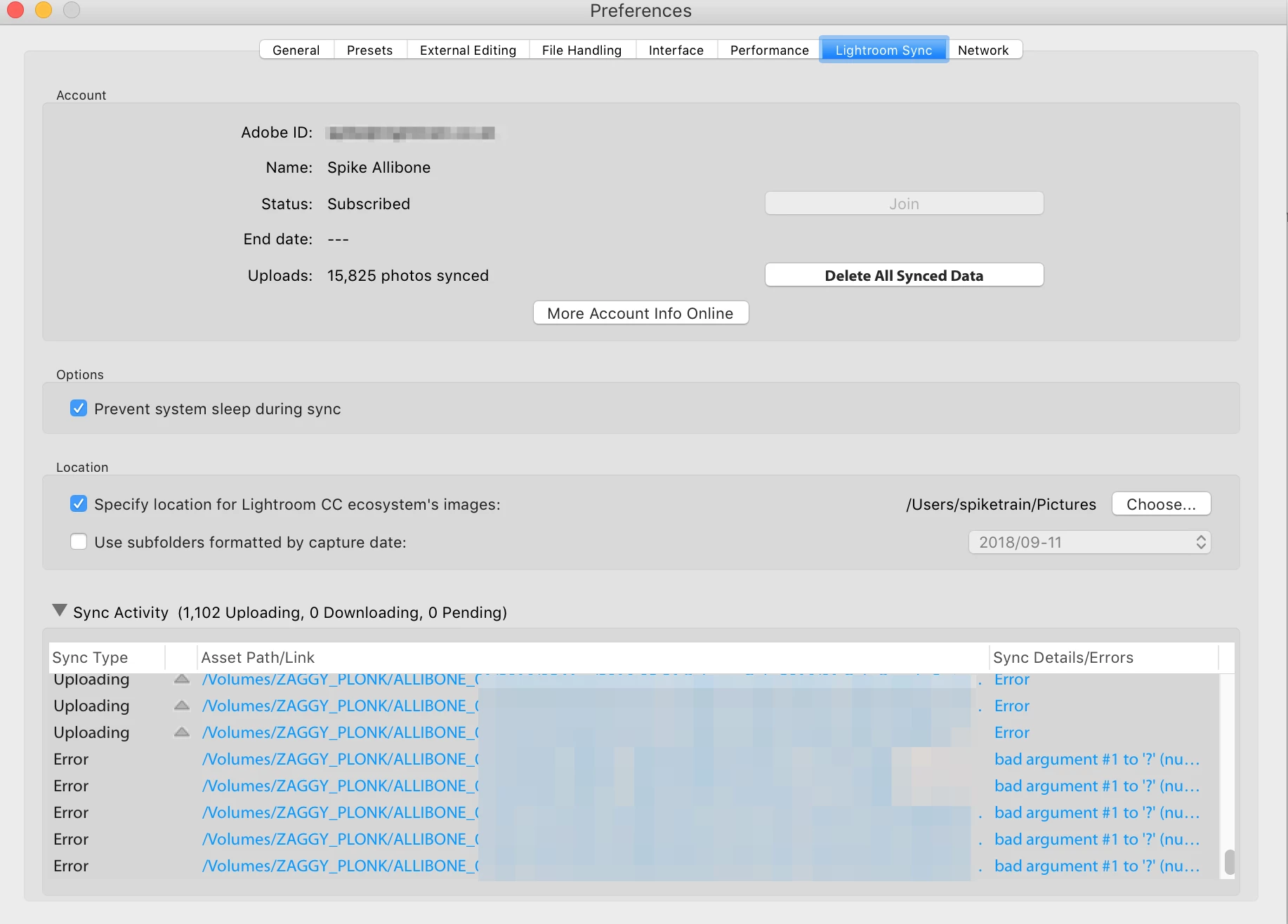


 AdChoices