


andrews96921672
Known Participant
November 20, 2017
Answered

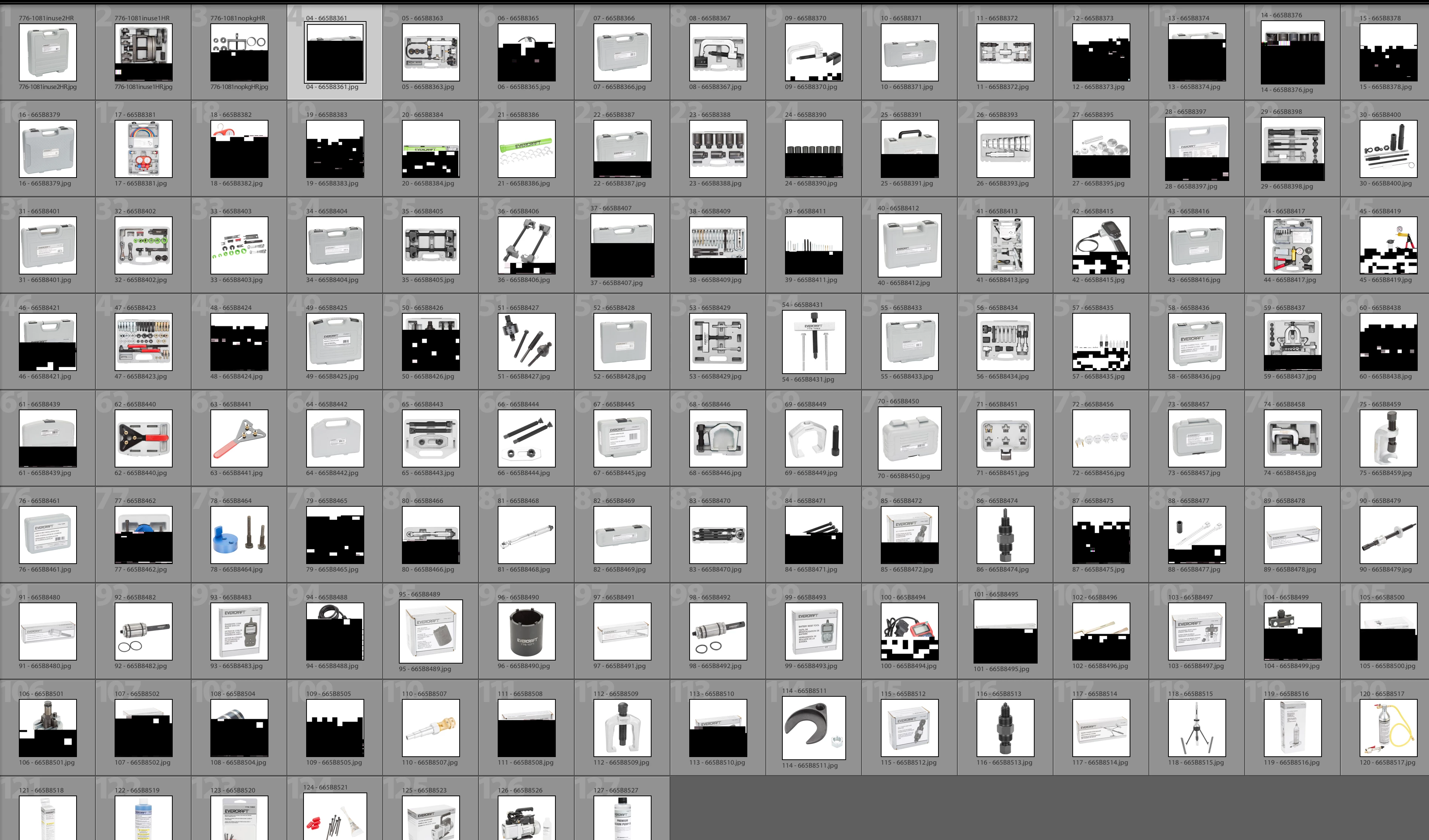
Lightroom Classic CC showing black fragmented thumbnail previews.

  • November 20, 2017
  • 1 reply
  • 619 views

Sorry if this has been asked before, but iv asked Uncle Google a million things and still can't find the answer. Since I updated to the newest LR Classic CC my preview thumbnails keep showing up black fragments, but when I open the images in photoshop, the Develop module, or export out, the image is fine so it's just the thumbnails previews that are messed up. Anyone else have this problem? Any possible fix? Iv tried resetting the previews, rebuilding the previews, iv restarted, iv uninstalled and reinstalled and still have this problem. attached https://imgur.com/a/I8wabis a screenshot of what I'm talking about. Thanks for any help!
This topic has been closed for replies.
Correct answer dj_paige

Since you said the photos' appearance is normal when you open them in the Develop Module, then it is just the thumbnails that are screwed up, you can delete the preview cache. To do this, find the folder with your LR catalog (.LRCAT) file, and then in that folder is a subfolder whose name ends with Previews.LRDATA. Delete Previews.LRDATA. Do not delete anything else.

1 reply

dj_paige
dj_paigeCorrect answer
Legend
November 20, 2017

Since you said the photos' appearance is normal when you open them in the Develop Module, then it is just the thumbnails that are screwed up, you can delete the preview cache. To do this, find the folder with your LR catalog (.LRCAT) file, and then in that folder is a subfolder whose name ends with Previews.LRDATA. Delete Previews.LRDATA. Do not delete anything else.

andrews96921672
Known Participant
November 20, 2017

holy moly that worked!