Inspiring
November 14, 2017
Answered

Lightroom Classic constantly taxing GPU

  • November 14, 2017
  • 3 replies
  • 2573 views

I hope a fix is in the works for this. My GPU's fans don't stop running until I close Lightroom Classic, even when the program is idle. This didn't occur with the 2017 version. It's loud and it's a waste of energy.

    This topic has been closed for replies.
    Correct answer F. McLion

    I tried this just now. I renamed the folder to ".old" and when I restarted and looked at the sync activity, it still shows the same 605 old files trying to sync. If I double-click any of the files I go to http:// lightroom.adobe.com/libraries/ and see a message like this:
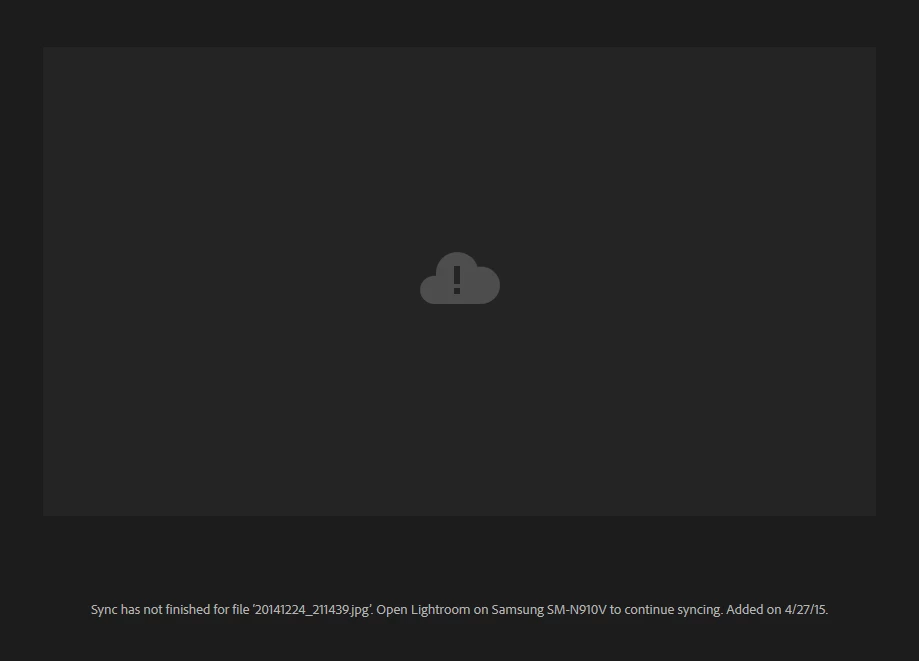
    If I open LR on my phone, nothing happens, because these images are not on my phone. I deleted the app data and cache on my phone and restarted LR on my desktop and it's still showing the same 605 "old" files trying to sync.
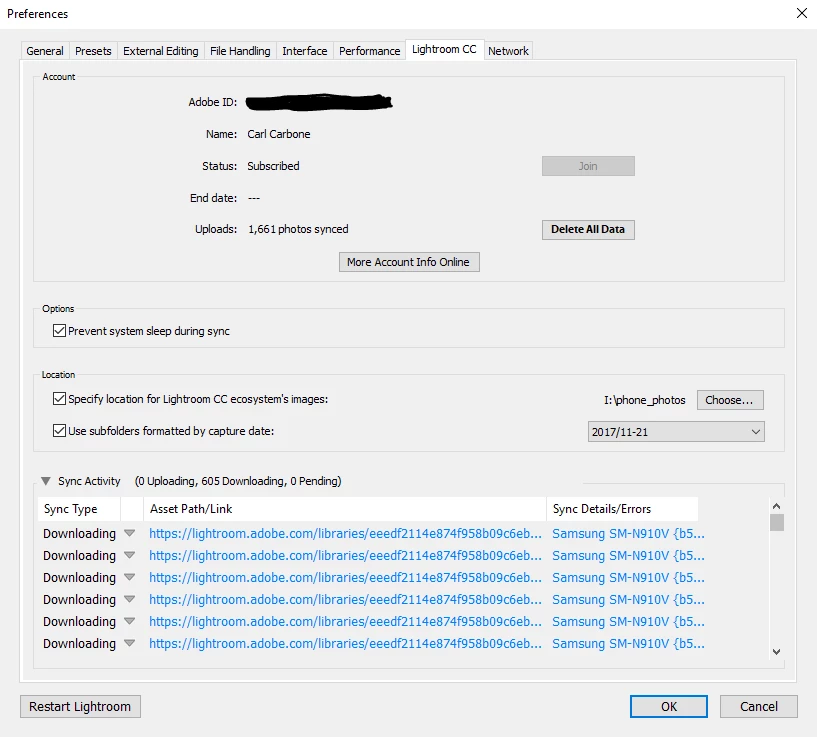

    You may need to completely reset syncing. In the Preferences, Lightroom CC Tab hit Delete All Data.

    3 replies

    Inspiring
    November 27, 2017

    Thanks, I tried that earlier too. Unfortunately, it does not get rid of those "missing" cloud images. Is there no way to delete a group of missing images from the cloud in the browser?

    Inspiring
    December 19, 2017

    I still can't figure out how to clear the 605 "missing" images that LR Classic is trying to download. There doesn't seem to be a a way to remove them in the cloud. Adobe?

    KR Seals
    Community Expert
    Community Expert
    November 19, 2017

    Check the card cooling ducts and fans for dust. If the GPU/heatsink is covered with dust, the cooling air will not be effective.

    Ken Seals - Nikon Z 9, Z 8, 14mm-800mm. Computer Win 11 Pro, I7-14700K, 64GB, RTX3070TI. Travel machine: 2021 MacBook Pro M1 MAX 64GB. All Adobe apps.
    Inspiring
    November 21, 2017

    I checked and they're good. There was a little dust, but I usually blow out and vacuum the computer every few months. Besides, no other graphics programs have the same effect on the card unless of course they are processing something.

    F. McLion
    Community Expert
    Community Expert
    November 15, 2017

    There is no 2017 version of Lightroom.

    What is the exact (numbers, not 'latest') version of LR you are using?

    What is your OS, your GPU type and the resolution of your display?

    Did your try to turn off the GPU?

    Adobe Lightroom GPU Troubleshooting and FAQ

    --- Got your issue resolved? Please label the response as 'Correct Answer' to help your fellow community members find a solution to similar problems. ---
    Inspiring
    November 15, 2017

    Thanks for the reply.

    Sorry -  LR 2015.12 was my previous version. I am now using LR Classic 7.0.1.

    Windows 10 - Intel i7 - 965  @ 3.20GHz, 3201 Mhz, 4 Core(s), 8 Logical Processor(s)

    24Gb RAM, NVIDIA GeForce GTX680 Driver version 382.05

    My display is 2560 x 1440.

    I just disabled GPU in preferences, but it hasn't stopped the card from running at high speed. As soon as I close the program, it stops running at high speed. I can still open LR2015 without this occurring.

    F. McLion
    Community Expert
    Community Expert
    November 17, 2017

    First, please update to the latest GPU driver 388.31: Drivers | GeForce

    --- Got your issue resolved? Please label the response as 'Correct Answer' to help your fellow community members find a solution to similar problems. ---