
Participant
January 23, 2024
Question

Lightroom classic crashes/ locks up.

  • January 23, 2024
  • 3 replies
  • 436 views

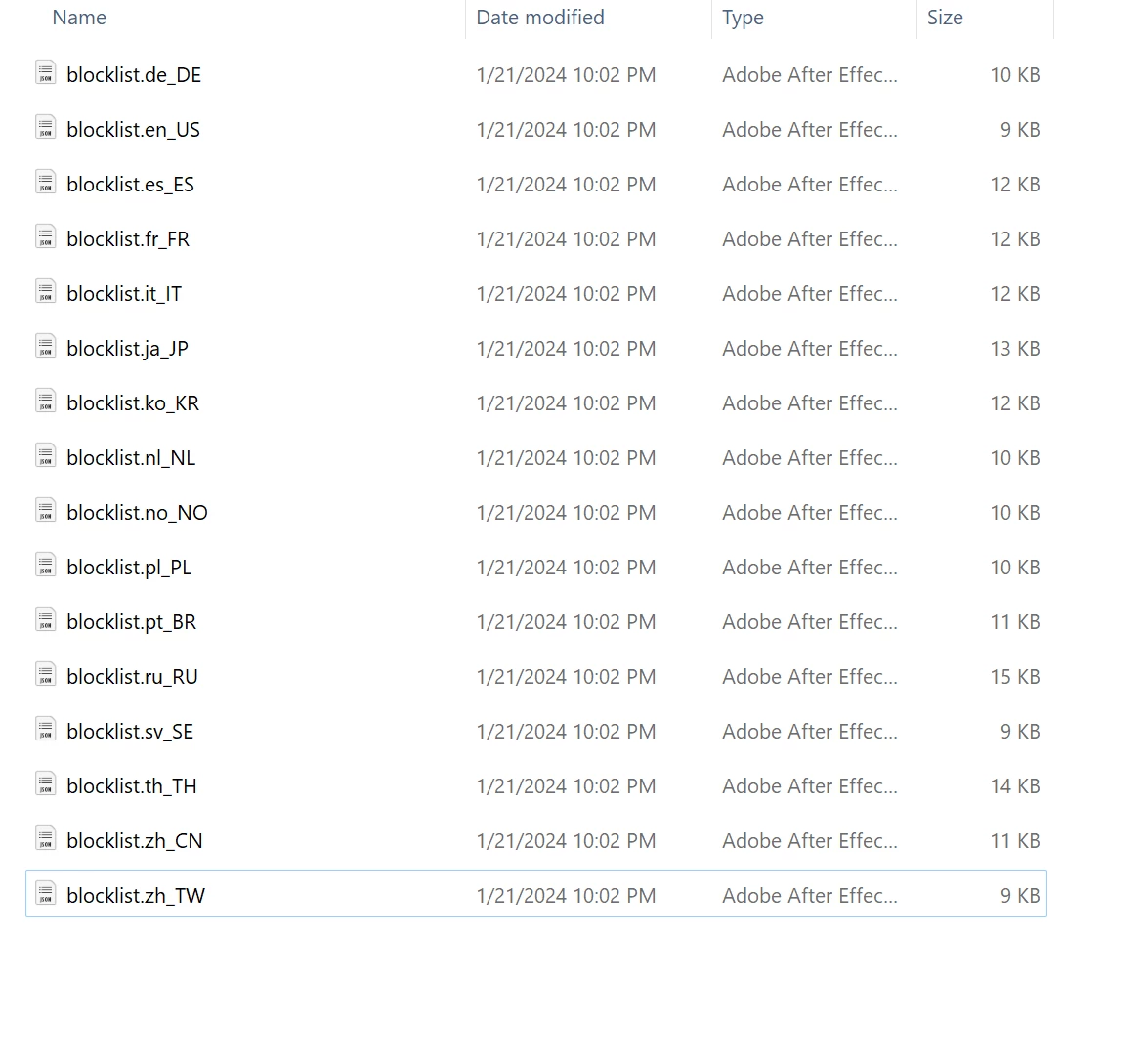
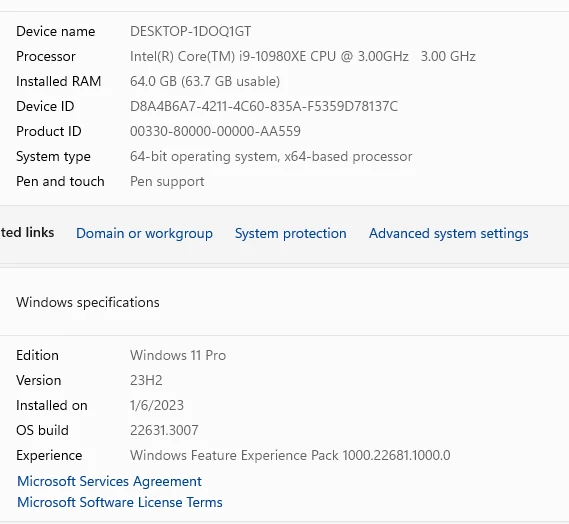
When I open LRC it displays an old catalog , then locks up. I have unistalled and deleted my preferences . Then installed the new program from Adobe when the same result. I have copied a systemCompatibility report > ( shown below.) What is this blocklist mean or do?


This topic has been closed for replies.

3 replies

GoldingD
Legend
January 23, 2024

Bring up your copy of the Adobe Creative Cloud Desktop App a.k.a Creative Cloud Desktop. Select the Apps button, then mouse hover over your copy of Lightroom Classic (assuming we are talking classic) and notice the version. Is this what you see (or similar):


Do you have v 13.1, if not what version.


I have no idea why you are showing files related to Adobe After Effects. A file structure for a folder a catalog is in will look more like:


Lary BAuthor
Participant
January 24, 2024

Thanks All


I used the method of changing the catalog before opening.  My  Lightroom Classic is now working.

Rikk Flohr_Photography
Community Manager
Community Manager
January 23, 2024

We’ve reviewed the email address you use with this forum and find no crash reports in our system.


Did you see a crash dialog?

Do you use a different email address when filling out the crash report?

Was the crash dialog Adobe’s? Microsoft’s?


Rikk Flohr: Adobe Photography Org
Lary BAuthor
Participant
January 23, 2024

Thanks for responding

I do have another email <REMOVED>. I don't use it much and don't remember using it for Adobe.
I do show something in my Adobe Crash Processor. It won't let me open the file to view the contents.
If you need any more information just let me know.
The other LightRm works but doesn't have the file capabilities .

Lary Becher

Rikk Flohr_Photography
Community Manager
Community Manager
January 24, 2024

I found no crash reports there either. 

When you see the crash dialog again, fill it out and screenshot it prior to sending it. Then share the screenshot. Thanks!

Rikk Flohr: Adobe Photography Org
Known Participant
January 23, 2024

Press the Alt key while starting Lightroom and it will prompt you for which catalogue file to open.

Thor Egil LeirtrøFreelance concert photographer - thoregilphoto.com
Lary BAuthor
Participant
January 31, 2024

Thanks Egil

After switching to another catalog it finally started to work correctly. I deleted the bad catalog.


Thanks again.