Participant
February 15, 2025
Question

Lightroom Classic Denoise is adding a Red tint

  • February 15, 2025
  • 5 replies
  • 369 views

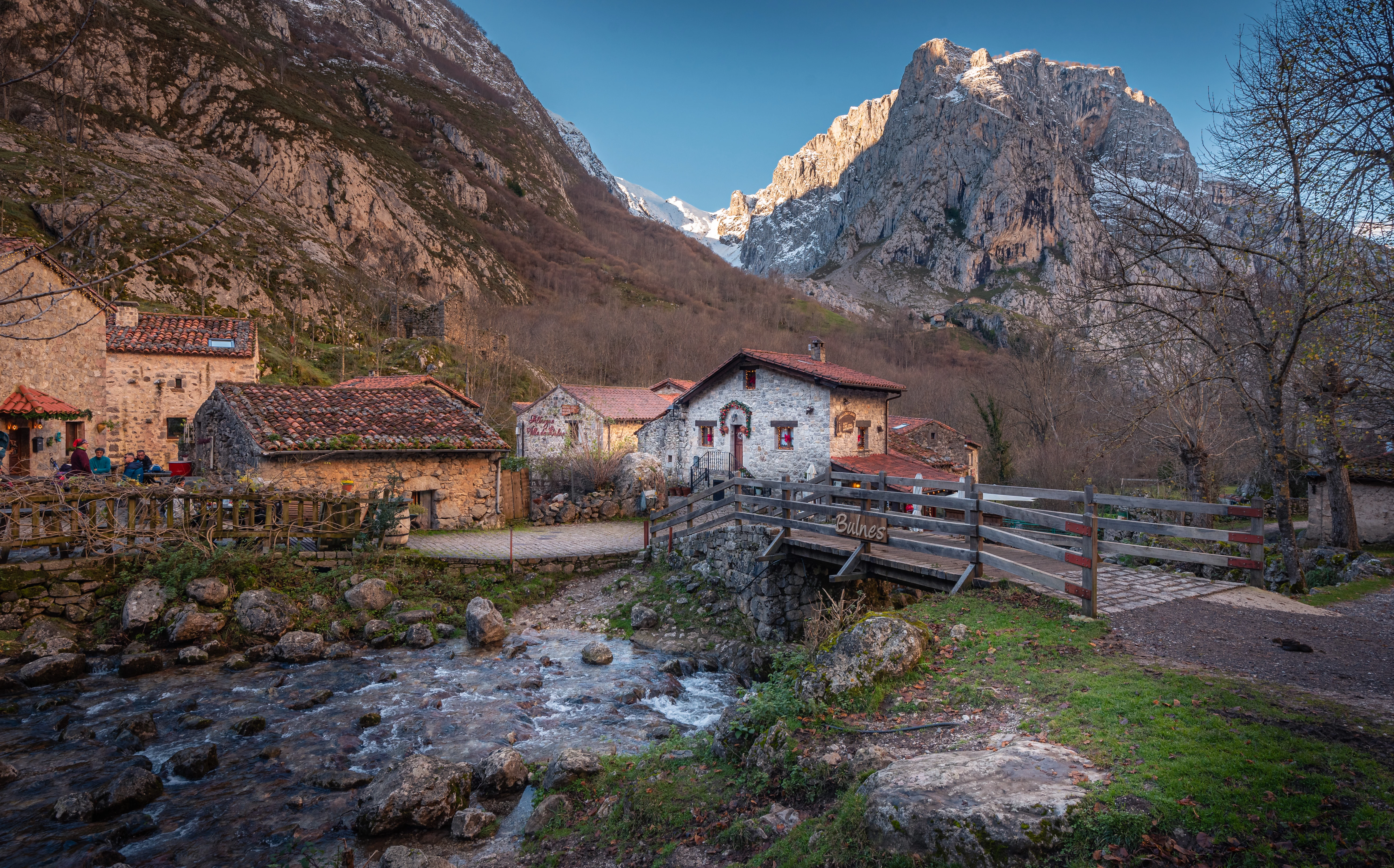
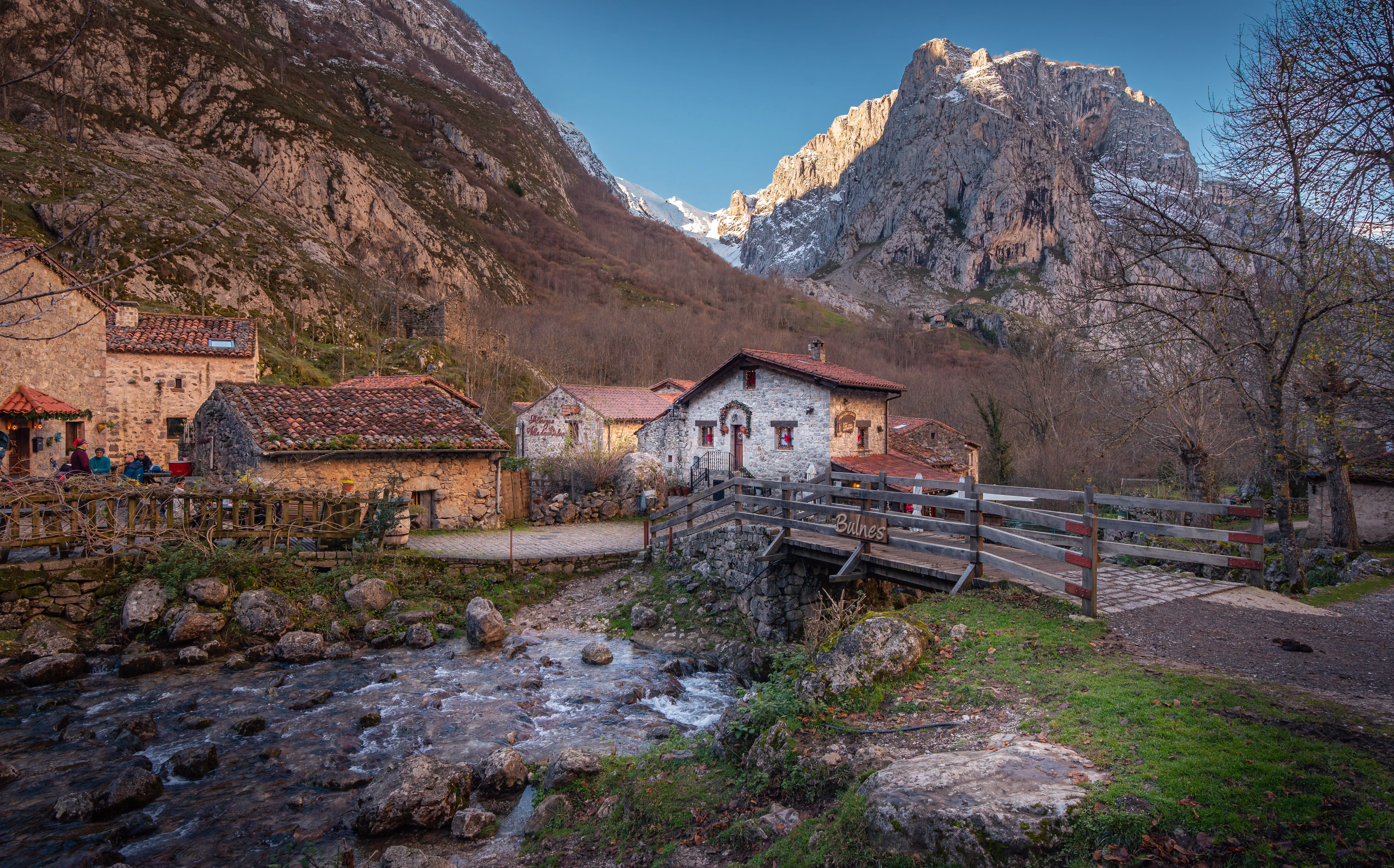
Does anyone notice a Red tint is added after Denoise at the 50 default setting? Version 14.1.1 on Windows 10 Home.



5 replies

Participant
February 16, 2025

Thank you all for the suggestions.  I tested using other non-HDR raws and HDR raws and can only see the Red shift with HDRs.  You can see the Red spots happen on the entire frame if you zoom in past 300% especially on anything grey.  I do realize now that HDR usually has very little noise so manual noise reduction of 10 to 20 should work fine.  Thanks.

johnrellis
Legend
February 17, 2025

What were the results of doing Denoise first, then Photo Merge?

Participant
February 16, 2025

yes!!! I am having this issue right now. so far, no insight? im so frustrated

dj_paige
Legend
February 16, 2025
quote

yes!!! I am having this issue right now. so far, no insight? im so frustrated


By @crystel_2996


@crystel_2996there's plenty of insight in this thread from @Per Berntsen and from @johnrellis 

Per Berntsen
Community Expert
Community Expert
February 15, 2025

The first image has only a tiny bit of noise, so using Denoise at 50 is way too much.

Try using a much lower setting, like 10, and see if that cures the red cast.

I imported the two images in LrC, and using manual noise reduction set to 10 worked fine for me.

For moderate noise like this, manual noise reduction works quite well. It's fast, and you can do it on the original image with no need for a new file.


To evaluate noise and sharpness (and other image detail), always view the image at 100%. (use 200% if you have a 4k or higher monitor). This is the only magnification that shows you a true rendering of the image – on image pixel is represented by one screen pixel.

Unfortunately, Denoise presents you with a preview at 250%, which I find useless.

johnrellis
Legend
February 15, 2025

[This post contains formatting and embedded images that don't appear in email. View the post in your Web browser.]


I see it by opening the two photos in LR and flipping back and forth. It's particularly noticeable in the tree branches in the upper-right. The Histogram shows a small but significant red shift to the right:


Try doing Denoise first then HDR. Adobe recommends doing Denoise before other edits, but I haven't seen a specific recommendation to do Denoise before HDR.


kglad
Community Expert
Community Expert
February 15, 2025

in the future, to find the best place to post your message, use the list here, https://community.adobe.com/

p.s. i don't think the adobe website, and forums in particular, are easy to navigate, so don't spend a lot of time searching that forum list. do your best and we'll move the post (like this one has already been moved) if it helps you get responses.


<"moved from cc desktop bugs">