



Lightroom Classic does not detect or import exported JPEGs (even when dragging files)
Since the latest Lightroom Classic update, I’m experiencing a serious issue with importing exported JPEG files.
Workflow:
-
I work with DNG files in a shared workflow (catalog opened locally after being edited remotely).
-
I export JPEG files (same filename as the DNG, e.g. IMG_1234.DNG → IMG_1234.jpg) into the same folder.
-
I try to import or synchronize that folder to include the JPEGs in the catalog.
Issue:
-
Lightroom does NOT detect the JPEG files when synchronizing the folder.
-
In the Import dialog, even when selecting “All Photographs”, the JPEGs do NOT appear.
-
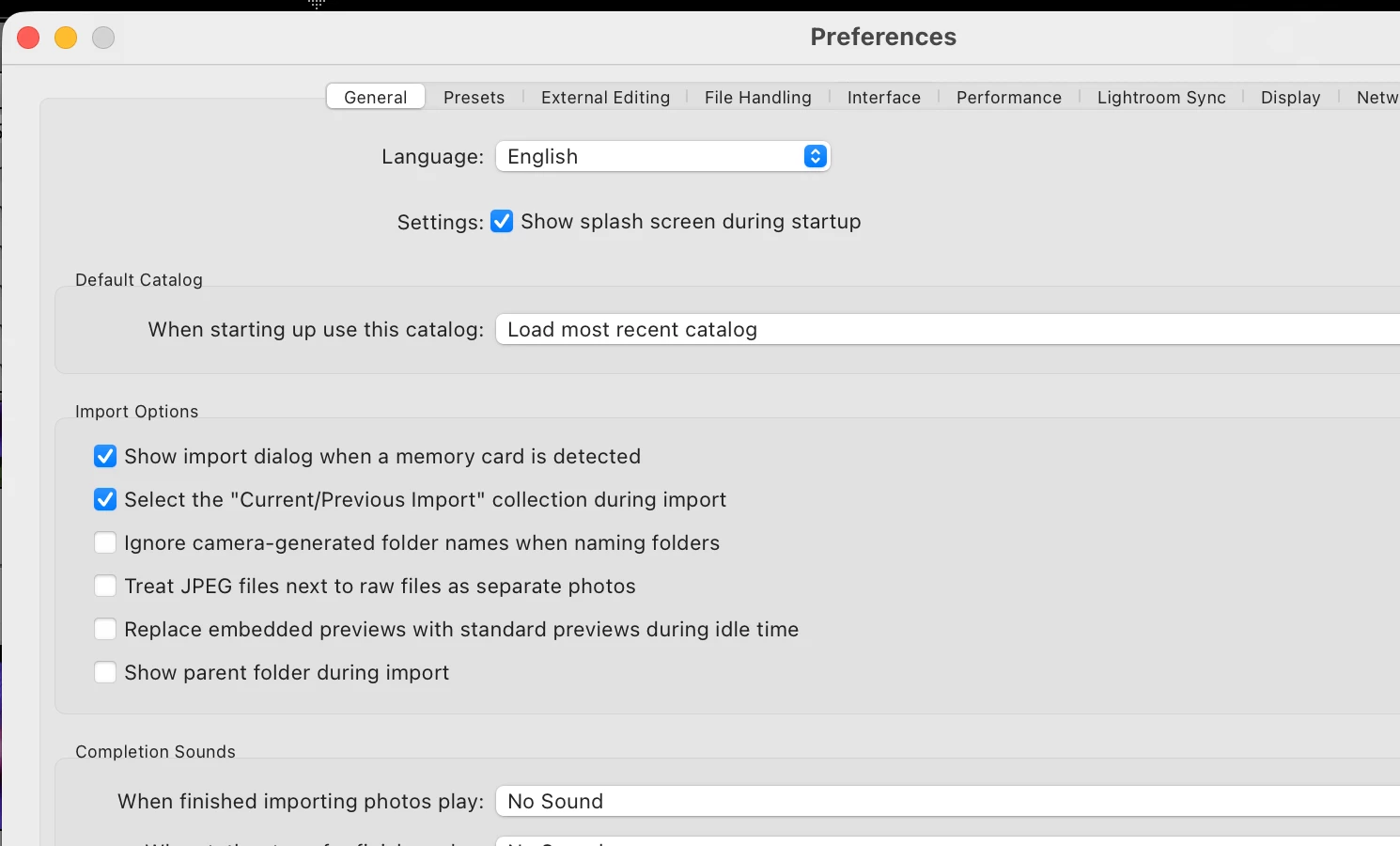
The option “Don’t import suspected duplicates” is disabled.
-
Dragging the JPEG files directly into Lightroom also does NOT import them.
-
The files are visible in Finder and are valid JPEGs.
Additional observations:
-
This did NOT happen in previous versions of Lightroom Classic.
-
It happens consistently across multiple folders.
-
Renaming the JPEG files (e.g. adding a suffix) makes them importable again.
-
Exporting JPEGs with a different filename also avoids the issue.
This suggests Lightroom is incorrectly treating these JPEGs as non-importable duplicates or related files. I don’t want to change the name, because I need it being the same that DNG.
System:
-
Lightroom Classic version: 15.3
-
OS: macOS

 AdChoices