
Lightroom Classic "Edit In" not opening DNG images in Photoshop 2026
Prior to around 10:00 am today, I could right click an image I was editing in Lightroom Classic and select "Edit In" and then "Edit in Adobe Photoshop 2026..." and it would open Photoshop 2026, if one wasn't already open, and then open a TIFF called "<image filename>-Edit.tif" with all my Lightroom edits.
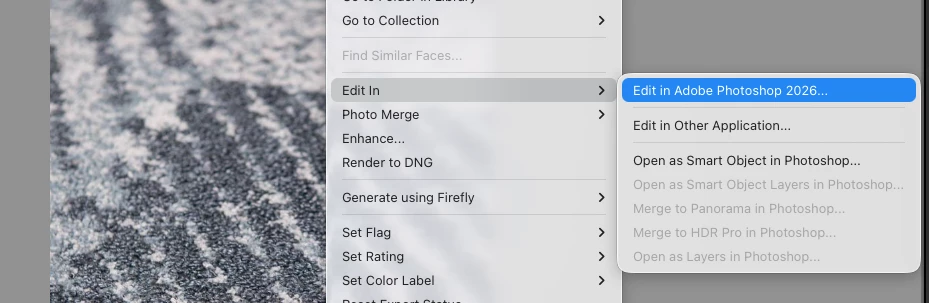
It was working this morning, but now suddenly when I right click the image in Lightroom Classic and select "Edit in"and then "Edit in Adobe Photoshop 2026..." it will open Photoshop 2026 but will not open the file...it just stops at the Photoshop Recent File list.
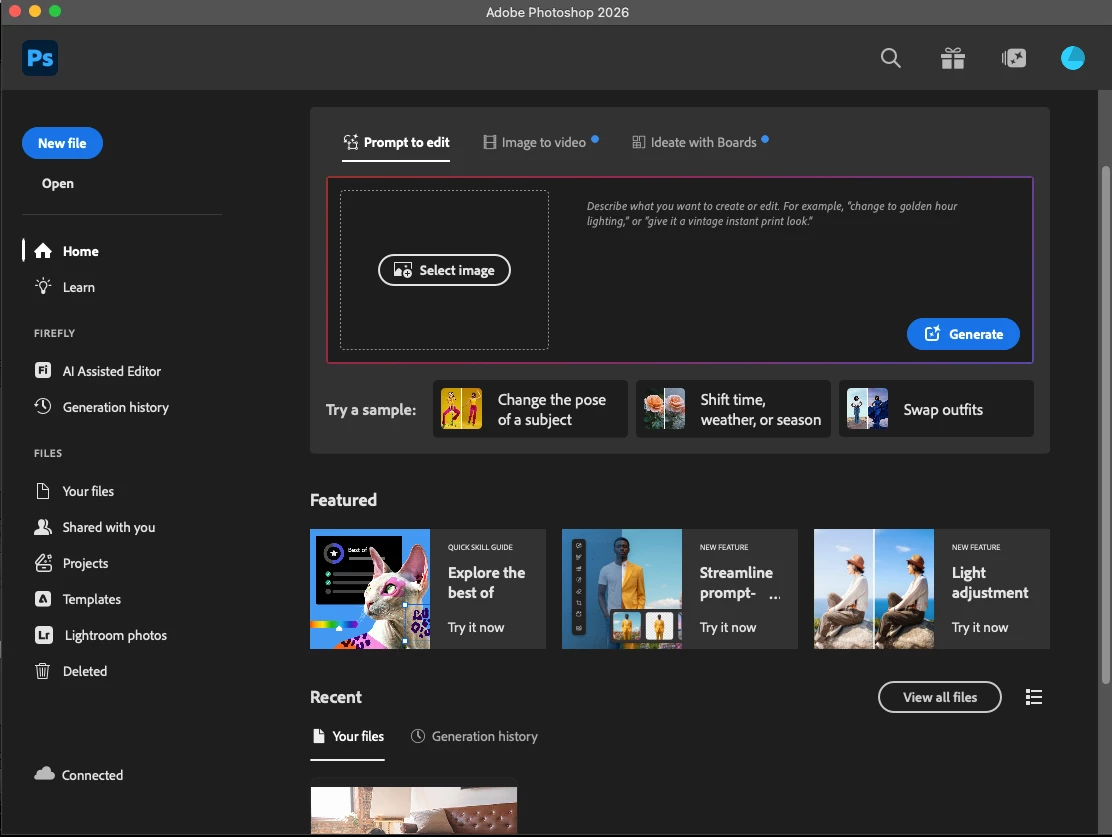
I have tried all of these:
1. Checking for updates. Non available. I’m all up to date.
2. Trying through the top menu: Photo>Edit in> Edit in Adobe Photoshop 2026...” but that didn’t work.
3. Restarting my computer. That didn’t work.
3. Uninstalling both Photoshop and Lighroom, restarting my computer, and then reinstalling Photshop first and Lightroom second. I did it twice: once keeping all of the plugins on my computer, but that didn’t work, then a second time making sure not to keep any plugins previously still installed. That still didn’t work.
I have tried the same action with JPG files and it works fine. So I think it might have to do with my Camera RAW version. I couldn’t see how to update that through Creative Cloud. There’s no opting for uninstalling or updating. Does anyone know how to do that?

I am running on the following versions:
Mac - Tahoe 26.6.2
Adobe Lightroom Classic 15.6 (Camera Raw 18.7)
Adobe Photoshop 2026 27.11.0
Thanks,
Julia


 AdChoices