Participant
May 10, 2025
Answered

Lightroom Classic export error

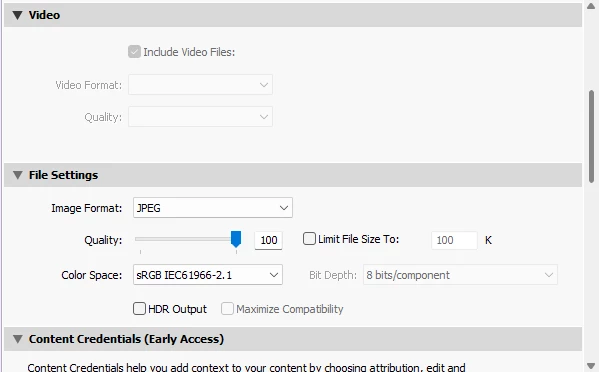
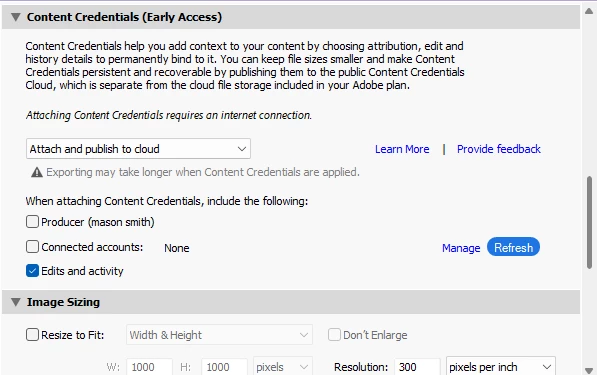
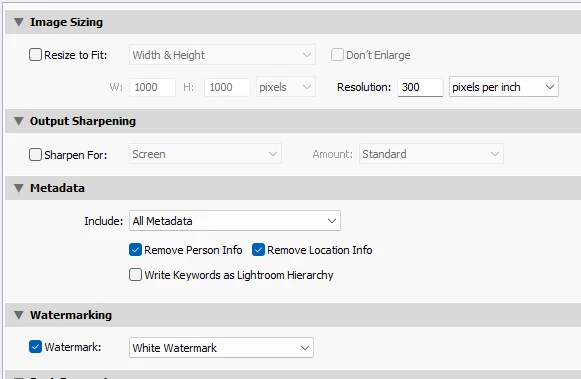
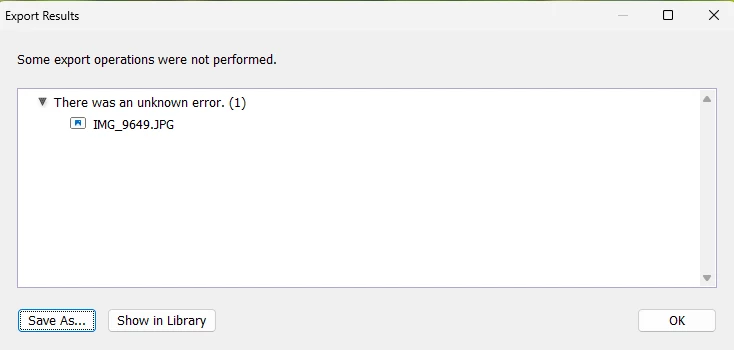
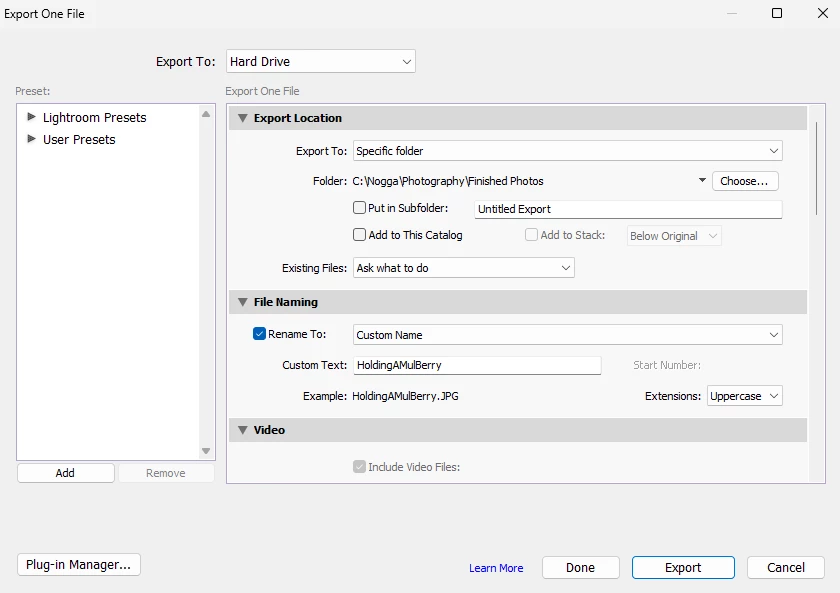
Every single time I try to export my photo to my computer, it just keeps on saying "Some export operations were not performed." "There was an unknown error. (1.) I even tried restarting Lightroom Classic along with updating it. Nothing is working for me. 


johnrellis
johnrellisCorrect answer
Legend
May 10, 2025

Try updating your graphics driver by going directly to the manufacturer's web site:
https://helpx.adobe.com/lightroom-classic/kb/troubleshoot-gpu.html#solution-4

If that doesn't help, please copy/paste here the entire contents of the LR menu command Help > System Info -- that will let us see exactly which versions of hardware and software LR thinks you're running.

1 reply

johnrellis
johnrellisCorrect answer
Legend
May 10, 2025

Try updating your graphics driver by going directly to the manufacturer's web site:
https://helpx.adobe.com/lightroom-classic/kb/troubleshoot-gpu.html#solution-4

If that doesn't help, please copy/paste here the entire contents of the LR menu command Help > System Info -- that will let us see exactly which versions of hardware and software LR thinks you're running.

Translate