
Answered
Lightroom classic export not working since update
Hello,
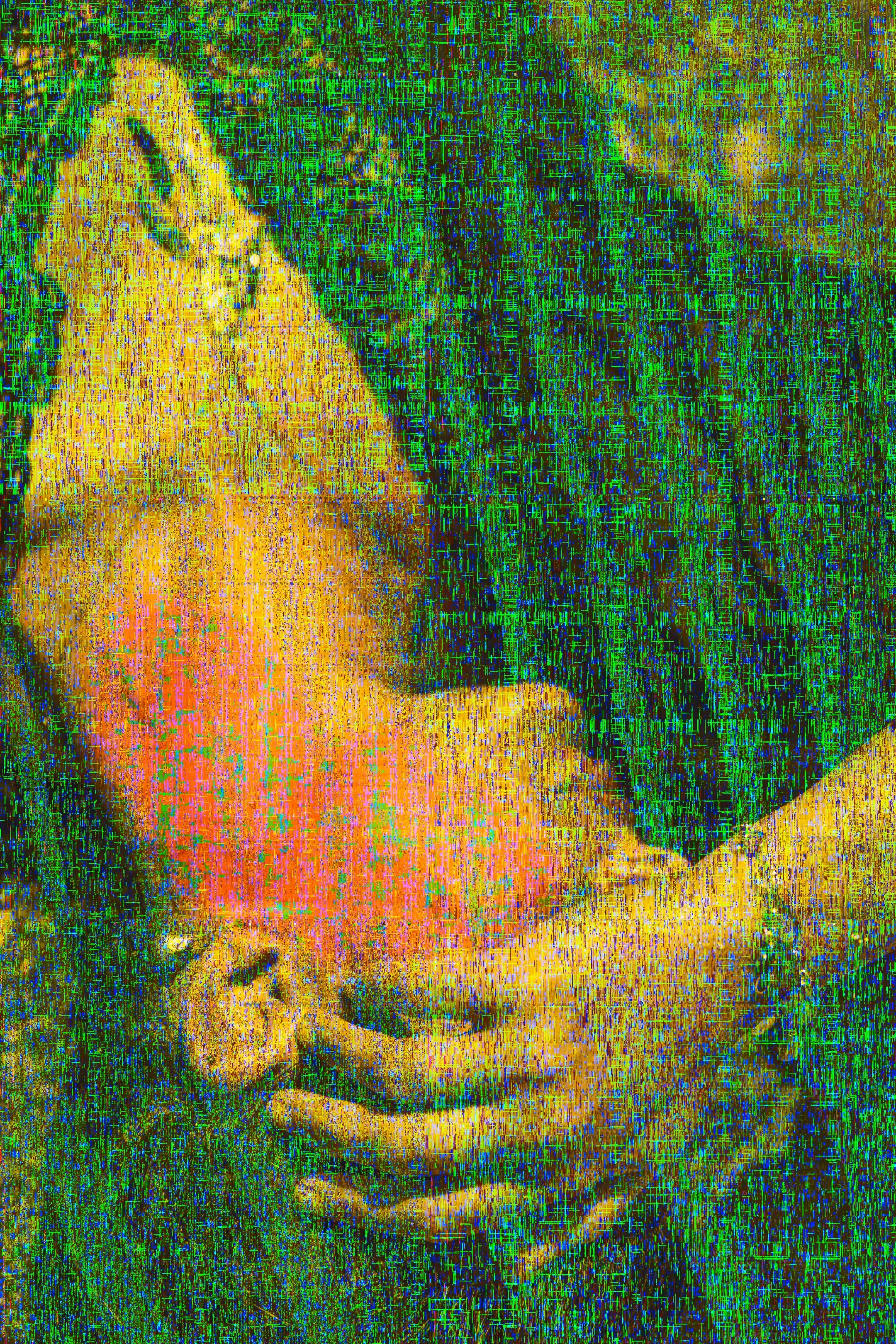
Since the recent update, I can not export images without them being color-distorted. Does anybody know how to fix this?

Hello,
Since the recent update, I can not export images without them being color-distorted. Does anybody know how to fix this?
I would guess that as suggested you are on a intel Mac with an AMD graphics card. Ever since a recent mac OS update, the GPU driver for these cards has been misbehaving leading to ugly artefacts in Lightroom when using the GPU. Turning it off avoids this but obviously gives lower performance. You migt be able to get away with just turning it off for export if in the GPU dialog in preferences you select custom and deselect "use GPU for export" instead of turning it off completely. So you might be able to keep some acceleration in the interface.
Already have an account? Login
No account yet? Create an account
Enter your E-mail address. We'll send you an e-mail with instructions to reset your password.


 AdChoices