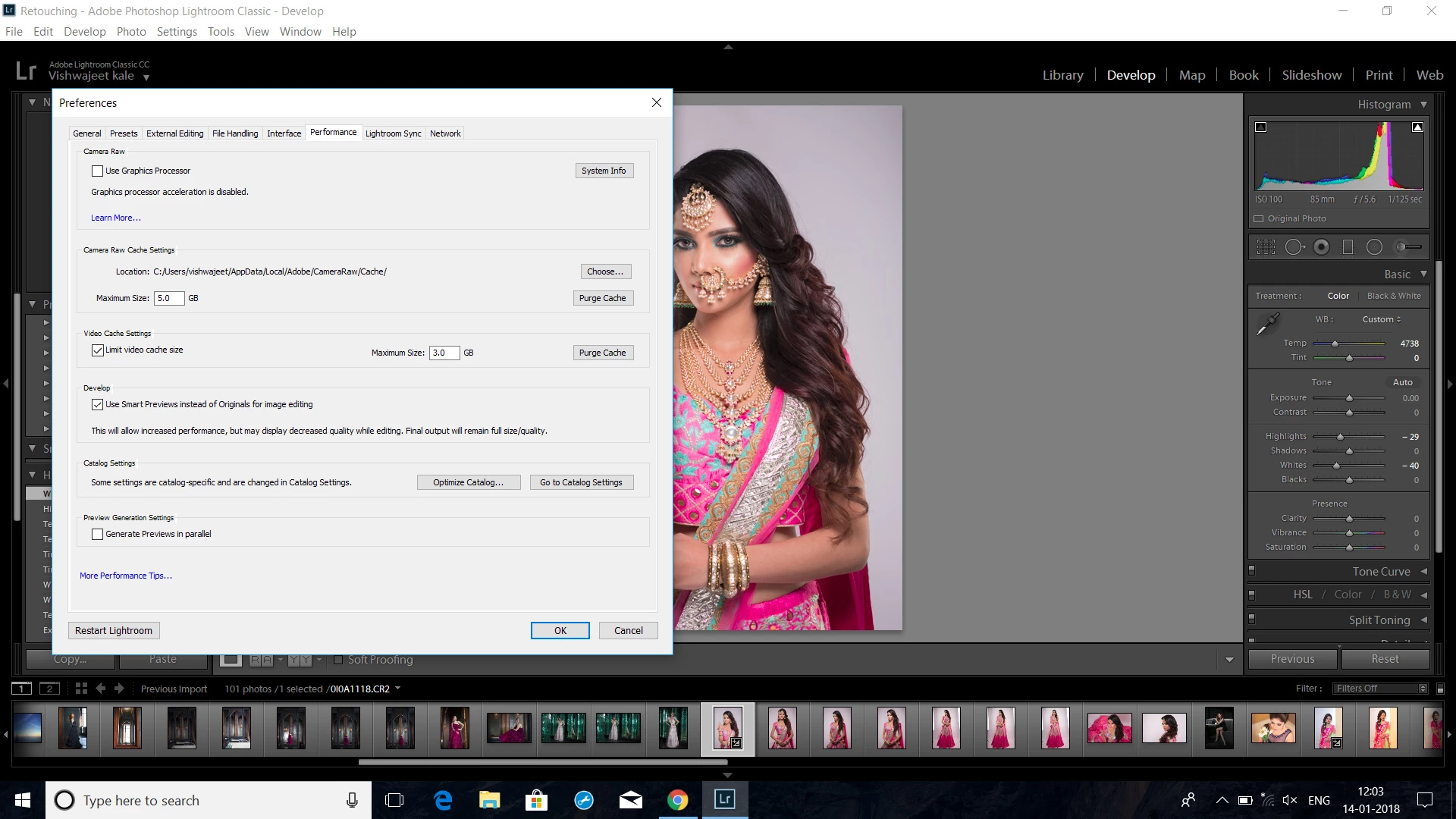
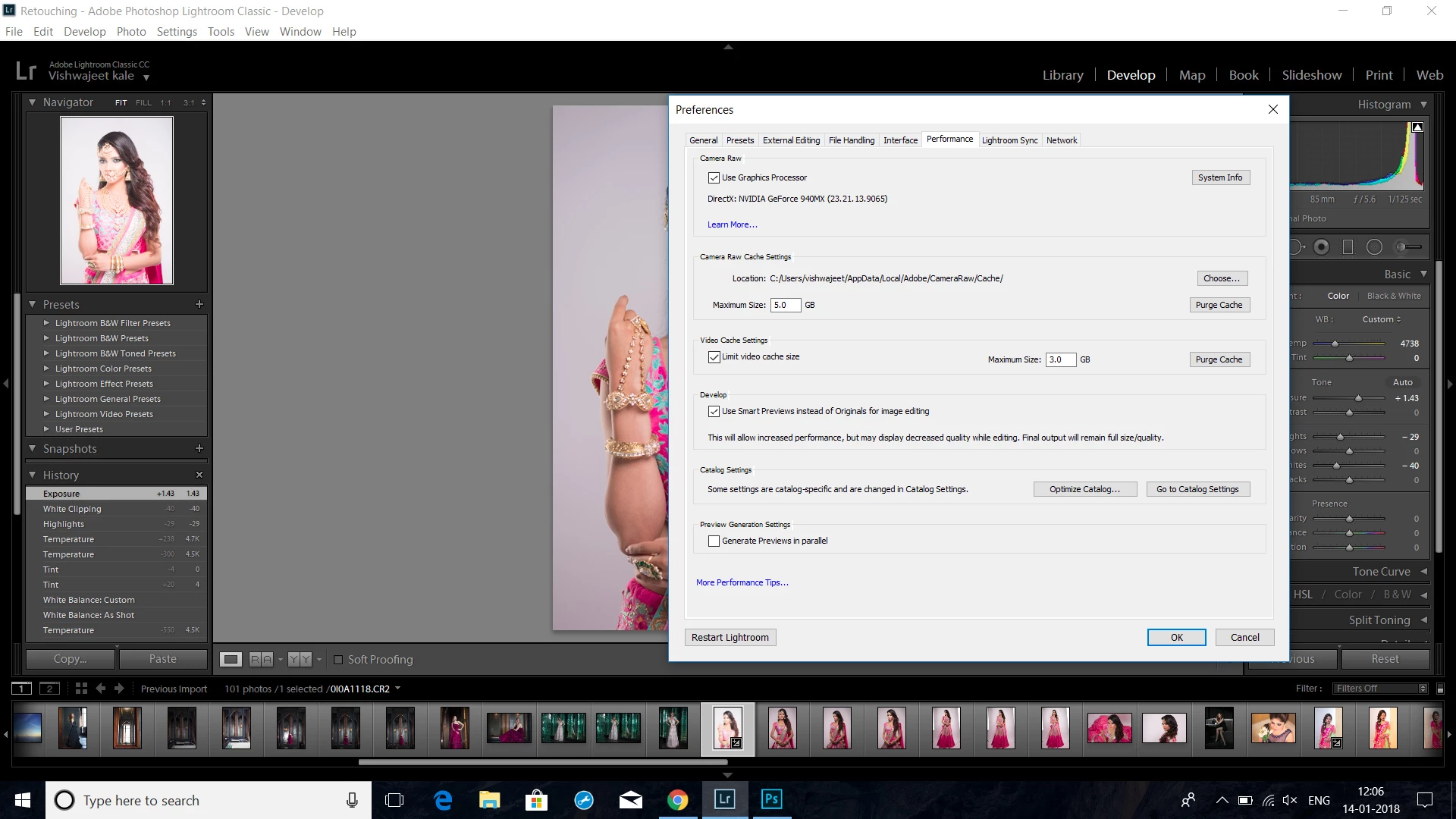
You don't seem to need any help - you've found the answer yourself. Turn the 'Use graphics processor' OFF, if it doesn't work for you. It is a 'feature in progress' brought in in a hurry to help people using 4/5K monitors who found that with so many screen pixels it was taking a long time to write the image to screen. It doesn't really do anything else yet, and can slow down people with smaller screens, or not work at all if it doesn't like your graphics card or driver. I only have 2560x1440 screens which don't need speeding up so I don't check the graphics processor option. One day if it helps other things I might use it, but it does nothing for me at present.
Similarly I have turned off the 'Generate previews in parallel' option; that uses up so many resources that it is difficult to do anything else when that is used. If I am generating previews overnight I might use it, but not normally. I've told Adobe several times that these two features should be OFF by default, leaving people who understand what they do to try them out, but not kidding everyone that they are solutions to everyone's problems.
Bob Frost



 AdChoices