Participant
December 7, 2024
Question

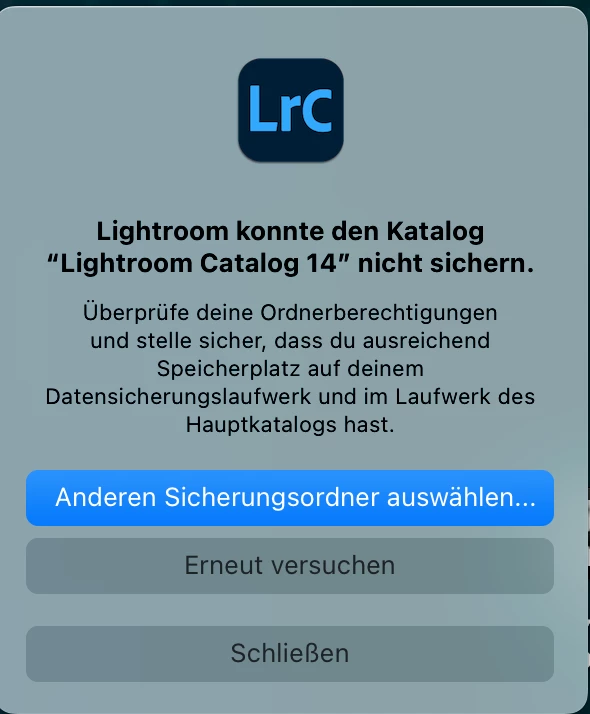
Lightroom Classic konnte den Katalog nicht sichern - Version 14.01

  • December 7, 2024
  • 1 reply
  • 196 views

Hallo. Ich habe seit Heute folgendes Problem. 

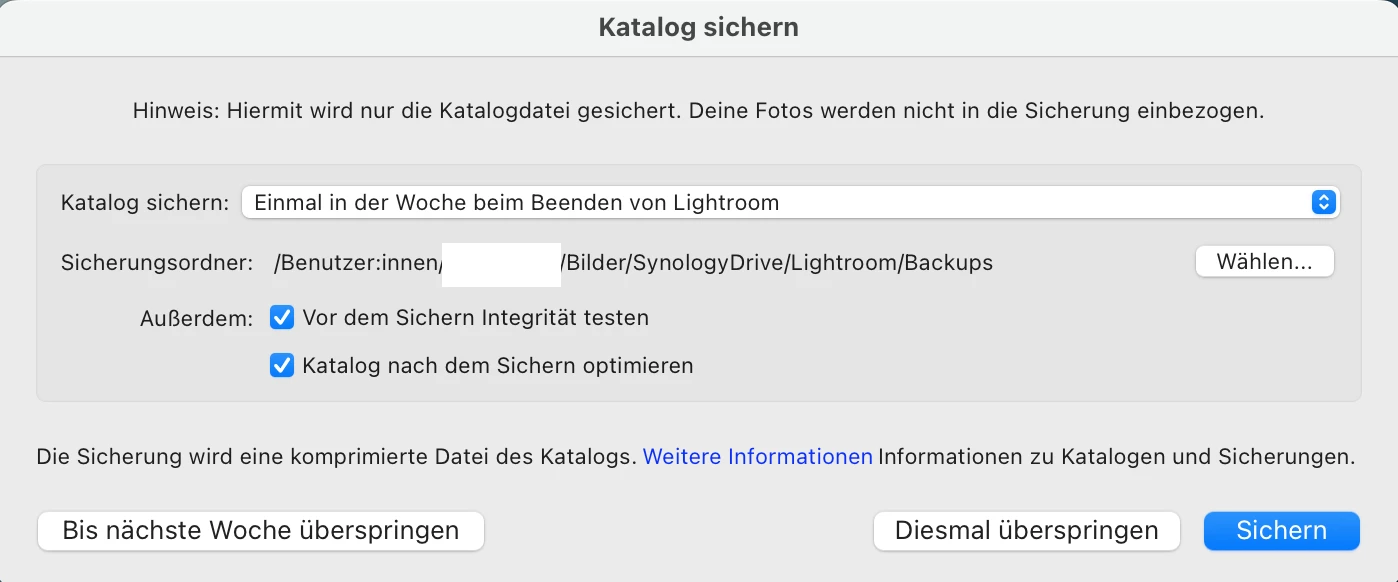
Lightroom kann den Katalaog nicht mehr back-upen. (Siehe attachements) Ordnerberechtigungen sind überprüft. Ferstplattenvollzugriff erlaubt. Speicherplatz sollte auch reichlich vorhanden sein. (242 GB)


Wie in vorigen Posts schon gelesen, hab ich versucht den Namen abzuändern. Ohne Erfolg, die Fehlermeldung bleibt.


Hat jemand eine Idee wie man das Problem beheben kann ?


Ich bin dankbar für jeden Vorschlag.


Danke euch allen
 

This topic has been closed for replies.

1 reply

Sameer K
Community Manager
Community Manager
December 9, 2024

Hey, @kind_mentor5EAD. Welcome to the Lightroom Community. I'll need more info to help you figure this out.

Does this happen after a specific series of steps? Please share the system info from Lightroom Help > System info > Copy and paste into a text document > Upload and attach here.


Is the catalog also stored on the network drive? Try changing the destination for the catalog backup. 

Also, try these suggestions:

1 - Move the catalog to a non-syncing, local folder on your mac machine & check if it backs up as expected. 

or

2 - Launch Lightroom Classic with a new catalog & go to File > Import from catalog > target your old catalog. Proceed with merging the (potentially) corrupted catalog into the newly made, internal storage-based catalog. For more help via video-based steps, check here. See https://adobe.ly/3NTC9Rv

Let me know how it goes. Thanks!
Sameer K

(Type '@' and type my name to mention me when you reply)

Participant
December 10, 2024

Thanks for the feedback.


The catalog is in fact stored on an external ssd. That one syncs afterwards to a Synology NAS. So I'm not straight working on a network Drive.


I tried as recommended to create a new catalog and to merge it. During the merge Lightroom Classic gives an error message that it's not able to fully import the old catalog.


The Backup issue went up with the last update. Never had that issue before. Setup of Mac has not changed.

Worst case I will turn off the backups.


Marking your answer as 'correct answer' gives the impression that the problem has been solved. It clearly has not been solved yet, so I unmarked this answer again - moderator

Participant
December 10, 2024

I forgot to mention that the last Backup ran the 29th of November.