Participating Frequently
January 17, 2026
Answered

Lightroom Classic No Longer Works

  • January 17, 2026
  • 1 reply
  • 158 views

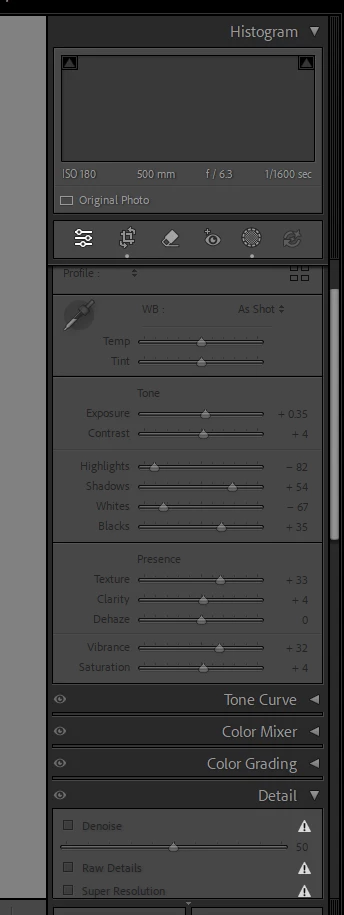
I bought a new laptop, installed Lightroom Classic and used it to edit about 200 pictures while traveling on vacation two weeks ago.  I returned home, and when I started it up, I see all my edited pictures but any time I click on a picture it says "An unknown error occured"  and my entire editing panel is grayed out.
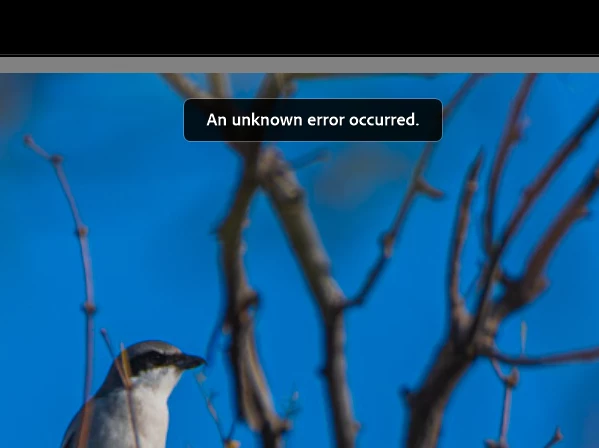
KatWibb_0-1768689029876.png

KatWibb_1-1768689086749.png

I have resynched my folders, uninstalled and reinstalled the application, optimized my catalog and nothing changes.   This is only an issue for the pictures I edited while on vacation.  It is working fine for new pictures I've imported since then.   Help!!!

Correct answer KatWibb

Yes, thank you.  When I was in laptop mode, it was synching to my OneDrive without my realizing it.  I disabled my One Drive and have everything set up correctly so no longer getting that particular error.  Now I'm getteing the AI Edits Storage Issue error.  I'll start a new thread about that one.  

1 reply

JohanElzenga
Community Expert
Community Expert
January 18, 2026

Is it possible that these images are synced with a service like OneDrive, so that the 'local image' now is really only a link to the online image? Lightroom Classic can't work with that. It needs images to be local.


-- Johan W. Elzenga
KatWibbAuthorCorrect answer
Participating Frequently
January 18, 2026

Yes, thank you.  When I was in laptop mode, it was synching to my OneDrive without my realizing it.  I disabled my One Drive and have everything set up correctly so no longer getting that particular error.  Now I'm getteing the AI Edits Storage Issue error.  I'll start a new thread about that one.