Participating Frequently
May 22, 2025
Answered

Lightroom Classic not displaying properly

  • May 22, 2025
  • 1 reply
  • 300 views

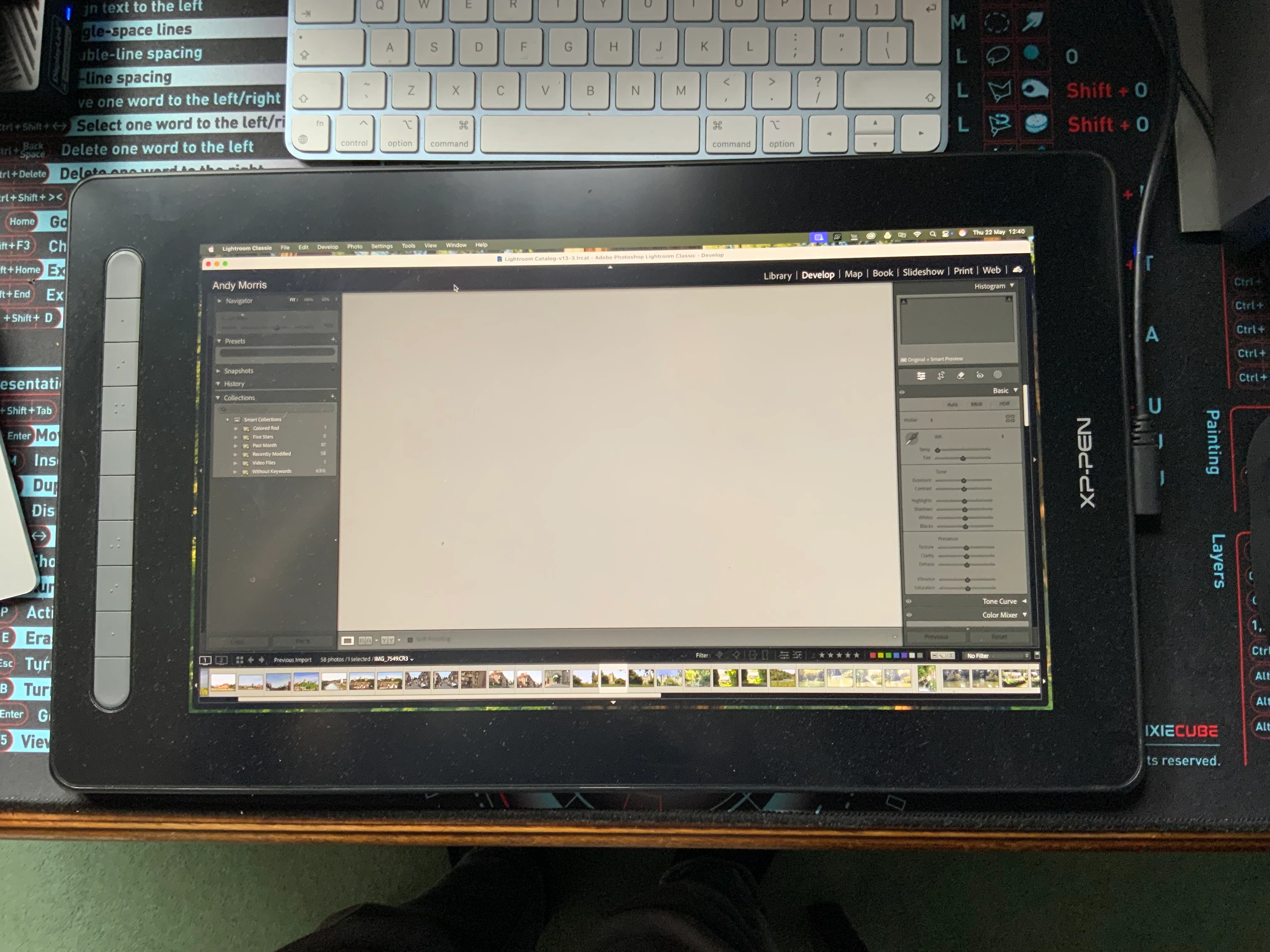
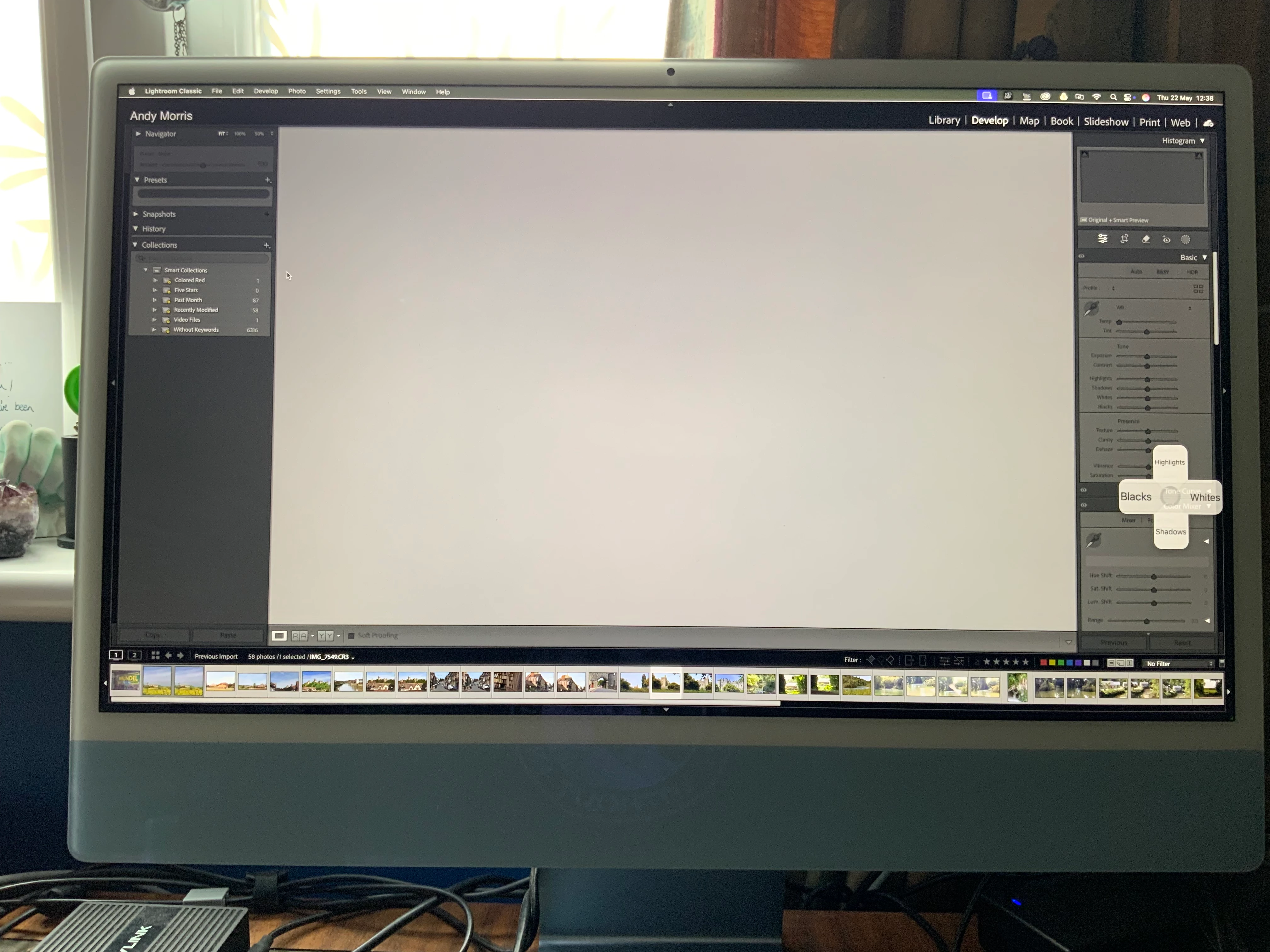
Hi, I'm using Adobe on an iMac along with a XP-Pen graphics tablet. Up until recently I've had no issues with any of the Adobe programs. I use Lightroom Classic and Photoshop predominantly. Usually when I open LR it loads up on my XP-Pen tablet. Recently LR has now been opening up on my iMac screen. It loads full size with the traffic light buttons not showing. I cannot resize the window to my usual config. All I can do is go into Window and select centre. The traffic lights then show and I can drag it to the XP. But, I have to drag to about 50% of the way down on the tablet screen, go back into window and select centre or fill screen. But, when I then try to use a plug-in, or in fact open any other program on my iMac, LR immediately reverts back to the oversized version on the iMac. I can't figure out how to get it back to how it was before. Interestingly, Photoshop is not affected.. Any help would be appreciated. Photos are when opening and after dragging so LR is not showing on both screens at the same time. 
Thanks 
 

Correct answer GoldingD

Have you considered resetting the LrC preferences file?


The preferences file can get corrupted, leading to buggy behavior. The navigation Panel, plus the Histogram Panel, and the Loupe view all blank while an image is selected, often screams preference file. This is not an absolute. Resetting the preference file might resolve your issue.


Be aware that resetting the preference file will reset preferences to defaults, and upon restarting LrC will act as if it was a new install. Some backup the preference file just in case resetting does not work, and they want to put things back without correcting any lost settings.


Resetting the preference file is basically deleting the file, either via keyboard shortcuts within LrC or manually.


1 reply

GoldingD
GoldingDCorrect answer
Legend
May 22, 2025

Have you considered resetting the LrC preferences file?


The preferences file can get corrupted, leading to buggy behavior. The navigation Panel, plus the Histogram Panel, and the Loupe view all blank while an image is selected, often screams preference file. This is not an absolute. Resetting the preference file might resolve your issue.


Be aware that resetting the preference file will reset preferences to defaults, and upon restarting LrC will act as if it was a new install. Some backup the preference file just in case resetting does not work, and they want to put things back without correcting any lost settings.


Resetting the preference file is basically deleting the file, either via keyboard shortcuts within LrC or manually.


AndyGTCAuthor
Participating Frequently
May 23, 2025

This seems to have worked, thank you so much!