
Lightroom Classic not launching
Hi, I use Lightroom Classic on a Windows 11 PC, and am in need of help!
Lightroom was on latest version and until today went fine. When I went to launch today - nothing happened. I looked on line and followed various suggested fixes.
I have - shutdown and restarted the pc a number of times.
Uninstalled LR (kept my preferences) and reinstalled - didn't work.
Uninstalled (kept my preferences) and installed an earlier LR version - didnt work.
Uninstalled and removed preferences and reinstalled the latest version of LR.
This finally seemed to work and LR launched. However there was no catalogue of photos linked.
So in the LR Library I went to File/open catalogue and selected the catelogue. A dialogue box popped up telling me my catalogue would be upgraded in order to access the laterst changes in the newer version of LR Classic.
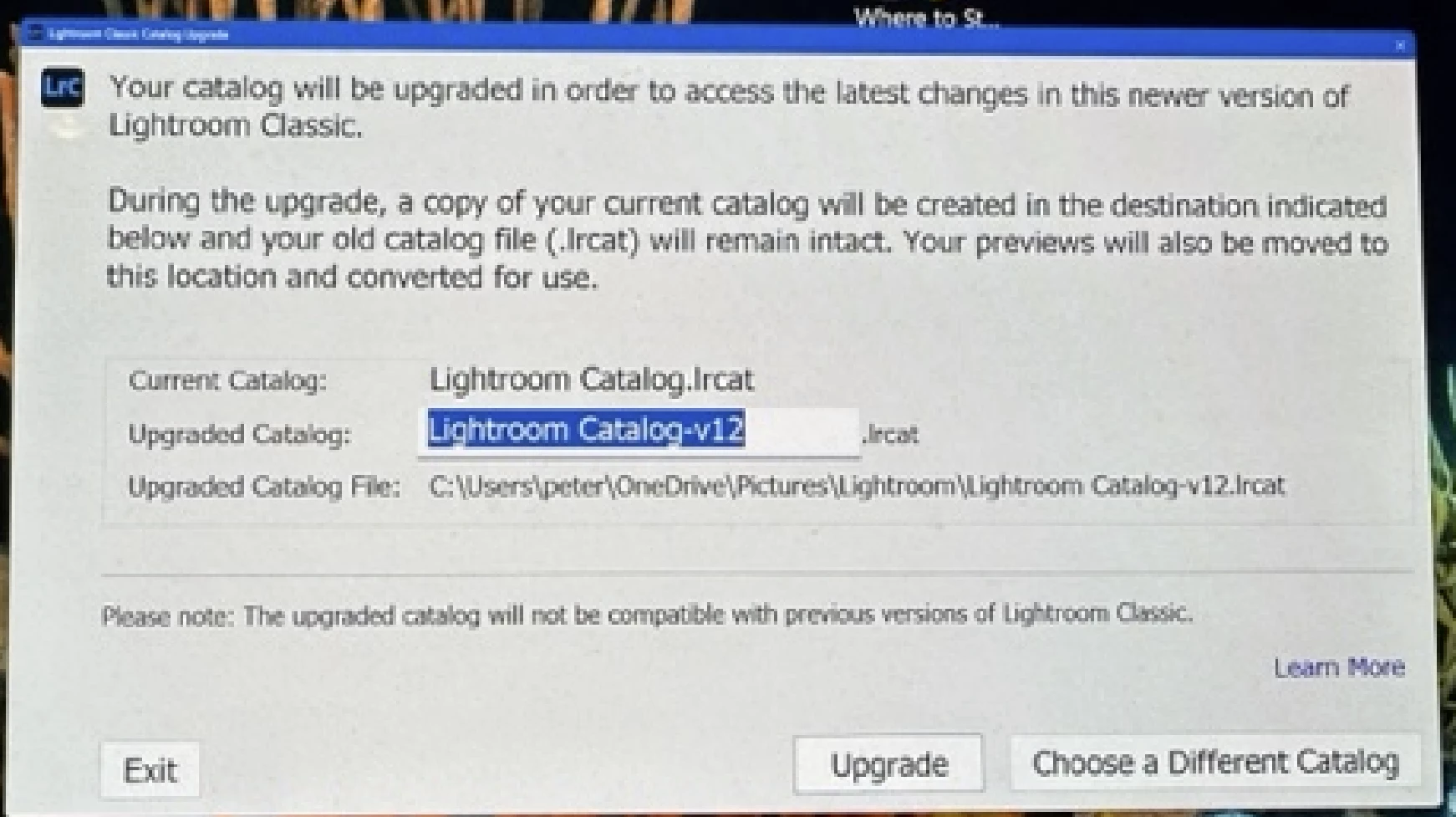
I was expecting that LR would open with my Catalogue but instead LR is not open at all. So I went to File Explorer, found the catalogue and tried to open. The message below appeared but after 30 mins nothing is opening.

I have no idea what to do now. LR does not seem to launch and if it does probably wont be connected to my photo catelogue.
Can someone who understands this please let me know what to do.
many thanks Pete


 AdChoices