
Lyndall.Abbott.Young
Participant
June 29, 2020
Question

Lightroom classic not responding to image changes in develop mode

  • June 29, 2020
  • 3 replies
  • 357 views

Just since the most recent LrC update I have found that when doing my processing of images LR is NOT responding to image changes while in develop mode. It is "sticking" on a previous edited image and not advancing to the next image to be edited. Also when trying to crop an image it is going "back" to a previously cropped image and not to the one I actually want to crop. I am using Win10 and have 8gb RAM and working in LR has never before given me any major issues, until this latest update.
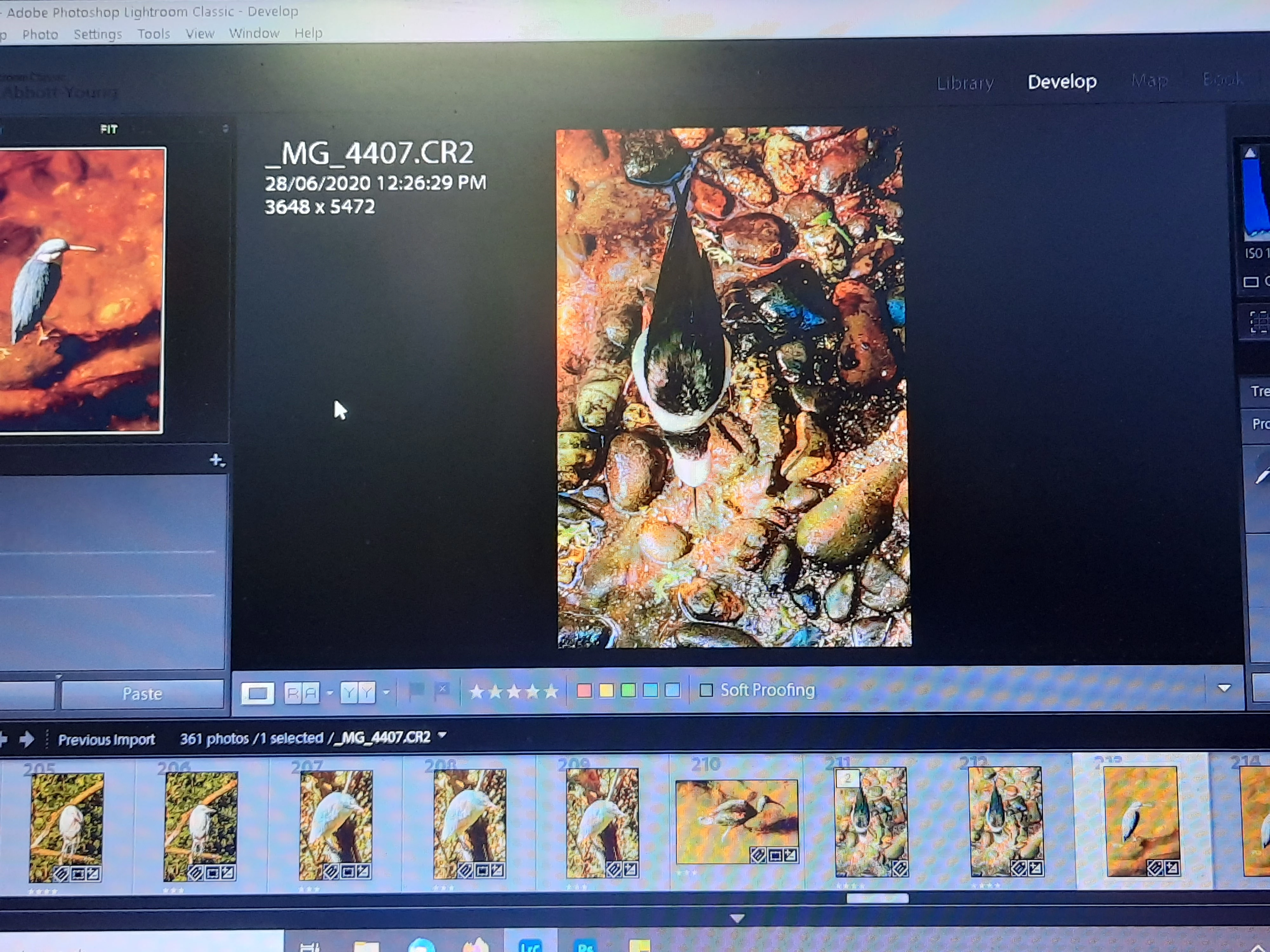
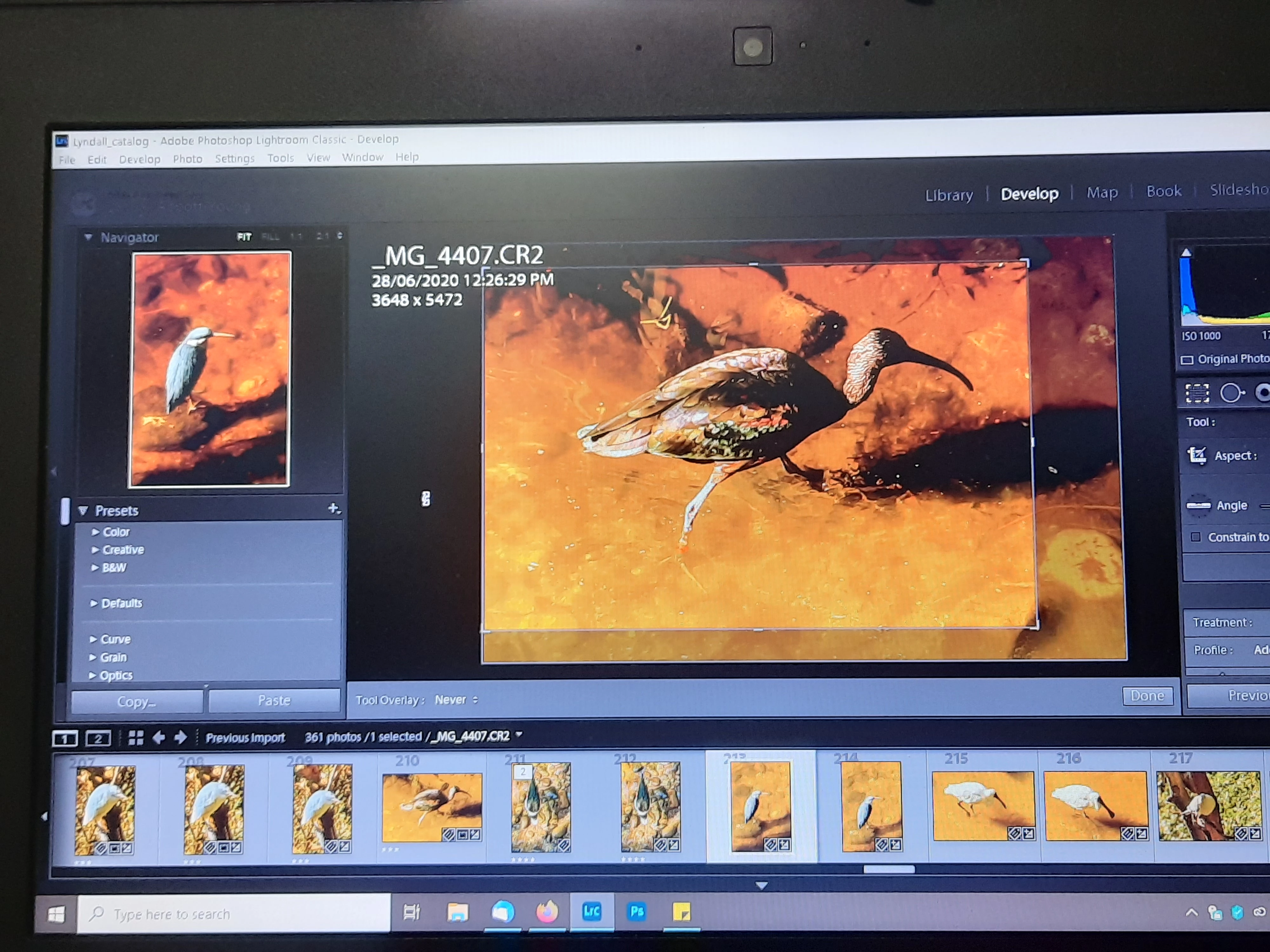


{Moved from Lightroom Cloud to Lightroom Classic Forum by Moderator} 

This topic has been closed for replies.

3 replies

Participant
October 6, 2024

I'm finding LrC controls are 'sticking' when I'm altering Exposure, Shadows, etc. in Develop mode.  Effect doesn't show in  Develop but later I'll find it has ie. well over-exposed the image.  (always working in RAW).  Cropping is also odd...doesn't always hold the settings I apply.   I'm using a Sony A9 with 24mpx and I have 64 GB of RAM.  I'm trying to work with 1000 ballet images that need editing!  HELP!!!!  

Community Expert
June 29, 2020

Not seeing this issue either. I am on Mac OS X. I would try resetting the preferences: https://helpx.adobe.com/lightroom-classic/help/setting-preferences-lightroom.html

cmgap
Community Expert
Community Expert
June 29, 2020

Definitely odd behavior... I can't reproduce this. I wonder if you have enough RAM available? Do you have other apps open? If you restart your computer and only have LrC open will that make a difference?  How much RAM do you have allocated in your Preferences>Performance tab?