
Participant
July 11, 2025
Question

Lightroom Classic on iMac takes several hours to back up

  • July 11, 2025
  • 3 replies
  • 236 views

When I quit Lightroom Classic, most of the time the backup gets to about 20% on the progress bar, then goes no further.  I have to force quit Lightroom Classic, even after many hours of the backup running.

Every so often, on a different day,  the backup will complete after 2.5 hours.  

There have been times when I've quit Lightroom Classic, deferred doing the backup, and then compressed the catalog using the Mac Finder.


There are no unusual delays when using Lightroom Classic

I have the same library and catalog on a different computer in a different city.  The backup there takes 15-20 minutes


What could be causing the delay?

Thanks.


My specs:
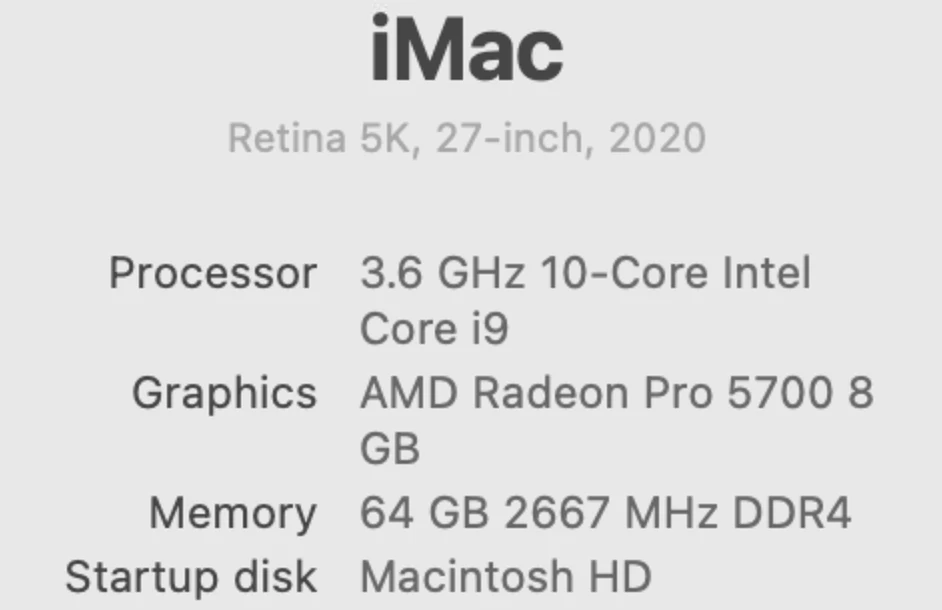
Sequoia 15.5


Lightroom Classic 14.4 release

 

I have one large catalog
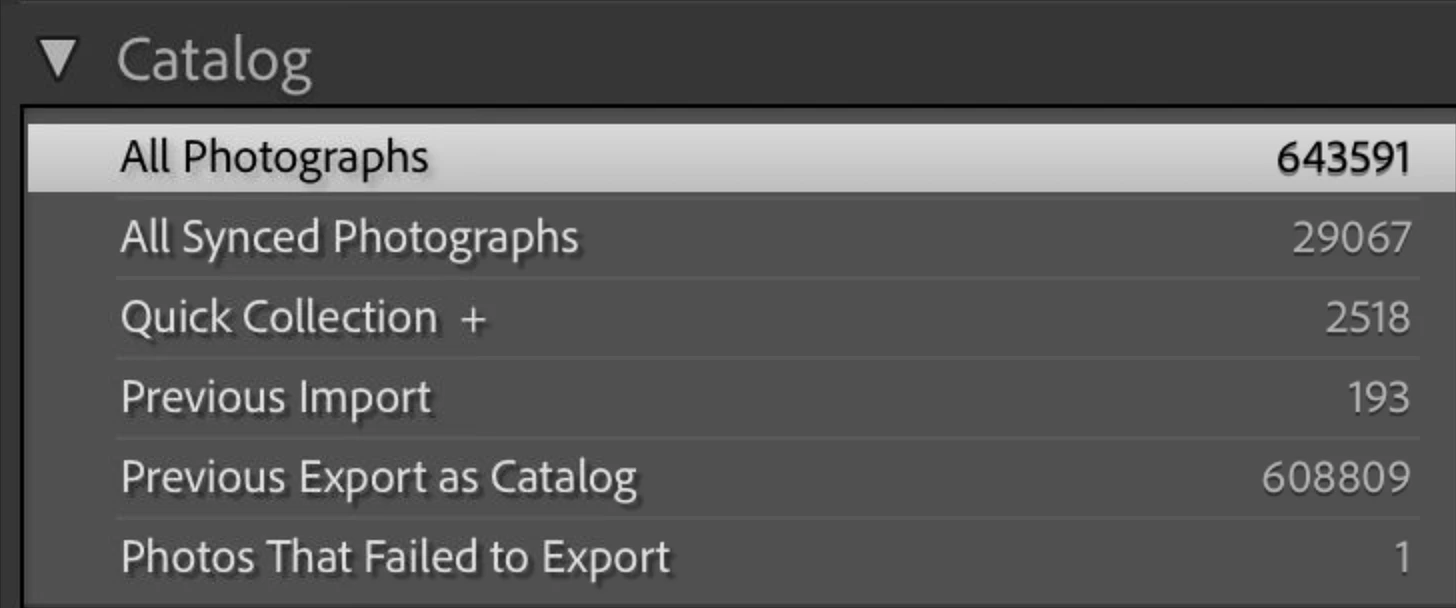
 

Lightroom data is stored on a OWC RAID 5, model ThunderBay 8, connected with Thunderbolt/USB4
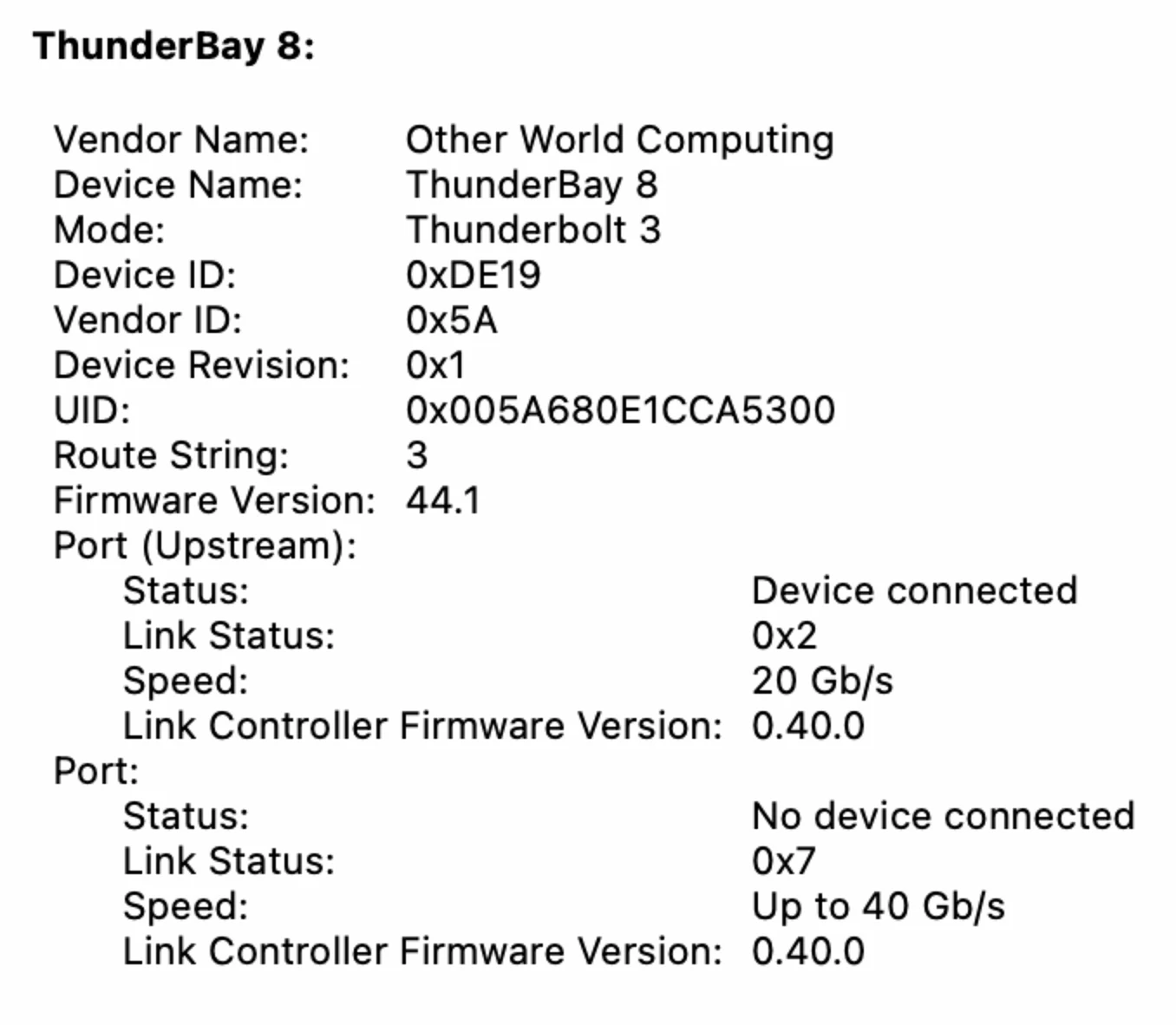
 

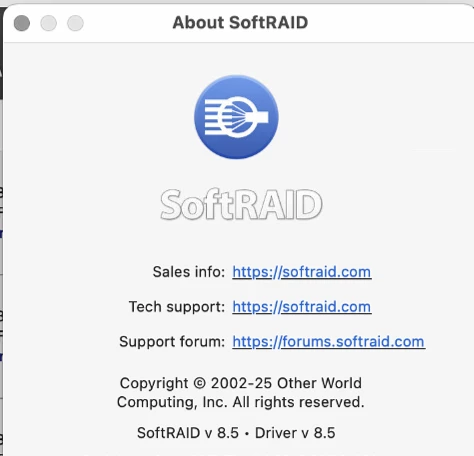
The RAID's controlling and driver software is

Softraid 8.5


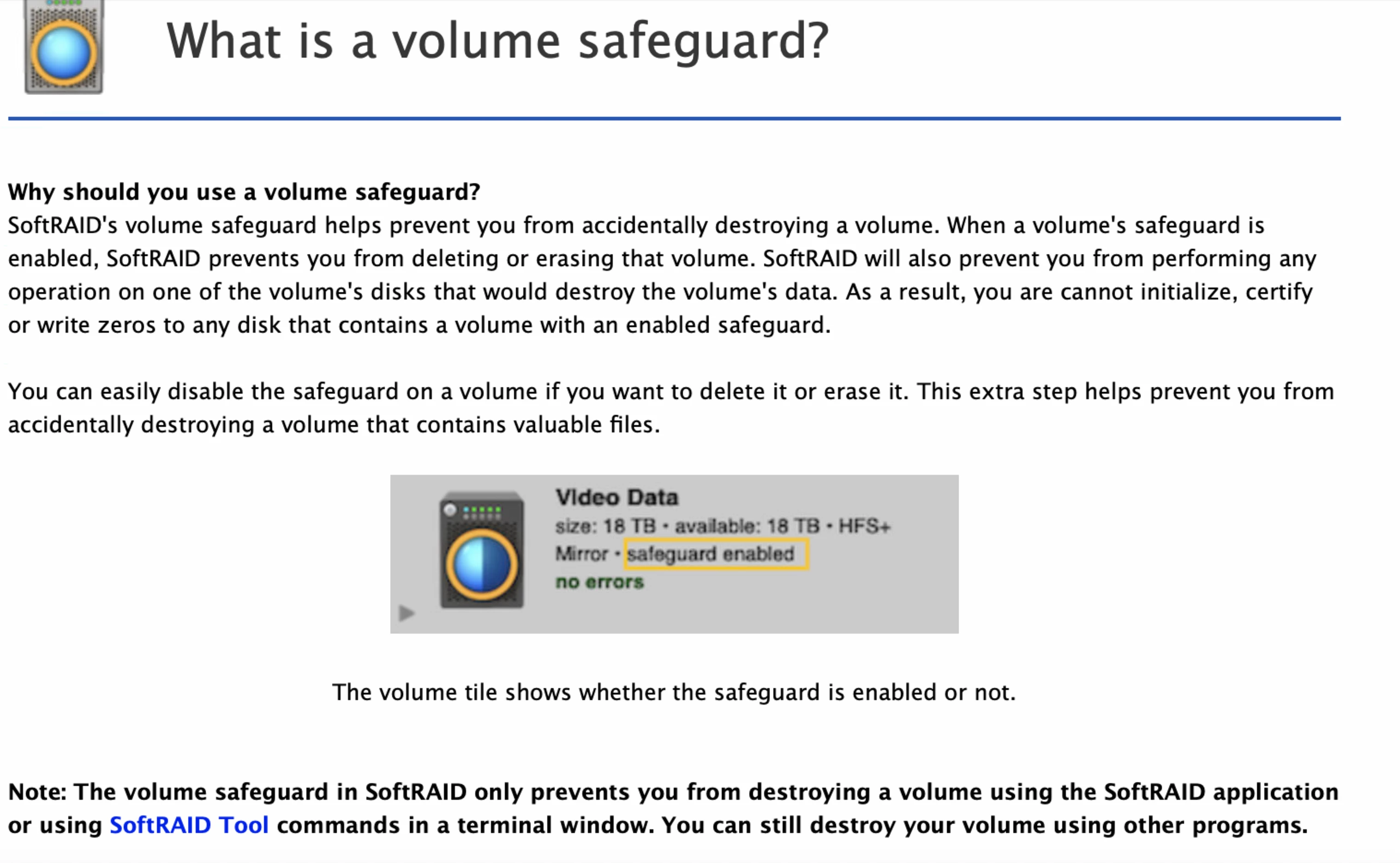
The RAID has a feature called Safeguard enabled:
 

3 replies

kwcalmAuthor
Participant
July 19, 2025

I discovered that if I ran a catalog optimization BEFORE I started the backup, the backup (with both options checked off) would run normall.

C.Cella
Legend
July 19, 2025

@kwcalm 

You discovered already the source of issue but I will add more clues for everyone.
Catalog backup is bugged and gets increasingly longer when:

1. The lrcat is big

2. The Previews.lrdata is big
3. Optimisation is done as part of the backup process.

If the Mac is not plugged to a power source ALSO the backup will stall after 30 minutes as long tasks can't be run on battery.

I recommend to NOT use LrC backup process if you catalog is big

Simply copy and pasting the catalog to a location using the Finder, is literally 100 of times faster.

Alos be careful, you catalog might have become bloated due to a known bug: https://community.adobe.com/t5/lightroom-classic-bugs/p-automatically-write-changes-to-xmp-can-t-be-used-with-denoise-on-large-numbers-of-photos/idi-p/15393188


Conrad_C
Community Expert
Community Expert
July 19, 2025
quote

I recommend to NOT use LrC backup process if you catalog is big

Simply copy and pasting the catalog to a location using the Finder, is literally 100 of times faster.

By @C.Cella


Manually copying every day can be a chore, but if someone already has a robust backup regimen set up and running, there isn’t really a need to use the backup feature built into Lightroom Classic. I disabled the built-in backup and simply let the catalog be backed up as part of the whole-computer backup that’s updated every hour by Apple Time Machine. Also, backup solutions outside Lightroom Classic can typically in the background so you don’t have to wait for a backup to finish before you quit Lightroom Classic. Just quit and move on, and that updated catalog will be included in the backup software’s next scheduled backup that runs in the background.


And if they are using Lightroom Classic to run a business, they need to be maintaining a whole computer backup anyway, just to minimize business downtime in case of disaster. If they can verify (through test restores, which should be done anyway) that they have a string of catalog backups going back in time as part of the whole-computer backup, there isn’t any need to also enable the built-in backup feature in Lightroom Classic.

Conrad_C
Community Expert
Community Expert
July 12, 2025

What is the size of the catalog file? (the one with a filename that ends in .lrcat)

Has the catalog been optimized lately?

KR Seals
Community Expert
Community Expert
July 12, 2025

Your catalog is not especially large. Mine is 180,000 images and backs up to a dedicated internal SSD in about 3-4 minutes.

Try backing up to the internal SSD. That will tell you if it's a NAS connection issue. 

Are other file transfers to the NAS working at normal speed? This might be something worth bringing up with the NAS provider.


Ken Seals - Nikon Z 9, Z 8, 14mm-800mm. Computer Win 11 Pro, I7-14700K, 64GB, RTX3070TI. Travel machine: 2021 MacBook Pro M1 MAX 64GB. All Adobe apps.