Participating Frequently
July 8, 2020
Question

Lightroom Classic only importing some photos

  • July 8, 2020
  • 3 replies
  • 3167 views

Hello, 

I am a new user here and I saw a few LRC posts about import problems but none seem to be the same as the problem I am experiencing. 


Firstly, I am on the most recent version of LRC. I have a iMac (2019) on Mojave version 10.14.6.


I have experienced this problem in the past, perhaps a couple of times, but this time I consider it a problem. 


My basic workflow is that I take photos from SD card directly to external HD. All photos are stored on external. LRC imports from external. I save finished files from PS to external. I will keep files in a folder "Subjest 2020" for example. This folder may contain many images. My LR catalogue says ~4600 images in the particular folder. I use a Nikon D850 so files are large. I don't know if that makes a difference.


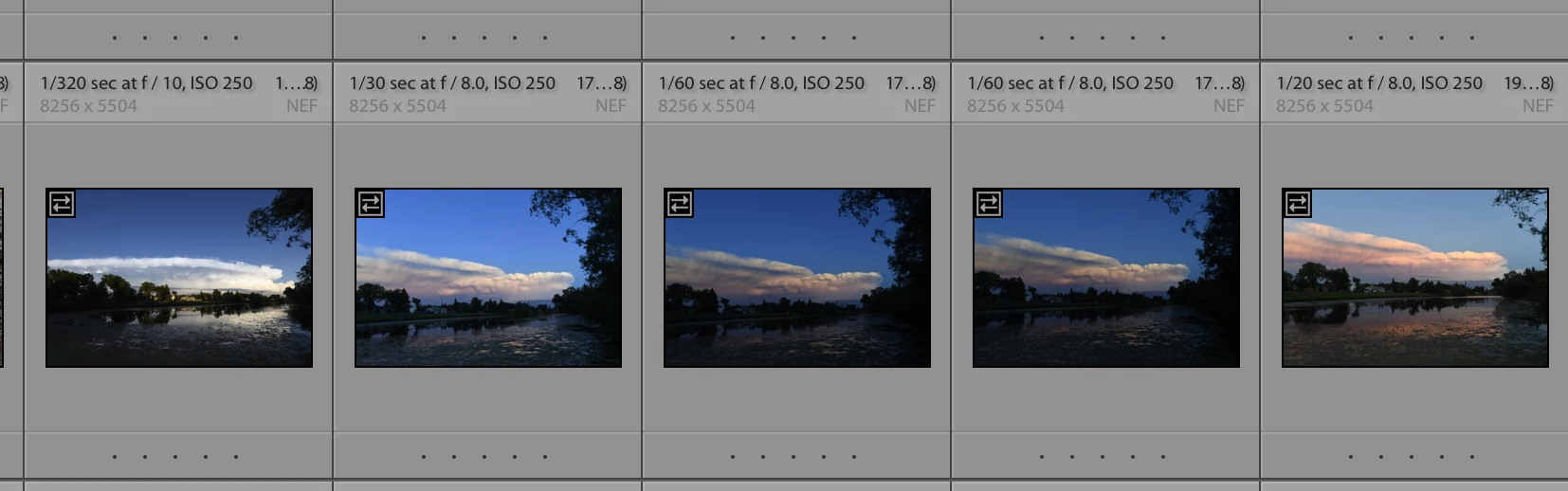
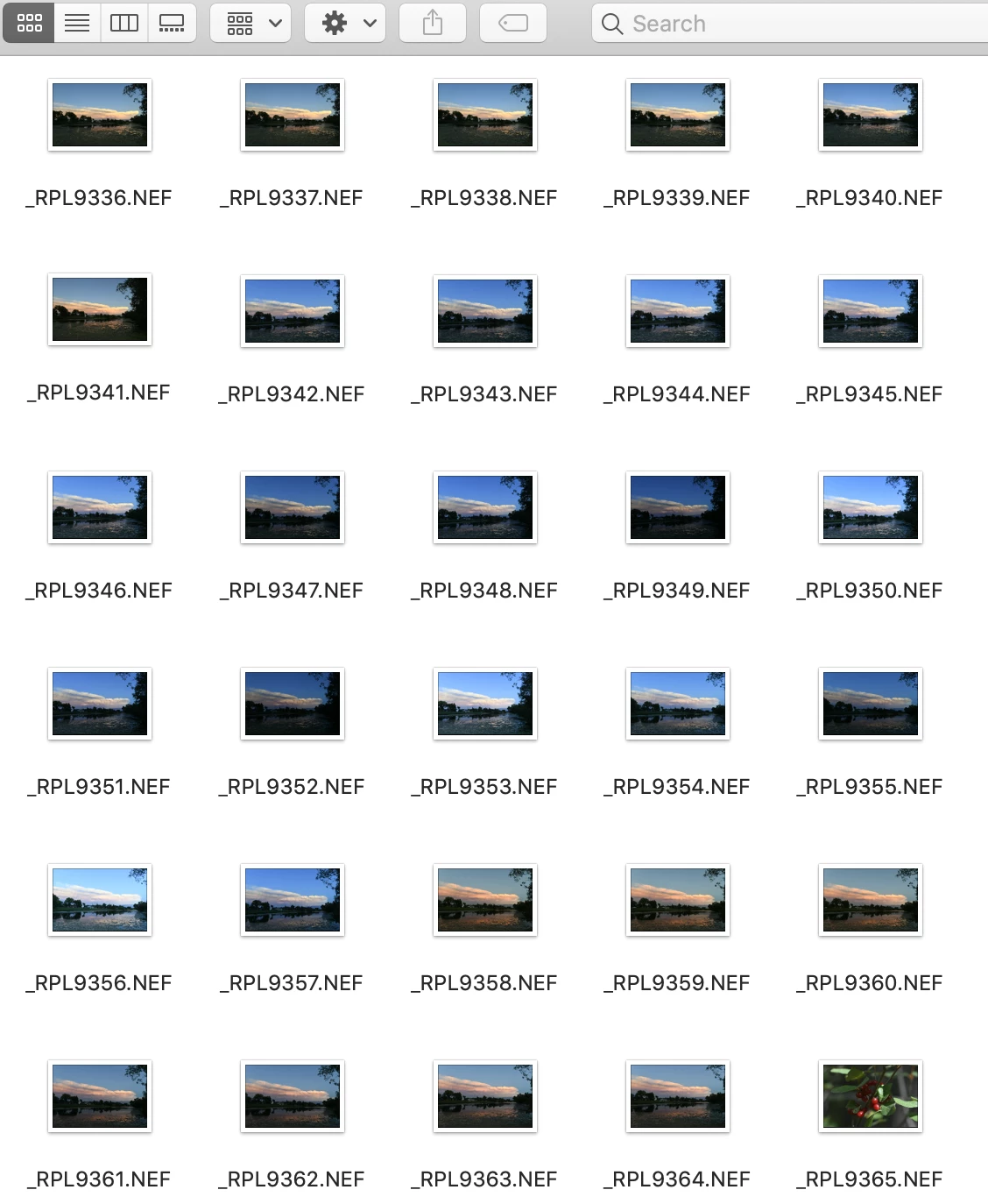
So I had a set of photos from a cloud formation last week that I went into LRC to work on. On my external, there are 29 images of this cloud formation. I go into import and select my folder, I have it set to new photos. When I go into the folder through my LR catalog, there are only 5, and none of them are the image that I want. 


So my problem is that LR is only partially importing files from folder, and that I am missing my choice photos in my LR catalog.


Thanks for your help
This topic has been closed for replies.

3 replies

Participant
April 21, 2022

Hi! I had recently the same problem on my PC ( Windows ) . I installed my first version of Lr from Microsoft Store and for 3-4 mounts it was everything fine until it started to import just 6 photos every time.


I uninstalled the version from Microsoft Store completely and i installed again directly from Adobe Creative Site and now it's working perfectly.


Sorry for the bed English. 😅

Participant
July 10, 2020

I always look at the card in the camera to see how many images and wait for the import box to load that many photos.  sometimes LR takes a bit to load all of the raw images and if you click import, it'll only import those. 

ManiacJoe
Inspiring
July 11, 2020

Ideally you should be using a card reader and not directly connecting the camera to the computer. The card readers are faster, less error prone, and do not drain the camera's battery.

dj_paige
Legend
July 11, 2020

I believe that ideally, you should import by connecting to the camera, because card readers have had reliability and quality issues, while I have had no such problems connecting to the camera.


Either method can have problems. It depends.

dj_paige
Legend
July 8, 2020

Have the other photos been imported previously?


Can you show us a screen capture of the Import dialog box when this happens?


Side comment:

"My LR catalogue says ~4600 images in the particular folder."


Generally, huge numbers of photos in a single folder causes the operating system to slow down when it has to access this folder, which in turn causes Lightroom to slow down when it has to access this folder.

Participating Frequently
July 8, 2020

I can show you what it looks like now. Generally speaking though, I think when I originally import, it showed all the files in the folder. 


Now that I think back, the last time I noticed this was in the same folder. 


Are you suggesting that part of the solution may be to break down into smaller folders? 


It also just occured to me that perhaps with such large volumes of photos, I should maybe be using LR to import from SD card to HD so that I can tag and rename. Once my camera gets to 9999 it goes back to 0001 so I may be rewriting files unintentially, though that does not seem to be the case here.


Edit: as an afterthought, I will mention that my mac came with 16 gb of ram. I upgraded it to 32, mostly for deep space object photography and focus stacking where I can be working with anywhere from 40-100 45mp photos. Hopefully that helps reduce the folder overload problem.

dj_paige
Legend
July 8, 2020

Next time you import photos, we need to see a screen capture of the Import dialog box.


"Are you suggesting that part of the solution may be to break down into smaller folders?"


No