Participant
August 22, 2024
Question

Lightroom Classic Photos all Grey and lightroom backup not loading.

  • August 22, 2024
  • 3 replies
  • 203 views

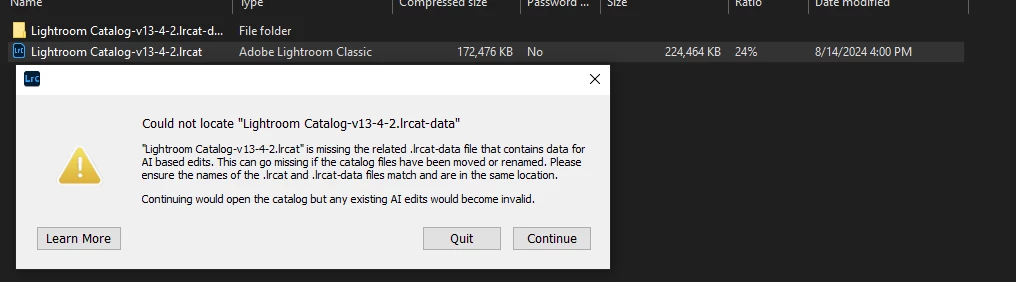
It says it can't find the file when I click learn more it says to make sure the file is in the same folder which it is as seen in this screenshot
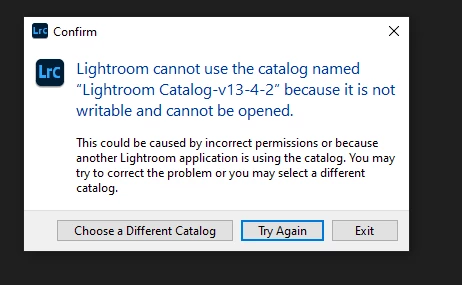
When I click continue it pops up with this

Proplem:
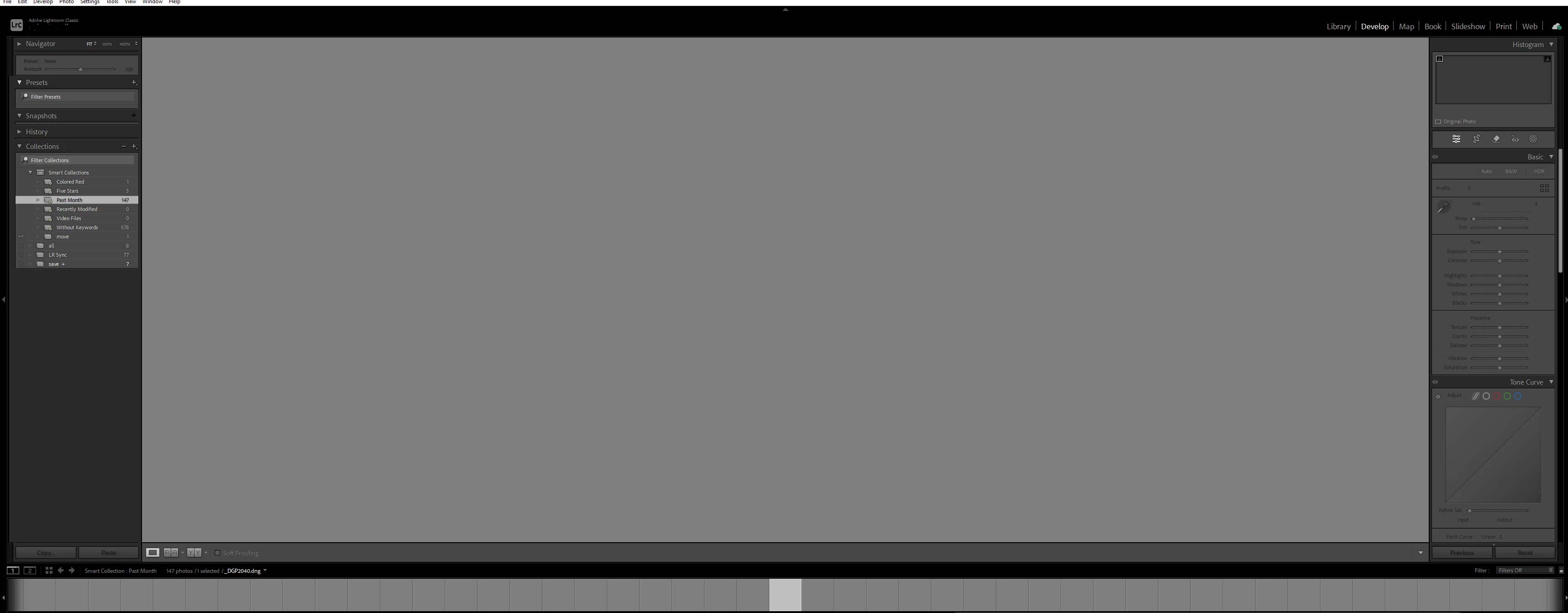
This happend after lightroom said it had an update.

If anyone has any idea how to fix this please respond!


This topic has been closed for replies.

3 replies

GoldingD
Legend
August 22, 2024

Second attempt at this reply. First one was just so so wrong.


Ah, actually third attempt.


In that first screenshot, I notice in the background that you appear to be attempting to load a backup of your catalog. From the compressed folder. That is probably your problem.


Copy that folder to wherever you want it, other than the backup folder. Then uncompress it. Then attempt to load the uncompressed .lrcat file.


I suspect you attempted something like as follows in this video:


https://www.dropbox.com/scl/fi/syc7hvib8h45dh4c5z5gh/2024-08-22-15-37-05.mp4?rlkey=igkauzfy35txjniikmup996uv&st=olsso5x9&dl=0


P.S. Do not emulate placing backup in the same drive as working copy's. What you see in my video is just a quick what if I created. As such the backup was not exactly placed in a good location.


Per Berntsen
Community Expert
Community Expert
August 22, 2024

The first error message says that the Lightroom Catalog-v13-4-2.lrcat-data folder is missing.

Maybe you accidentally moved it, so do a search for it in the File explorer.

If you find it, move it to the folder that contains the catalog, usually a folder named "Lightroom" or "Lightroom catalog" inside the Pictures folder.


Another option is to restore a recent catalog backup.

Backups are zipped, and you have to unzip it to a location of your choice.

Then double-click the catalog file (which has the extension .LRCAT) to launch LrC.

kglad
Community Expert
Community Expert
August 22, 2024

in the future, to find the best place to post your message, use the list here, https://community.adobe.com/

p.s. i don't think the adobe website, and forums in particular, are easy to navigate, so don't spend a lot of time searching that forum list. do your best and we'll move the post (like this one has already been moved) if it helps you get responses.


<"moved from using the community bugs">