
rogergrobler
Participant
July 5, 2021
Question

Lightroom Classic Previews not showing + Selective Sync Conflict Issue

  • July 5, 2021
  • 3 replies
  • 324 views

No previews are building in Lightroom Classic (Mac, version 10.3). I have restarted Lightroom many many times. 
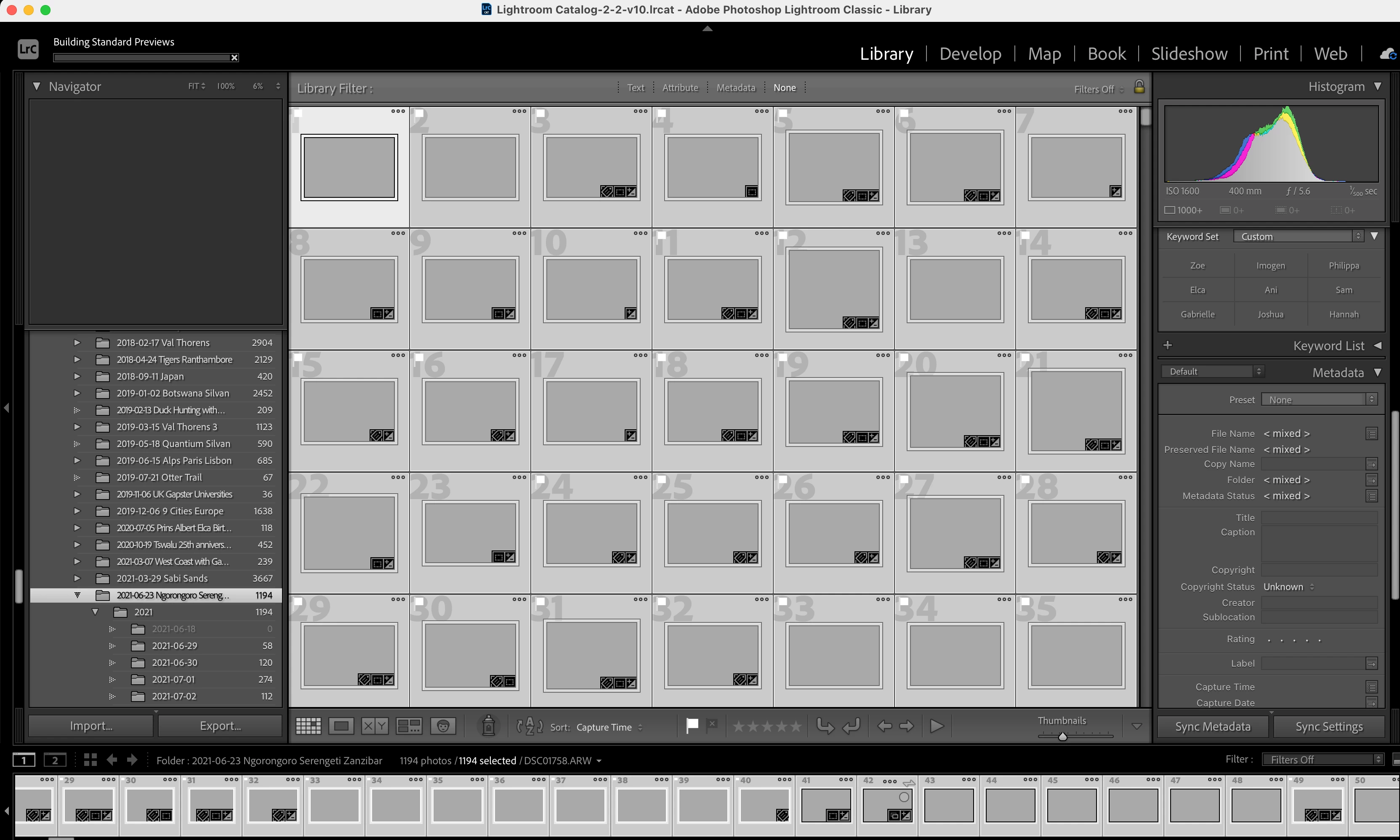
I have tried to remove the Previews file from the catalog folder, but there seems to be a Selective Sync issue. 
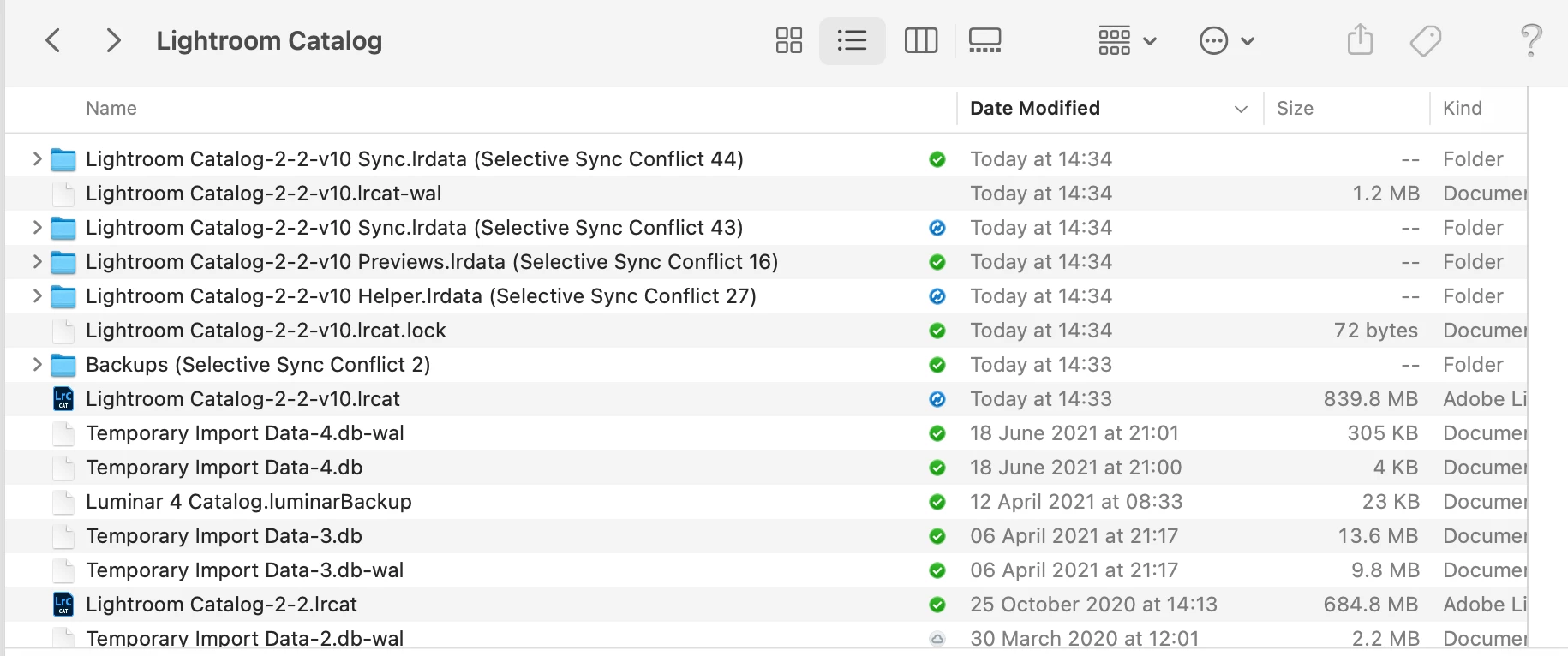
 

I have removed the folders with the Selective Sync Conflicts, and when I restart Lightroom it would sometimes build a handful of previews and then stop again. 


When I try to build previews it goes to 4 and then stops.
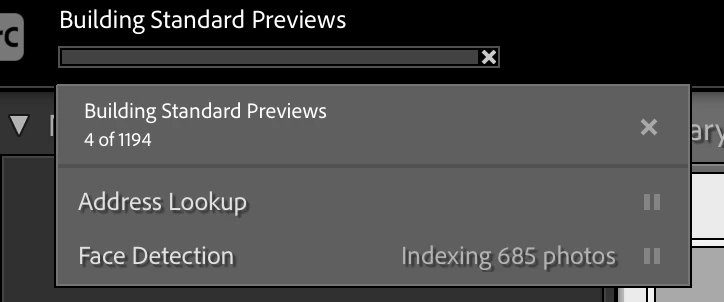
 

Really frustrated and any help will be most appreciated!


Thank you

This topic has been closed for replies.

3 replies

Rob_Cullen
Community Expert
Community Expert
July 5, 2021

What is this blue sync icon? 

Are your photo files stored in Dropbox?  (I cannot determine this from your screen-clip)

Dropbox has a 'Selective Sync' option that only loads photos from the 'online' Dropbox when accessed.

Lightroom-Classic cannot work with this option. You must have the files in a 'Local' folder- even if it be the local Dropbox folder.


Regards. My System: Windows-11, Lightroom-Classic 15.1.1, Photoshop 27.3.1, ACR 18.1.1, Lightroom 9.0, Lr-iOS 10.4.0, Bridge 16.0.2 .
DdeGannes
Community Expert
Community Expert
July 5, 2021

Looking at your screen capture I would first suggest that you pause the "face detection" and then proceed to re-build your previews. As indicated in the earlier post if you remove or delete your preview files they will have to be rebuilt. The preview files must reside in the same folder as the Catalog file the one with the extension .lrcat ( LRCAT ).


Regards, Denis: iMac 27” mid-2015, macOS 11.7.10 Big Sur; 2TB SSD, 24 GB Ram, GPU 2 GB; LrC 12.5,; Lr 6.5, PS 24.7,; ACR 15.5,; (also Laptop Win 11, ver 24H2, LrC 15.0.1, PS 27.0; ) Camera Oly OM-D E-M1.
cmgap
Community Expert
Community Expert
July 5, 2021

Why did you remove you your Previews file? If you move or delete this file Lightroom will have to build a new Previews file. As you open a folder if the previews are not in the Previews file it will rebuild them.