
Question
Lightroom Classic says "No photos found" on my external harrdrive.
I have used an external harddrive in the past to store my photos. When I go to import now from it, it won't show ANY of the folders. I know it has at one point because my library has the harddrive listed with other folders that have been imported in the past. Lightroom is recognizing the harddrive and that it's connected (because it shows it as an option in the import panel). But it just says "no photos found." As you can see, it show the harddrive, and it's expanded to show subfolders, but no subfolders are showing. (And yes, I have tried with the "show subfolders" box clicked too.)
I am using a MacBook pro 2019, Ventury 13.6.9
Any ideas?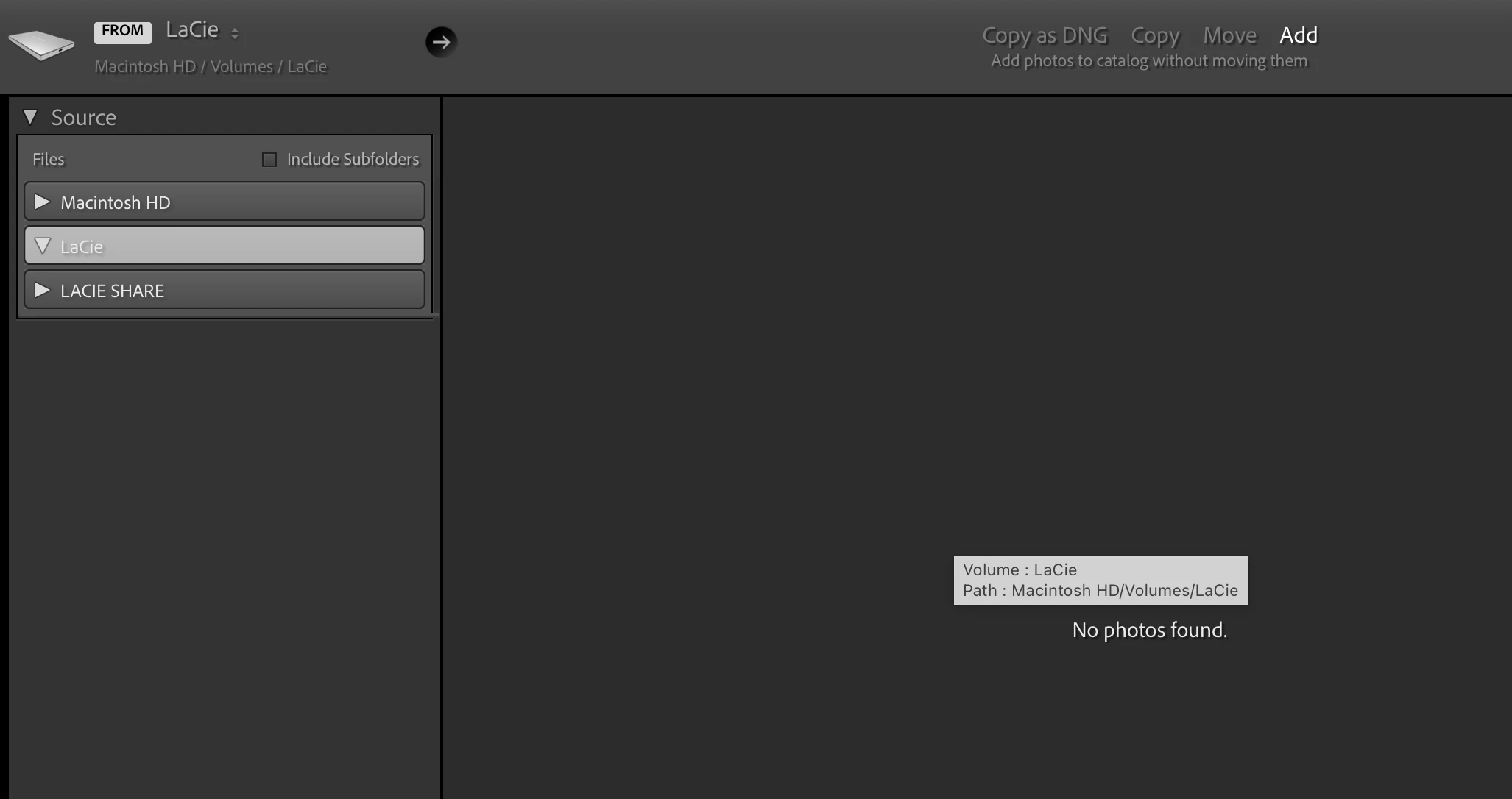


 AdChoices