
Participant
April 12, 2023
Question

Lightroom Classic will not open catalogs Windows 11

  • April 12, 2023
  • 2 replies
  • 555 views

Lightroom Classic is not opening catalogs on Windows 11. It was working fine yesterday, suddenly today catalogs will not open. The ones that do open says that some of the files may be unsupported or damaged. Is there a way to fix this issue?
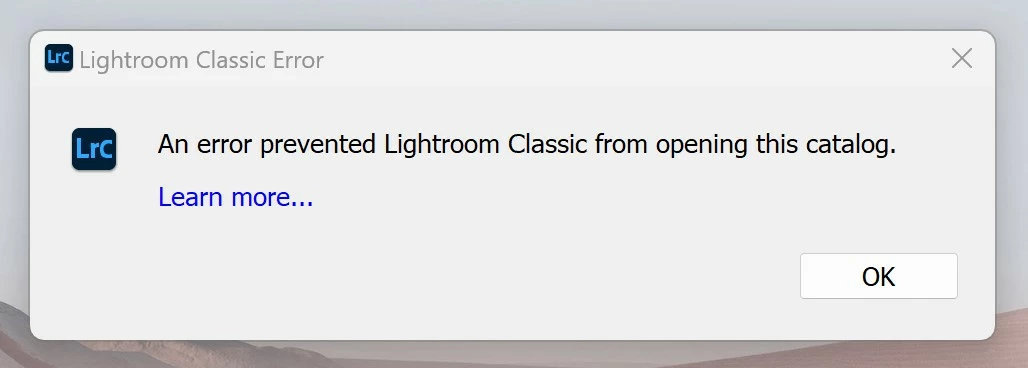
This topic has been closed for replies.

2 replies

AxelMatt
Community Expert
Community Expert
April 12, 2023

Close Lightroom and goto the folder where the lrcat file resides (normally user name > pictures > lightroom). If there is a file there lrcat.lock delete this file and then try and restart Lightroom.

Normally in this case there's another error message, but give it a try.


Please also take a look here:

https://helpx.adobe.com/lightroom-classic/kb/lightroom-error-catalog-cannot-be-opened-lrcat-lock.html


My System: Intel i7-8700K - 64GB RAM - NVidia Geforce RTX 3060 - Windows 11 Pro 25H2 -- LR-Classic 15 - Photoshop 27 - Nik Collection 8 - PureRAW 5 - Topaz Photo
dj_paige
Legend
April 12, 2023

You don't show the "unsupported or damaged" message. Please show us that message as well.


It could be that the catalog has become corrupted and you need to restore it from recent backups.