
Lightroom Classic will not Sync to Mobile - shows sync in process with no progress
Hello (sorry in advance for the novel),
I'm experiencing an issue where Lightroom Classic will not Sync to my Mobile app.
I was able to successfully upgrade my LR Classic desktop application, upload new photos from an external hard drive that is still connected and catalouged appropritaly, and edit my recently uploaded photos. As always, I selected and dragged/droped my recent uploads with edits into my sync'd mobile photo's and they show as added on my Lightroom Classic desktop application but not on my mobile application.
The Lightroom Classic application shows sync in process with no progress. My mobile application shows that everything is sync'd and up to date, but does not show my recent uploads.
HOWEVER - I can add new photos to my mobile application (and edit them) and see them on my Lightroom Classic desktop application, edits and all. It appears that my mobile application is able to talk to my desktop application, but NOT visaversa. Pictures below of what I'm seeing on each device.
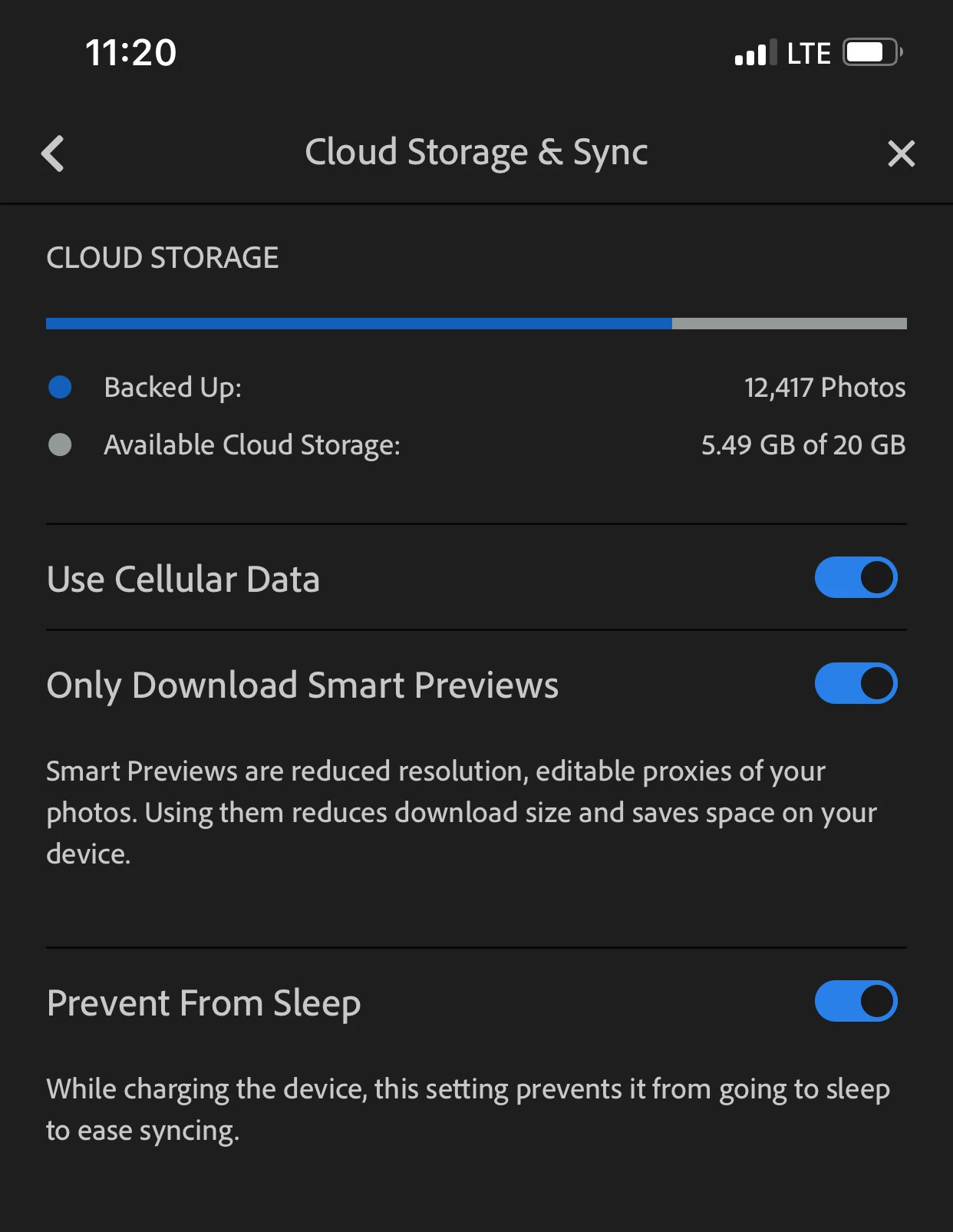
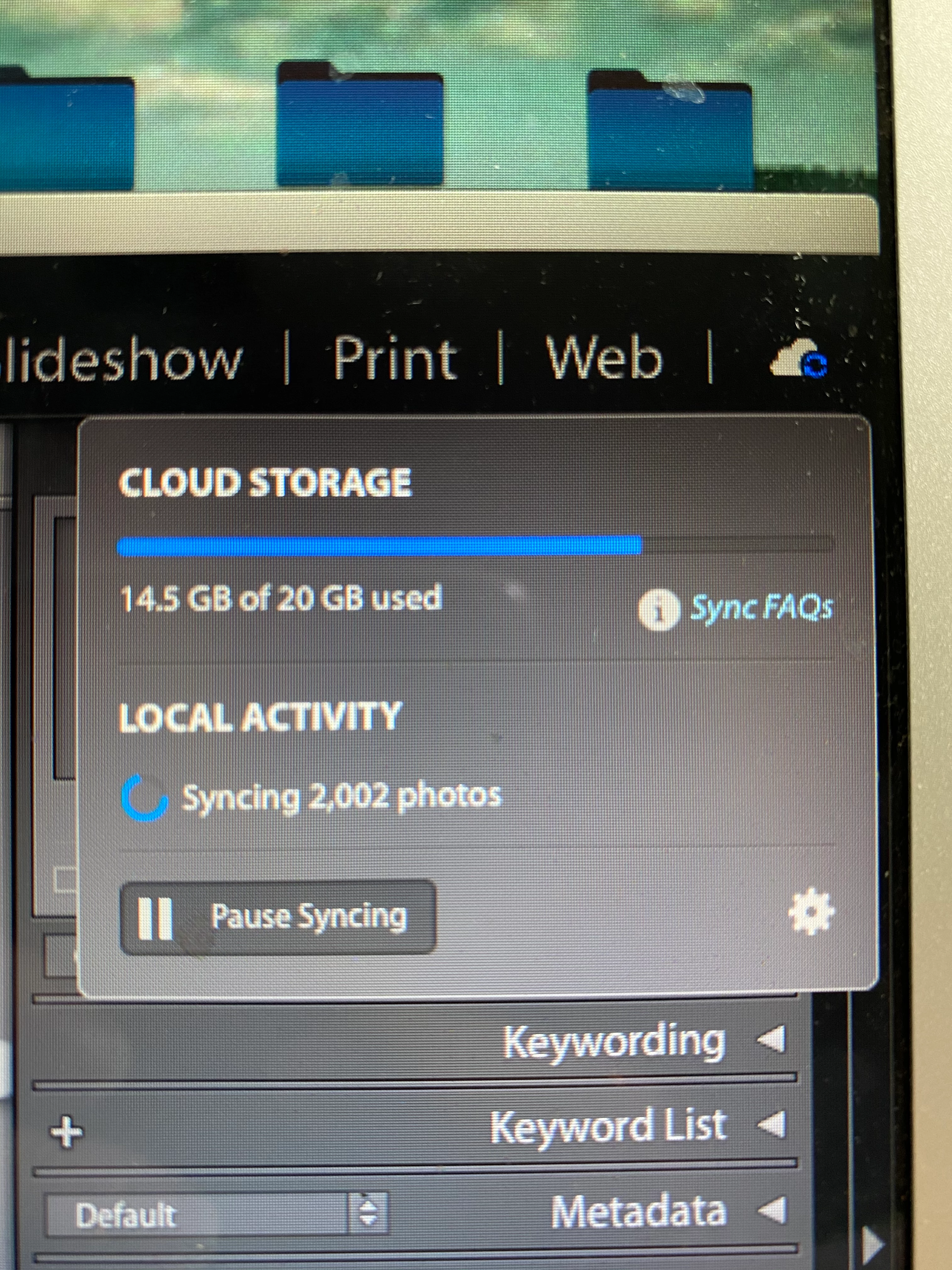
I've attempted multiple ways to resolve this since yesterday afternoon but have had no luck - hoping someone here can help as my edit job is for a new client!
Details...
- Running Mac iOS Catalina 10.15.5
- Running Lightroom Classic 9.3
- Running Latest iOS Lightroom Mobile Application
Steps Taken to Resolve my contiual sync with no progress issue...
- Updated Lightroom
- Verified latest mobile application
- Paused and resumed syncing on Lightroom Classic
- Log-out / Log-in to Lightroom Classic, Adobe Cloud Creative, and LR mobile application
- Restarted my mac
- Reset preferences
- Removed all photos with sync errors
Any other suggestions/help is welcome!
Thank you!!!
{Moved from Lightroom Cloud to Lightroom Classic Forum by Moderator}
 AdChoices