
Lightroom colors wrong compared to Ps and print
Hi,
I'm having an issue with the way Lightroom reproduces the images. I have recently purchased a wide gamut monitor, an Eizo ColorEdge CS2420, which I hardware calibrated, so maybe that is the issue. Before that I was using my laptop screen and never saw color differences between Lightroom / Photoshop / inkjet print. Now I consistently see quite a huge difference in colors in Lightroom, while Photoshop still matches the print very closely. I have already turned off GPU processing in all applications, since by reading other posts I understood that it could lead to color differences between the programs.
Just for information, I develop in Lightroom, then open a .tiff copy in Photoshop for further edits, and finally soft proof and print the .tiff copy from Lightroom.
If anybody can help I would appreciate it. At the moment I'm very confused and thinking about soft proofing in Photoshop, since Lightroom is not reliable. But I would prefer to keep my old workflow.
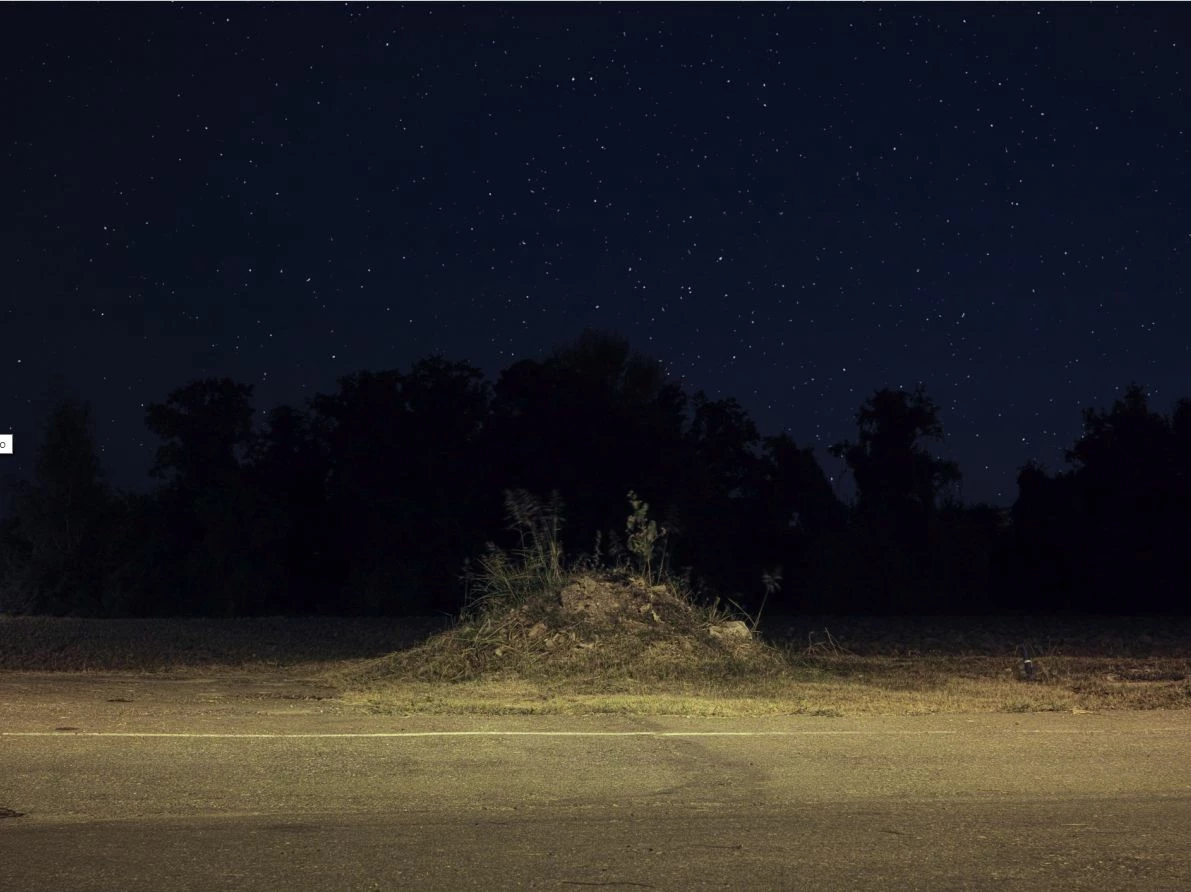
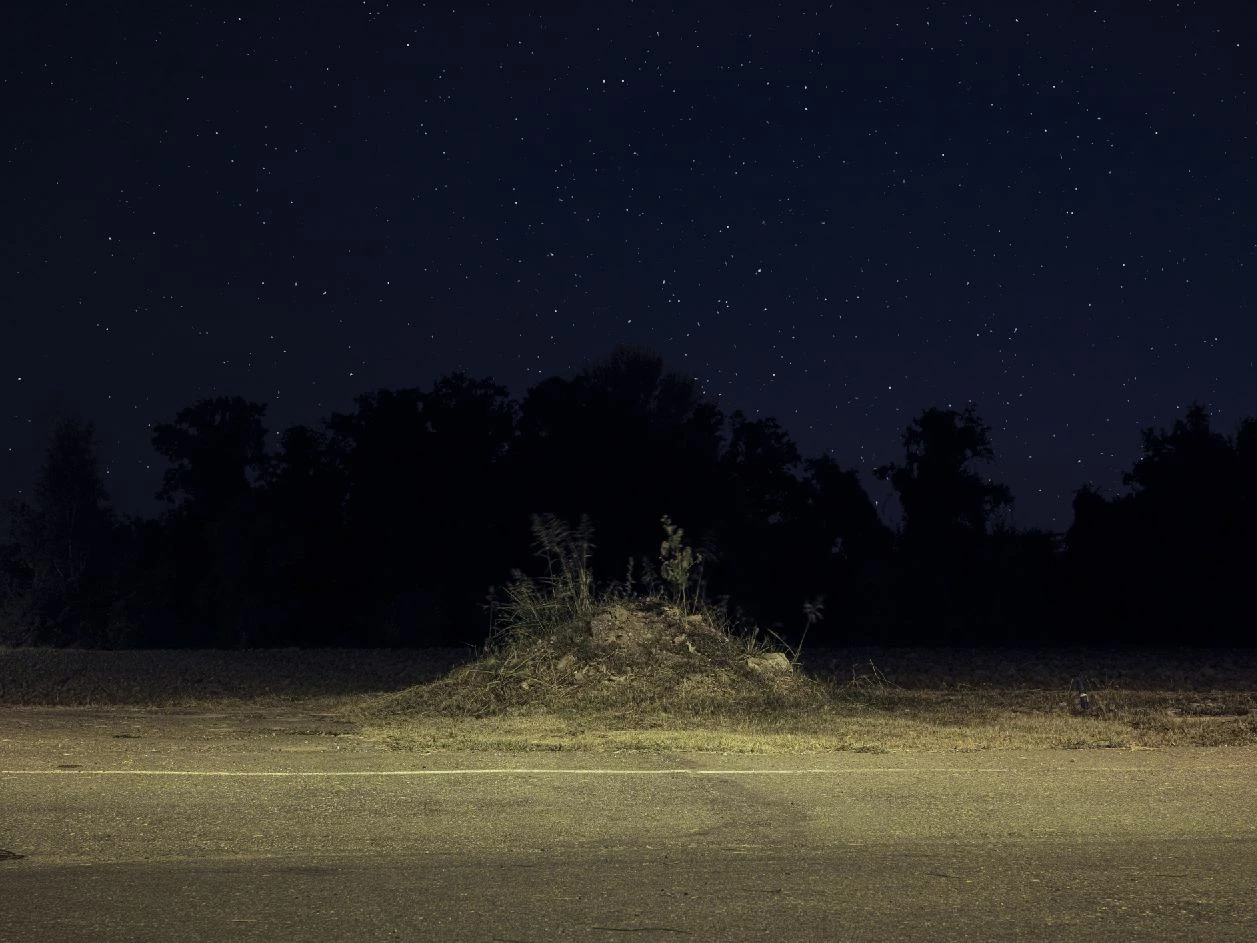
Below the same image from Lightroom (top) and from Photoshop (bottom) (the one from Photoshop is correct as it closely matches the final print).
 AdChoices