
Lightroom Endless, Redundant Syncing
2022 MBP M1 Max, all software up-to-date. I do not manipulate Lr data outside of the Lr app.
Some months ago I noticed that Lr Classic (LrC) was syncing 27 files (photos and metadata) to Lr Cloud (Cloud app). This syncing went on continuously for months. The number of files would vary ± three or four files. All of this data was already in the Cloud, some of it for a couple of years. Looking at the photos in LrC and the Cloud app I could find nothing wrong with them; they behaved as expected. Since there was no apparent problem with the photos and I was busy with other pursuits, I ignored the problem. A couple of days ago I decided to try to do something about it. The only way I could stop the sync (other than “Pause Syncing,” in which case it would resume when I toggled to “Resume Syncing”) was to delete the photos from the Cloud app. A click on the Cloud icon in LrC (top, extreme right) showed nothing syncing.
Then, however…
I took four photos with my iPhone Camera app a few days ago, and in accordance with my Lr Mobile app settings, the photos were both imported into LrC and sent to the Cloud app. Again, as it should be. An hour or so ago I noticed that one of the photos is syncing from LrC to the Cloud app, even though it has already been in the Cloud for three days.
If you have any idea what is causing this endless, redundant syncing, I would be delighted to hear from you! Thanks!
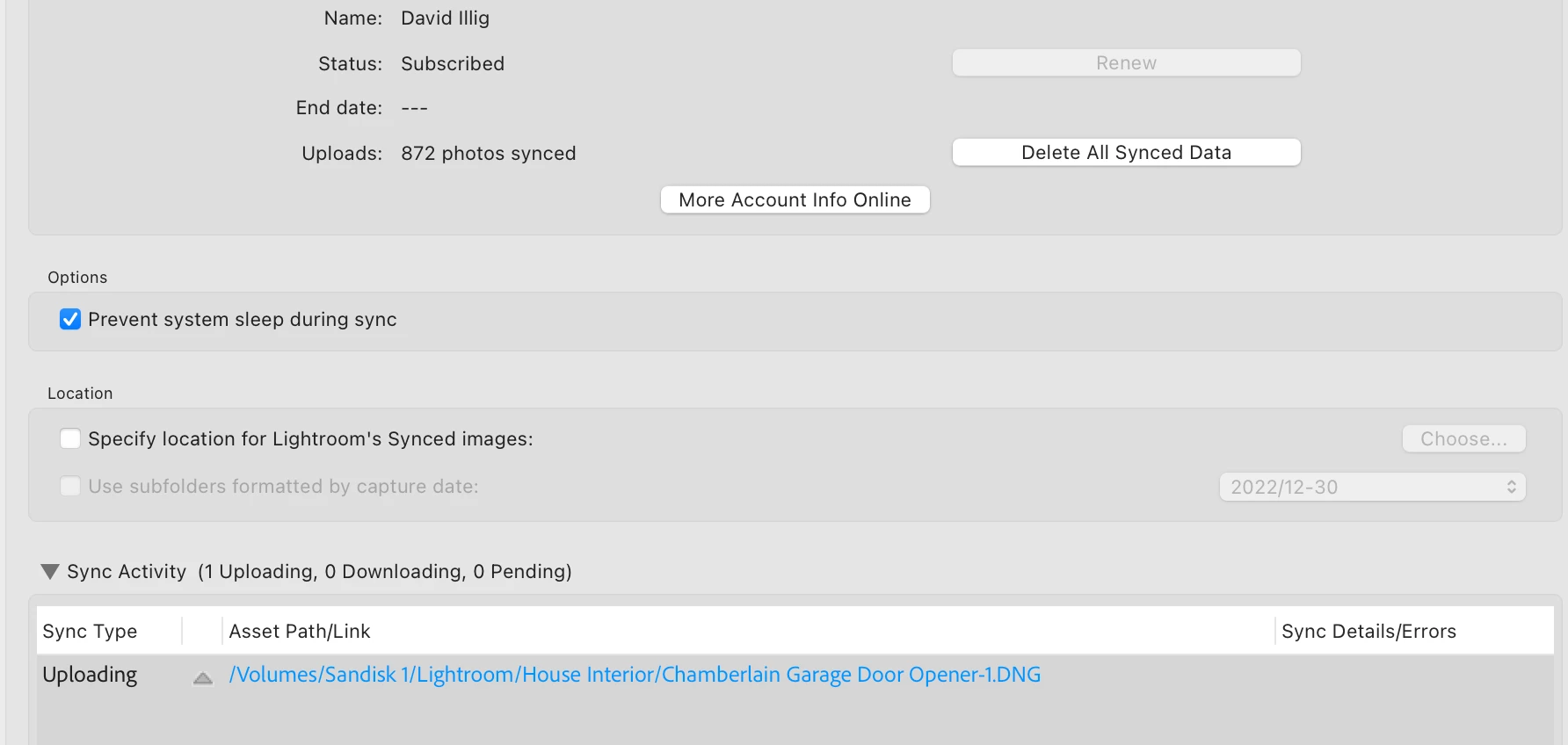
Screen capture: the current redundant sync.


 AdChoices