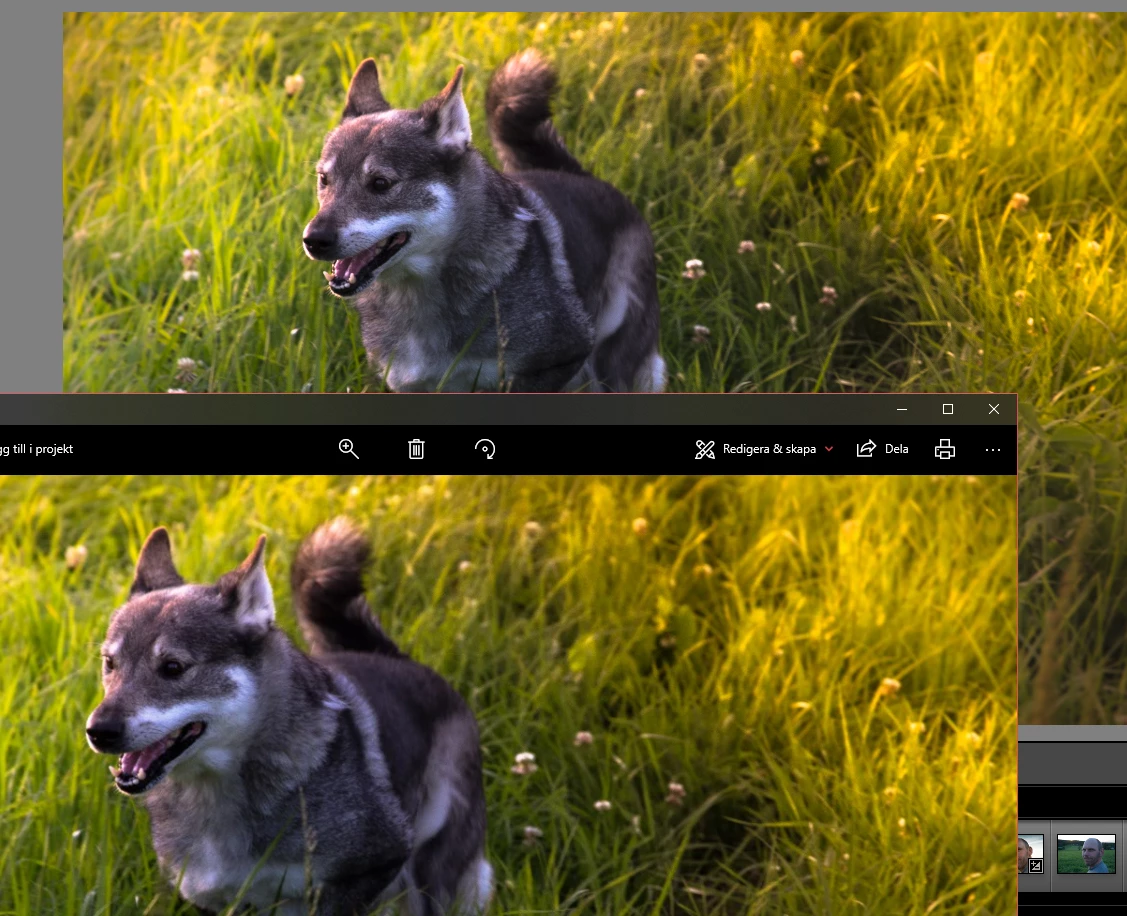
If it is not resizing upon export what is happening is that the resolution of your image is many times bigger than the actual image. The image viewer you are using then has to scale down the image for display and many image viewers use not very good algorithms to do that resulting in blurriness. This therefore has nothing to do with the file but with the image viewer. You should try different image viewers or simply reimport the exported jpeg into Lightroom. There you will see it will look identical. Also you can try zooming to 100% (sometimes called 1:1) in the image viewer you are using and compare it to 1:1 in Lightroom. You will see that all detail is there.
Another option is to export at smaller size. So you want to scale down to for example 1000 pixels on the long side. If you do that, it is best to also do medium strength output sharpening for screen display (all in the export panel). When you export an image to a smaller size that is smaller than the resolution of your display, you are forcing the image viewer you are using to display the image at 100% (each pixel in the file is one pixel on your display) and it will not do any scaling that could blur the picture.

 AdChoices