lenablonsky
Participant
March 3, 2020
Answered

Lightroom failing to upload images from camera

  • March 3, 2020
  • 1 reply
  • 480 views

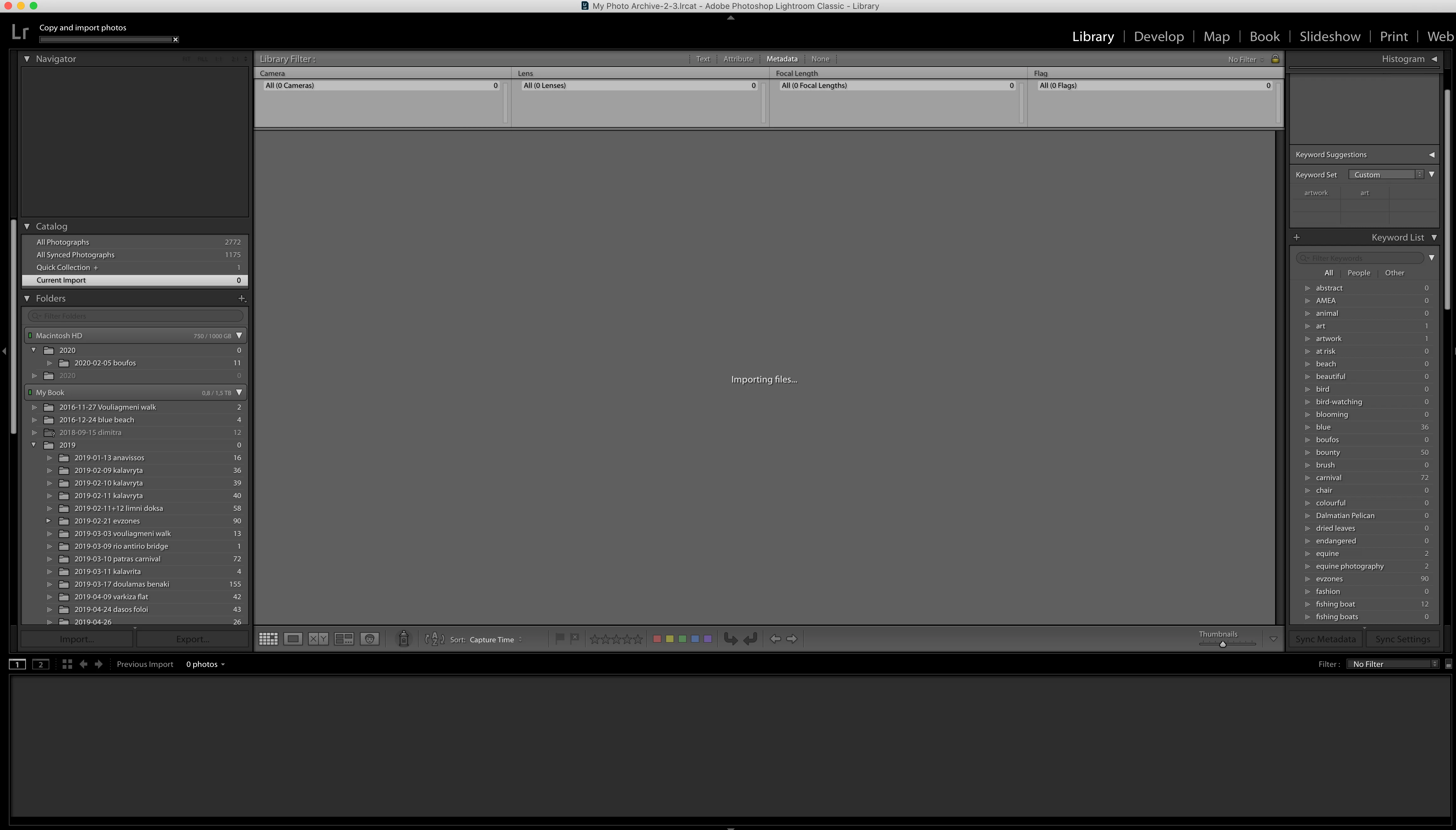
Hi there! I'm trying to upload images from my canon 5d miv camera (like I have done successfully a zillion times) but this time LR seems to be freezing the upload. I have the latest LR Classic update (9.2) and am working on iMac Catalina OS using a usb cable to upload images (as usual). When I open LR and select 'import' the images on my camera are all visible and selectable but when I click ok to 'import' LR seems to indefinitely remain at 'copying files...' 

any clues as to what could be going on?

thanks!

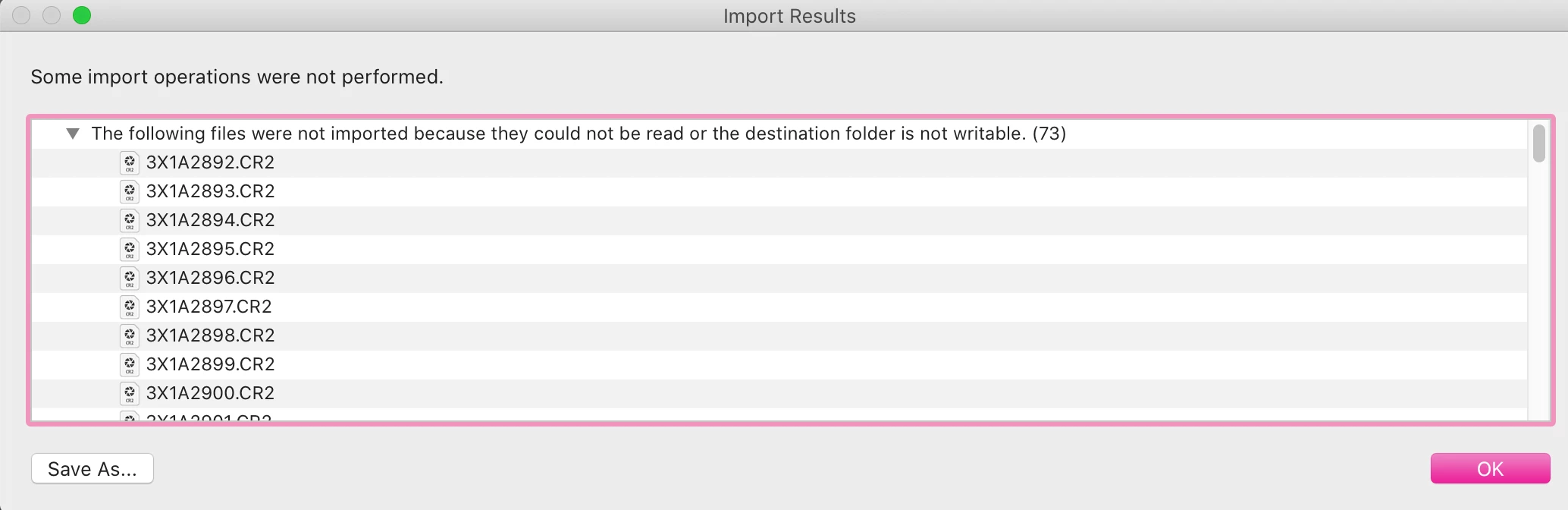
I've attached a couple of screen shots to illustrate
This topic has been closed for replies.
Correct answer dj_paige

"Destination folder is not writeable". Change the Destination folder back to what it was previously when you successfully imported.

1 reply

dj_paige
dj_paigeCorrect answer
Legend
March 3, 2020

"Destination folder is not writeable". Change the Destination folder back to what it was previously when you successfully imported.

lenablonsky
Participant
March 3, 2020

I did change it back, or so I thought, before posting this, but it was still not uploading them. However, when I returned a while later I noticed that in the top right hand corner of the window it says 'To -> .....' and for some reason it was directed to an unwritable part of my computer. All's well now, thanks!