Participant
September 28, 2025
Question

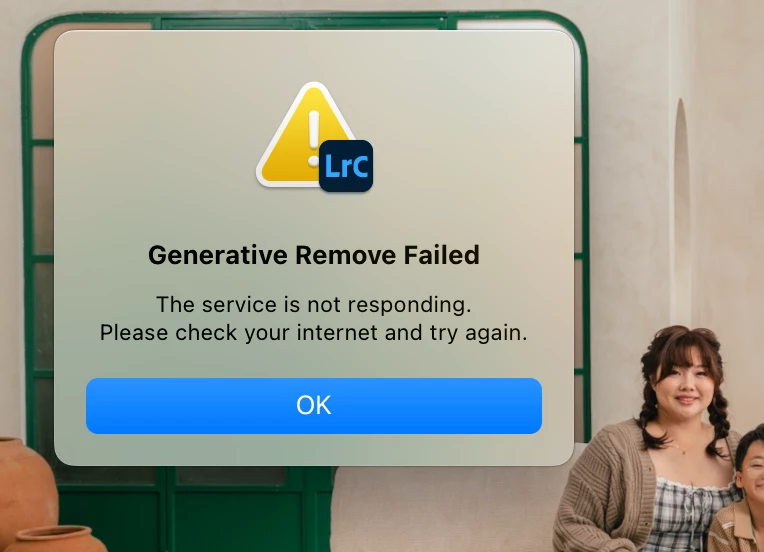
Lightroom generative remove not working

  • September 28, 2025
  • 1 reply
  • 162 views

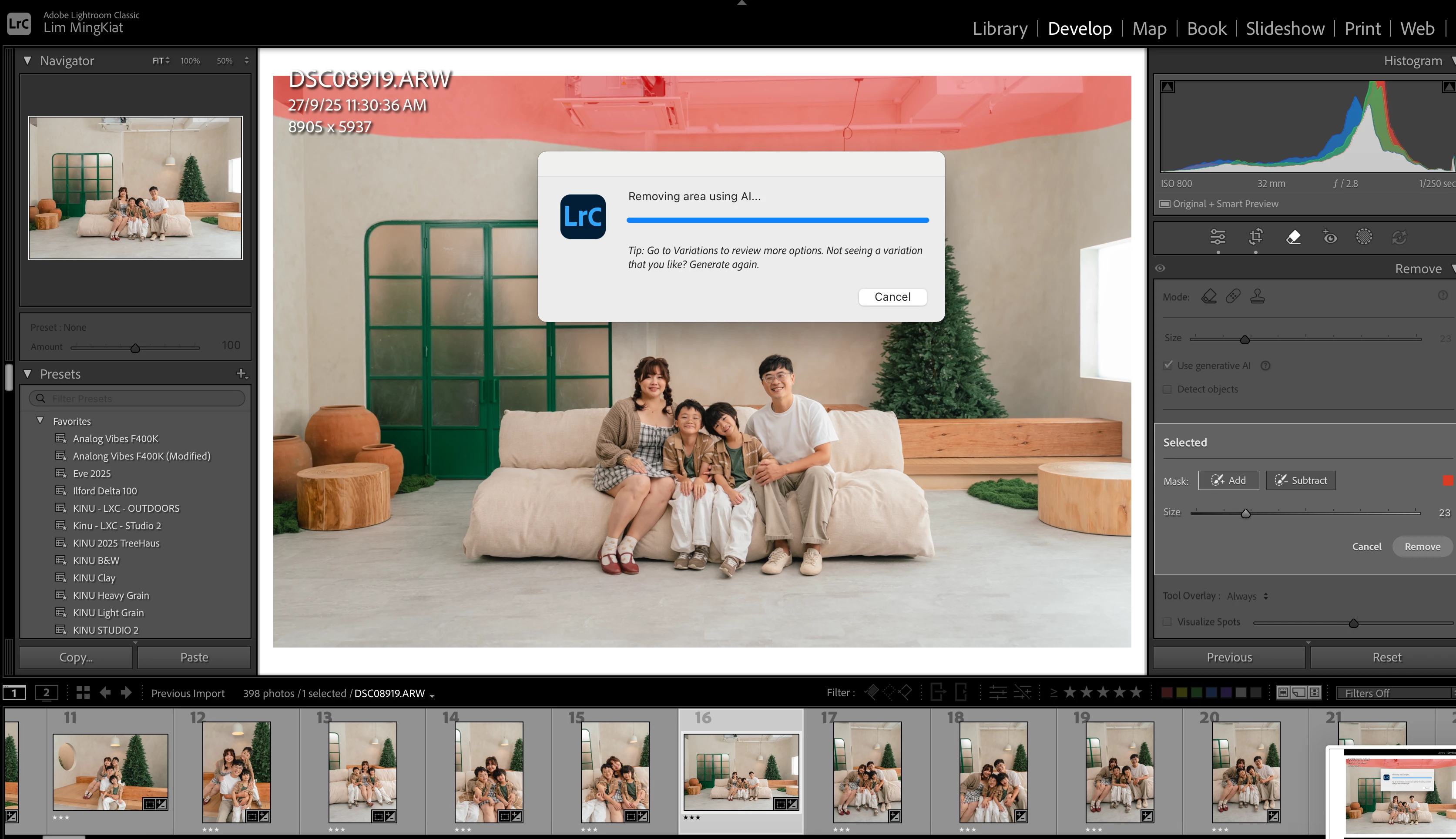
We have 4 Macs in our studio. Both Macs that are logged into my Creative Cloud account are facing the same issue where the gen ai remove takes very long to load, and after 1 minute or so, it says "Generative remove failed. The service is not responding. Please check your internet and try again."


We have 2 other Macs that can run generative remove in Lightroom with no issues. They are signed into different accounts seperately 

All the Macs in our studio are connected to the same network, so it can't be a firewall issue.


1 reply

johnrellis
Legend
September 28, 2025

"All the Macs in our studio are connected to the same network, so it can't be a firewall issue."


Not necessarily -- firewalls can look at both where packets are coming from as well as to where they're going, and they look at the content of the packets as well (which differ among your computers). And it may not be the firewall on your local router but somewhere deeper along the path from the computer to Adobe's servers.


As a diagnostic step, try connecting a problem Mac to another network, e.g. the hotspot on a cell phone or a neighbor's Wifi.