
determined_Echo16B8
Participating Frequently
November 8, 2016
Answered

Lightroom has blank dialog after splash screen, cannot create new catalog

  • November 8, 2016
  • 4 replies
  • 1091 views

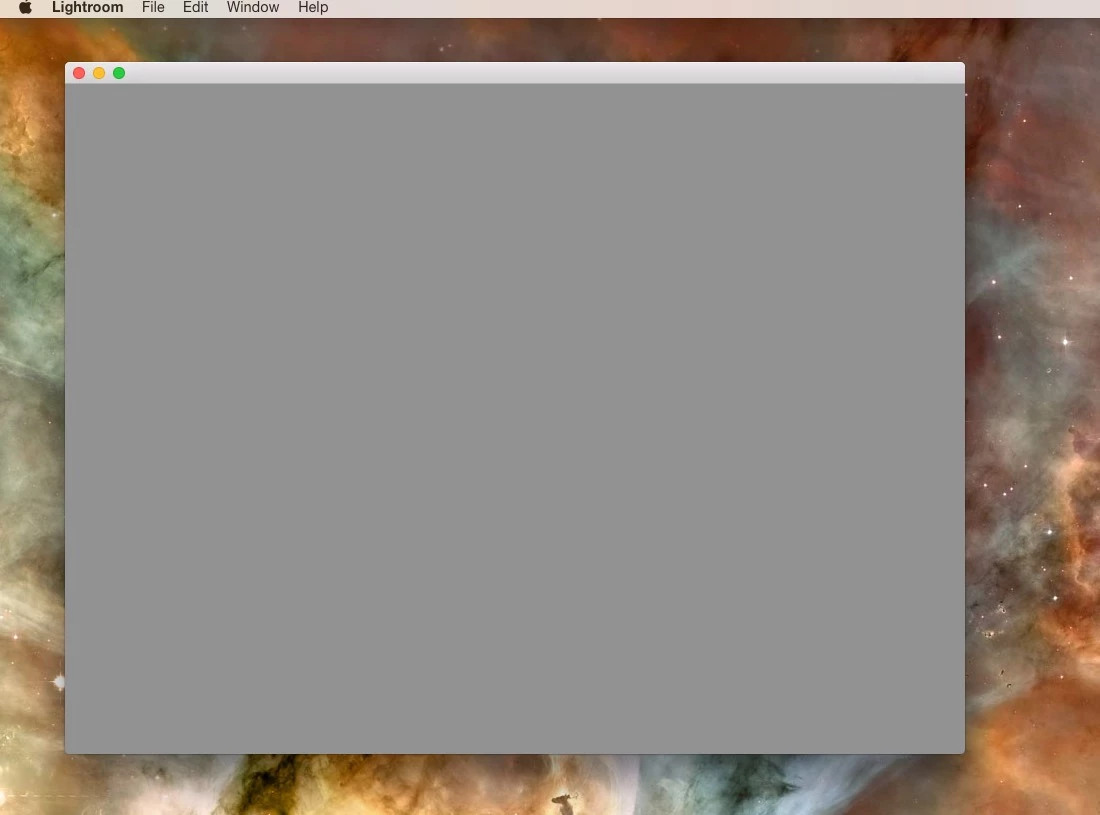
After upgrading to LR 2015.7 (*CC) (Mac OS 10.10.5) I now get a blank grey start box, cannot create a new catalog I can select this option, but it renders no new dialog box, cannot access preferences, the app is essentially useless. I have uninstalled and re-installed now twice, same result.
    This topic has been closed for replies.
    Correct answer F. McLion

    How about holding down the Opt key while starting LR?

    What happens if you try to start LR by (double-)clicking on an existing catalog (*.lrcat)?

    4 replies

    determined_Echo16B8
    Participating Frequently
    November 23, 2016

    I did not re-install, but held opt/alt  (As recomm by FC.McLion)  and it seems to have solved the problem. Terribly frustrating issue. Finally solved, thanks to all who chimed in.

    mike_morrison
    Participant
    November 23, 2016

    I have it working.

    I removed LR6 and re-installed LR CC.  Then opened LR and held down CMD + SHFT + O which forces LR to open a different catalog.  It re-launched LR and all is well.  I assume my original catalog is corrupt.

    -Mike

    mike_morrison
    Participant
    November 23, 2016

    That was a good thought but, it didn't work.

    I now removed LR CC and installed LR6.  Still the same issue.  This was working fine before the recent update.

    F. McLion
    Community Expert
    Community Expert
    November 8, 2016

    Please try to reset your preferences: Resetting Preferences in Lightroom CC/6

    They are NOT reset by uninstalling and reinstalling.

    --- Got your issue resolved? Please label the response as 'Correct Answer' to help your fellow community members find a solution to similar problems. ---
    determined_Echo16B8
    Participating Frequently
    November 8, 2016

    I am sorry I neglected to mention that I did this prefs reset step already. I tried it again, but I still net the exact same grey screen result.

    F. McLion
    Community Expert
    F. McLionCommunity ExpertCorrect answer
    Community Expert
    November 8, 2016

    How about holding down the Opt key while starting LR?

    What happens if you try to start LR by (double-)clicking on an existing catalog (*.lrcat)?

    --- Got your issue resolved? Please label the response as 'Correct Answer' to help your fellow community members find a solution to similar problems. ---