

Lewismarke_PGD
Participant
September 29, 2022
Question

Lightroom images don't appear correctly in Develop Module

  • September 29, 2022
  • 1 reply
  • 108 views

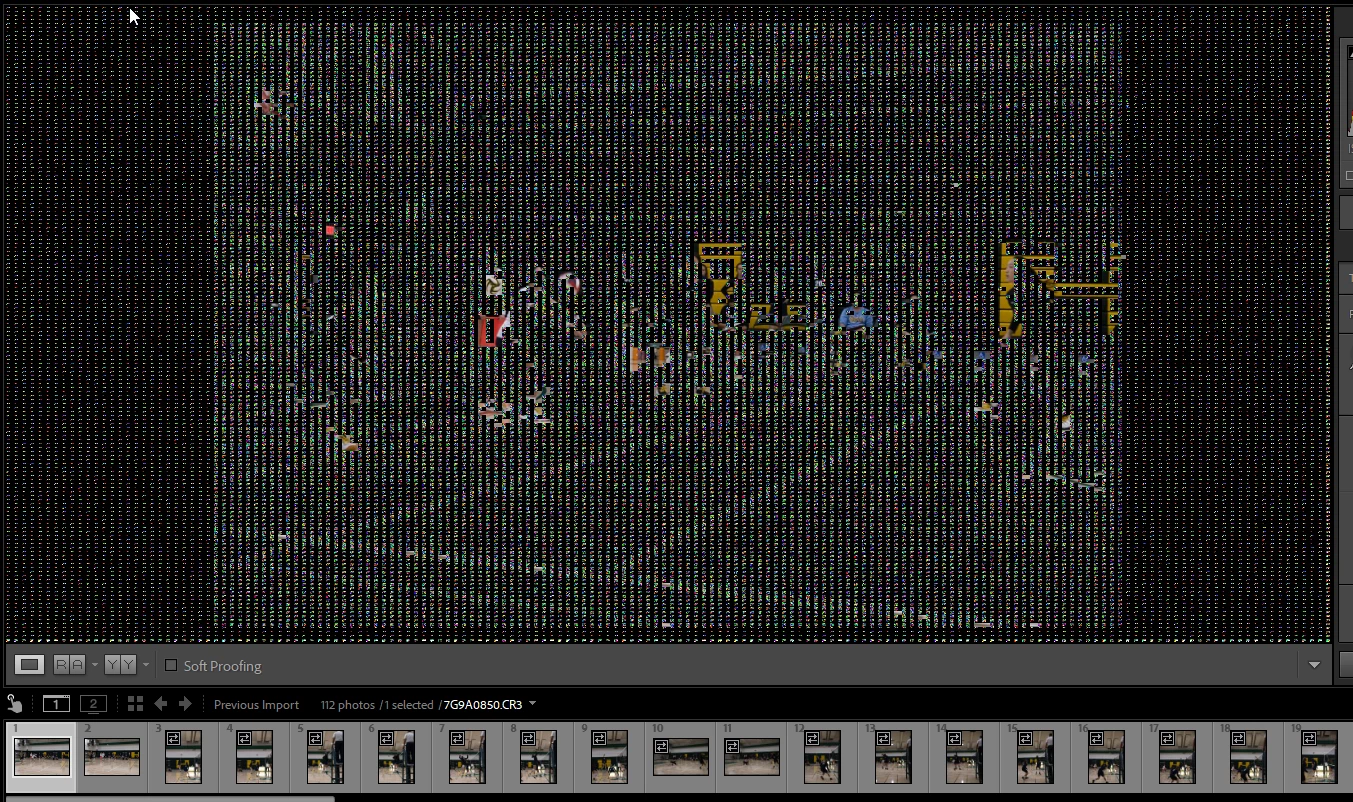
I imported RAW images from Canon R5.  They look fine in library, they look fine in filmstrip of develop

mode but in the viewing pane in develop they are not showing properly (see attached screenshot).


Windows is up to date, Lightroom is up to date.


This topic has been closed for replies.

1 reply

TheDigitalDog
Inspiring
September 29, 2022

First, try disabling GPU in the preferences (Performance). Any better?
If not, recalibrate and build a new ICC display profile; the old one might be corrupted. If you are using software/hardware for this task, be sure the software is set to build a matrix, not LUT profile, Version 2, not Version 4 profile.


Author “Color Management for Photographers" & "Photoshop CC Color Management/pluralsight"
Lewismarke_PGD
Participant
September 29, 2022

Thanks @TheDigitalDog turning off the GPU worked.  Now I'll have to go look into what all that means. 🙂   I also don't know what the ICC display profile is so I'll check that out for future reference.  I really appreciate your help.

TheDigitalDog
Inspiring
September 29, 2022

If turning OFF GPU works, it's a GPU bug and you need to contact the manufacturer or find out if there's an updated driver for it.  This is why disabling GPU is an option as more and more functionality moves to the GPU in newer versions of many Adobe products.
Also see: https://helpx.adobe.com/photoshop/kb/photoshop-cc-gpu-card-faq.html
https://helpx.adobe.com/photoshop/kb/acr-gpu-faq.html

Author “Color Management for Photographers" & "Photoshop CC Color Management/pluralsight"