Participant
July 17, 2017
Answered

Lightroom is not applying my luminance/NR

  • July 17, 2017
  • 1 reply
  • 807 views

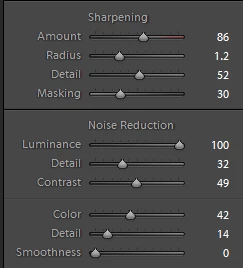
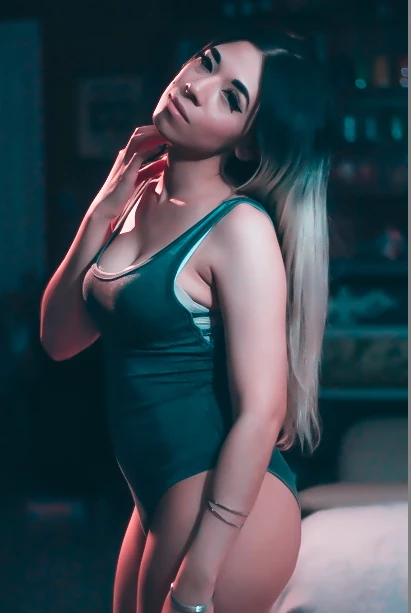
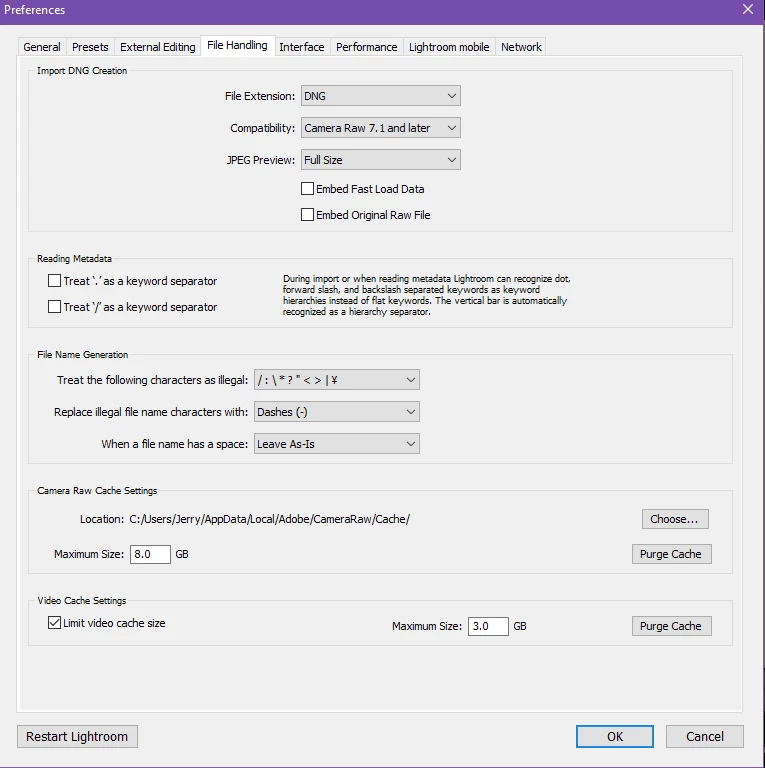
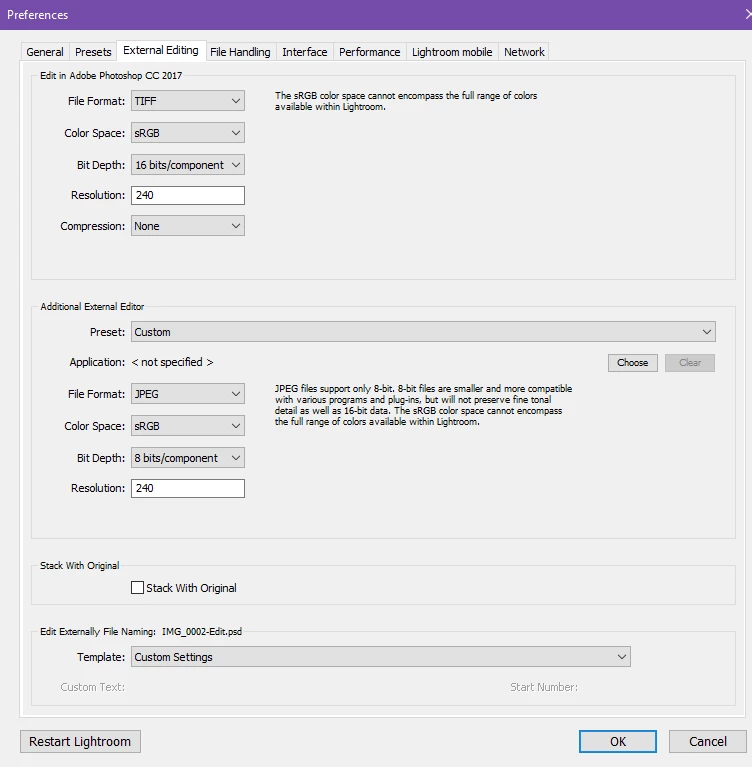
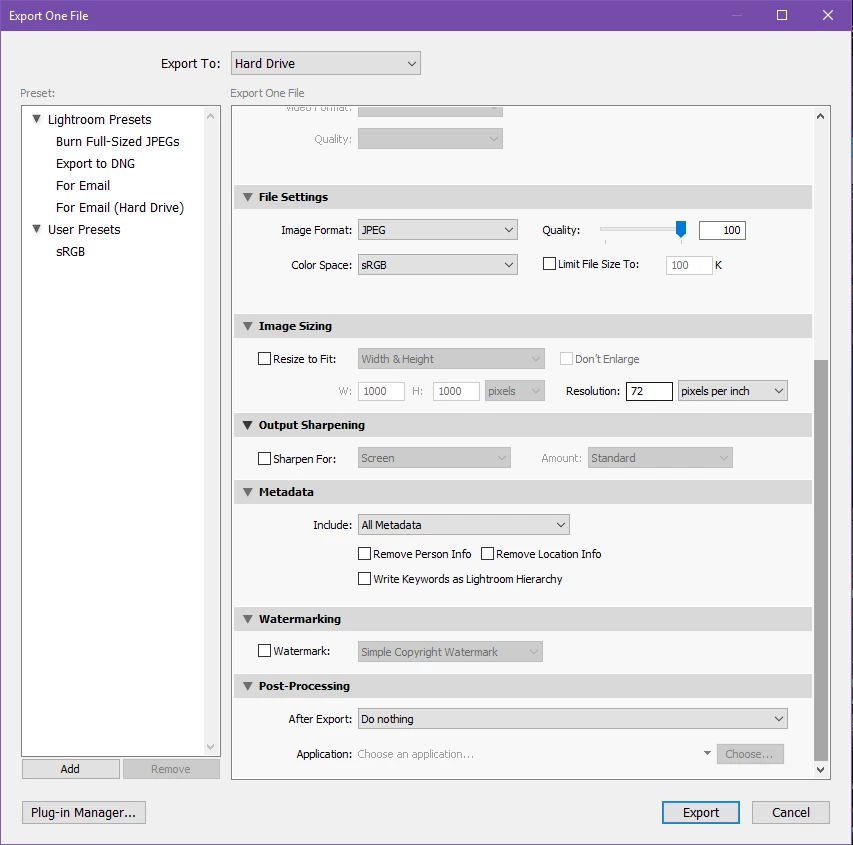
How come my images won't show up as it is shown in Lightroom? Let's say if I apply luminance for 60-100 and it looks super smooth with ZERO noise at all but when I am exporting the images, the noises appear and it is as if no changes were made. No I am not exporting with any presets. I'm provided screenshots below to show you the issue I'm experiencing. All I want to do is to have the picture saved as it is shown in lightroom.

Lightroom version: CC 2015.10.1 [ 1117303 ]

License: Creative Cloud

Operating system: Windows 10

Installed Plugins:

1) AdobeStock

2) Canon Tether Plugin

3) Facebook

4) Flickr

5) Leica Tether Plugin

6) Nikon Tether Plugin
This topic has been closed for replies.
Correct answer Per Berntsen

Noise reduction and sharpening must be applied at 1:1 view. Fit view will be inaccurate and misleading, because the image has been scaled and resampled.

The same goes for the exported image - you must view it at 1:1 (100%) view, where one image pixel is represented by one screen pixel.

To furter complicate the issue, different applications use different algorithms (sharpening and smoothing) when scaling images.

So viewing an image at for instance 36% magnification may produce different results in two different applications.

Since you exported the image with no resizing and no output sharpening, it should be identical to the original when both are viewed at 1:1.

1 reply

Per Berntsen
Community Expert
Per BerntsenCommunity ExpertCorrect answer
Community Expert
July 17, 2017

Noise reduction and sharpening must be applied at 1:1 view. Fit view will be inaccurate and misleading, because the image has been scaled and resampled.

The same goes for the exported image - you must view it at 1:1 (100%) view, where one image pixel is represented by one screen pixel.

To furter complicate the issue, different applications use different algorithms (sharpening and smoothing) when scaling images.

So viewing an image at for instance 36% magnification may produce different results in two different applications.

Since you exported the image with no resizing and no output sharpening, it should be identical to the original when both are viewed at 1:1.

Participant
July 17, 2017

Wait, so you're telling me what I see in develop module isn't what the picture is going to look like? I did view it in 1:1 too.

I'll give this a try when I get home!