jessicacourtnie
Participating Frequently
June 18, 2018
Question

Lightroom issues with Nikon D850 files

  • June 18, 2018
  • 3 replies
  • 4080 views

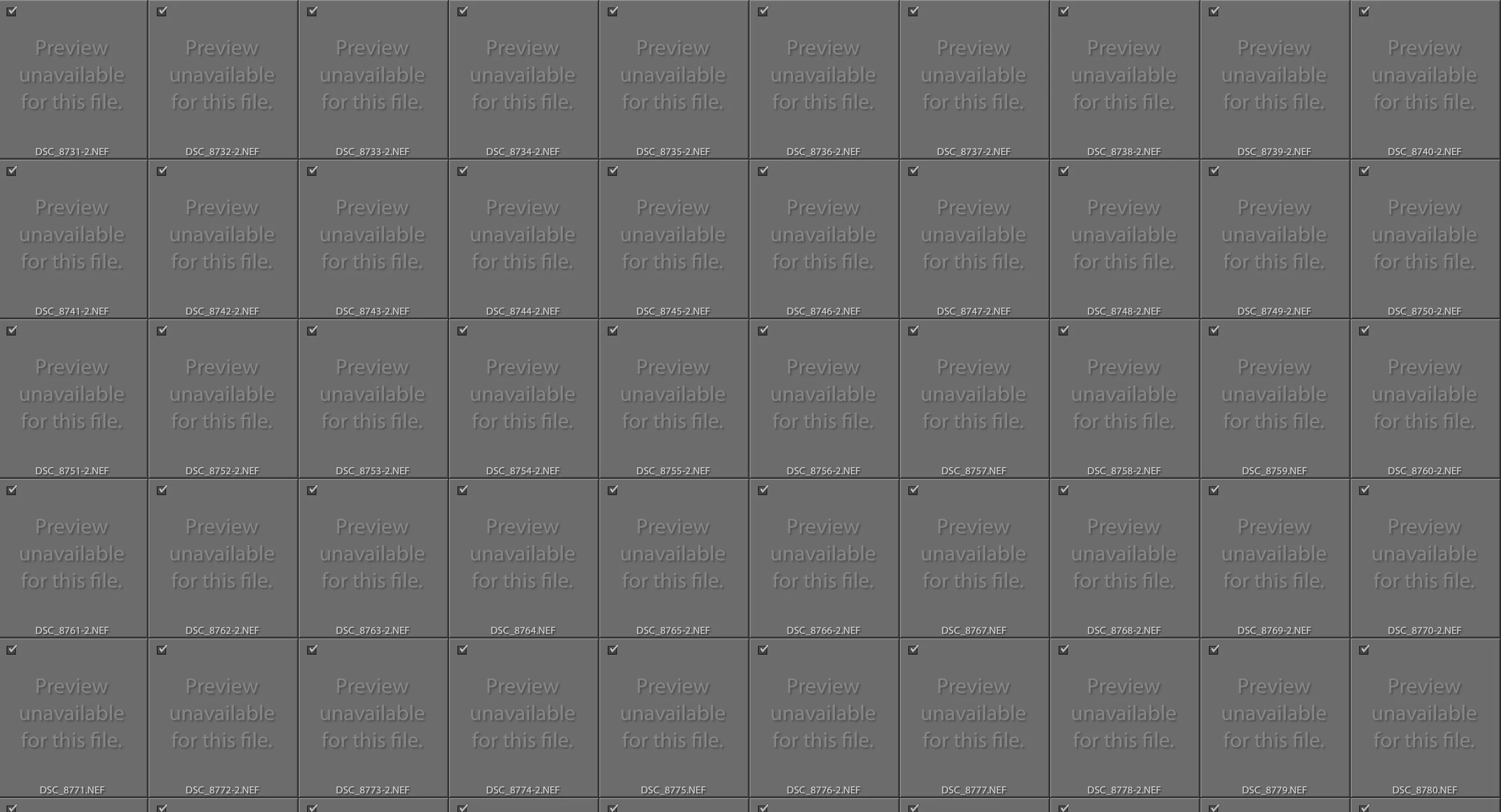
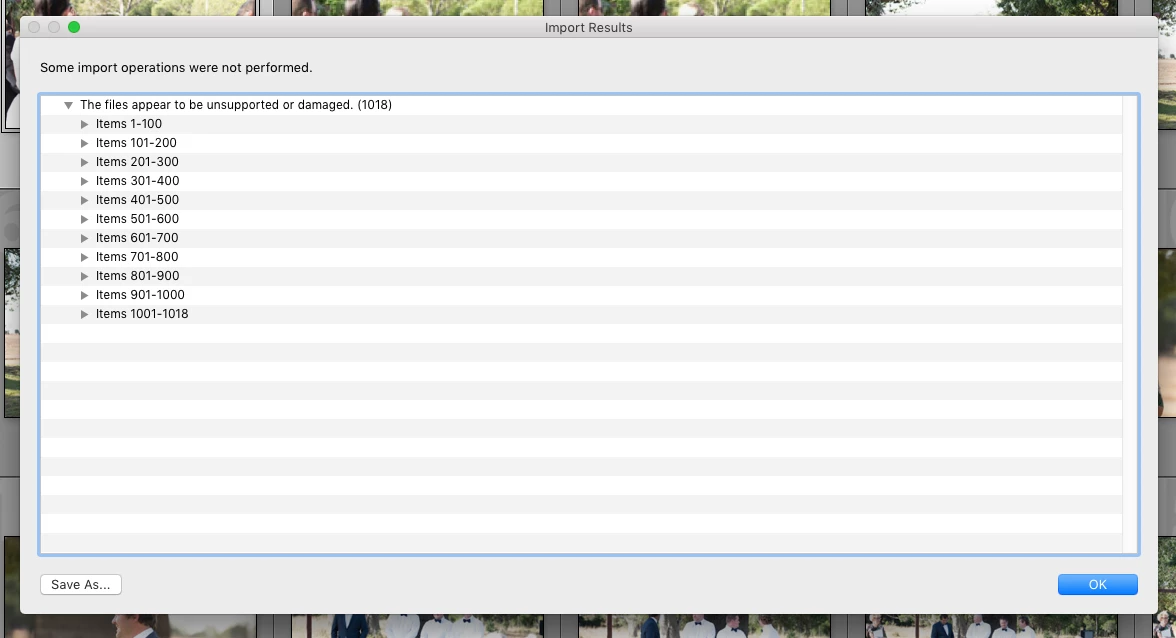
I've recently started using the Nikon D750 and D850, I've been a Canon shooter for years, but a friend recently bought these cameras and I have been trying them out. Problem is, every time I use Lightroom Classic to edit the images from the D850 it crashes within a few minutes, not only that but also a lot of the time causes my entire computer to crash (iMac). I have also had a lot of trouble with importing images off the D850, each time it has taken me 3-4 attempts to import and also then loses the folder once they are imported. I have 1300 images from a wedding I am currently working on, once the photos finally imported, I edited 250 of them and then when I went back to them, the folder no longer existed, yet it wouldn't let me re-import (saying they were already there). Multiple errors have occurred whenever I have tried to import images from the D850, specifically: when importing images the import screen reads: 'preview unavailable' for every image, then if you proceed to import this error appears (attached) ' some import operations were not performed' and lists all the images.   This has been an ongoing problem for the last 6 months, I'm all out of ideas. Lightroom is up-to-date.

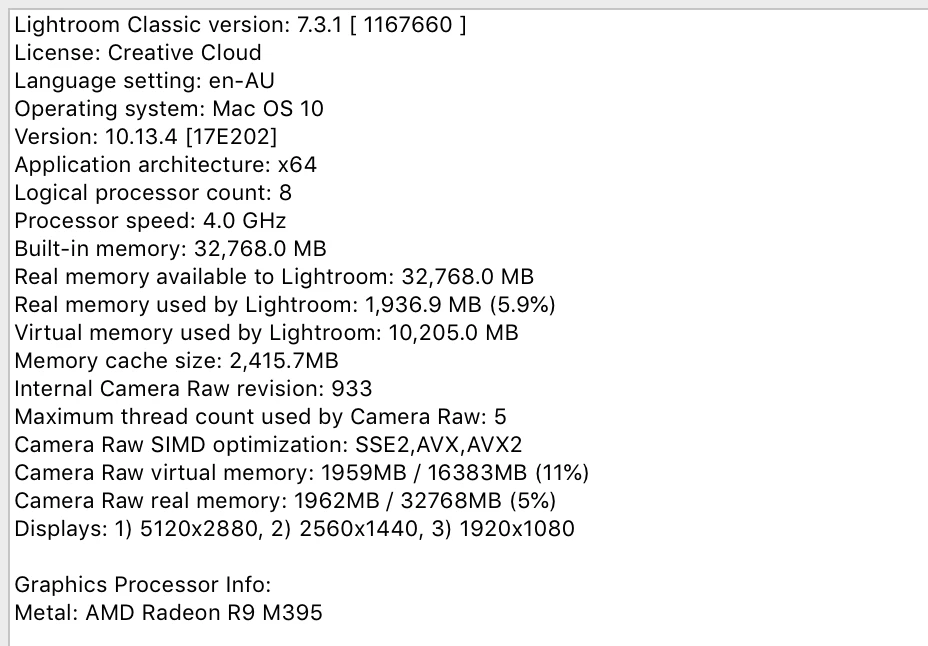
Notes: Yes, I know how to use Lightroom - and I know I haven't imported the photos into a different folder and just 'can't find them' Lightroom System info attached. The images can be opened in Photoshop, just not Lightroom
This topic has been closed for replies.

3 replies

Legend
June 25, 2018

In the other thread I wondered if this could be related to filesize. The fact that you can import now by moving files to HD certainly doesn't signal against this possibility. Are other programs shut down as you're attempting the LR maneuvers? Perhaps some Mac people here can suggest a good diagnostic utility to run.  And have you tried dealing with one image at a time? These are things to try, as well as having others test your images for corruption - but the fact that you've managed one good one makes image file corruption seem less likely.

dj_paige
Legend
June 25, 2018

joefry99  wrote

In the other thread I wondered if this could be related to filesize.

But everyone else who uses a D850 has files of the same size, and doesn't have these problems.

Legend
June 25, 2018

dj, I could have been more clear - I wonder about the possibility that due to some other problem in her system, the difference in filesize would make a difference; say someting like a RAM or caching area issue. I don't know enough about the architecture of LR or a Mac to  know if that's a possibility; but now particularly because the import seems to be working with the card reader bypassed, why not try to  import and preview just one image? It does appear that one preview worked. Is the next image file perhaps corrupt?

Tony_See
Inspiring
June 21, 2018

Has the Version 7.4 update helped your issue?

Are you cabling the Nikon directly to your iMac? Can you try and report the effectiveness of using the SD card directly into the Mac perhaps?

jessicacourtnie
Participating Frequently
June 21, 2018

Hi Tony, no I have been using an XQD reader, but I have used the same reader with other computers without any issues. No solutions, there are so many things that have gone wrong when using the Nikon I really don't want to connect it to my computer or download any more images, it's taken me about 15 hours to do a 4 hour edit. Multiple issues, including loosing files constantly, post editing. Very frustrating.

F. McLion
Community Expert
Community Expert
June 21, 2018

I have no issues with my D850 and LR.

Can you share an image file? If yes, copy one that you already have imported, from you disk, and that is not working correctly with LR.

--- Got your issue resolved? Please label the response as 'Correct Answer' to help your fellow community members find a solution to similar problems. ---
Community Expert
June 19, 2018

Your description is so not normal for Lightroom, that I would have to guess there maybe is a hardware failure causing corrupted files. 

Do you or your friend have another computer with Lightroom?  Does it work OK with the same D850 files?

jessicacourtnie
Participating Frequently
June 19, 2018

I realize that this is not normal for Lightroom, the part that I cannot work out though is these issues are only happening with the Nikon files, not my Canon files. Yes, I do have another computer I have tried, however, it's a PC, not an iMac and the files imported slightly better than on my main computer, it still took three attempts to import, crashed Lightroom once and then couldn't import 300 files also.

Community Expert
June 19, 2018

Version 7.4 started rolling out today.  With luck, it will fix your issues.