
Answered
lightroom keeps crashing and banding lines when importing
lightroom keeps crashing and banding lines when importing please Help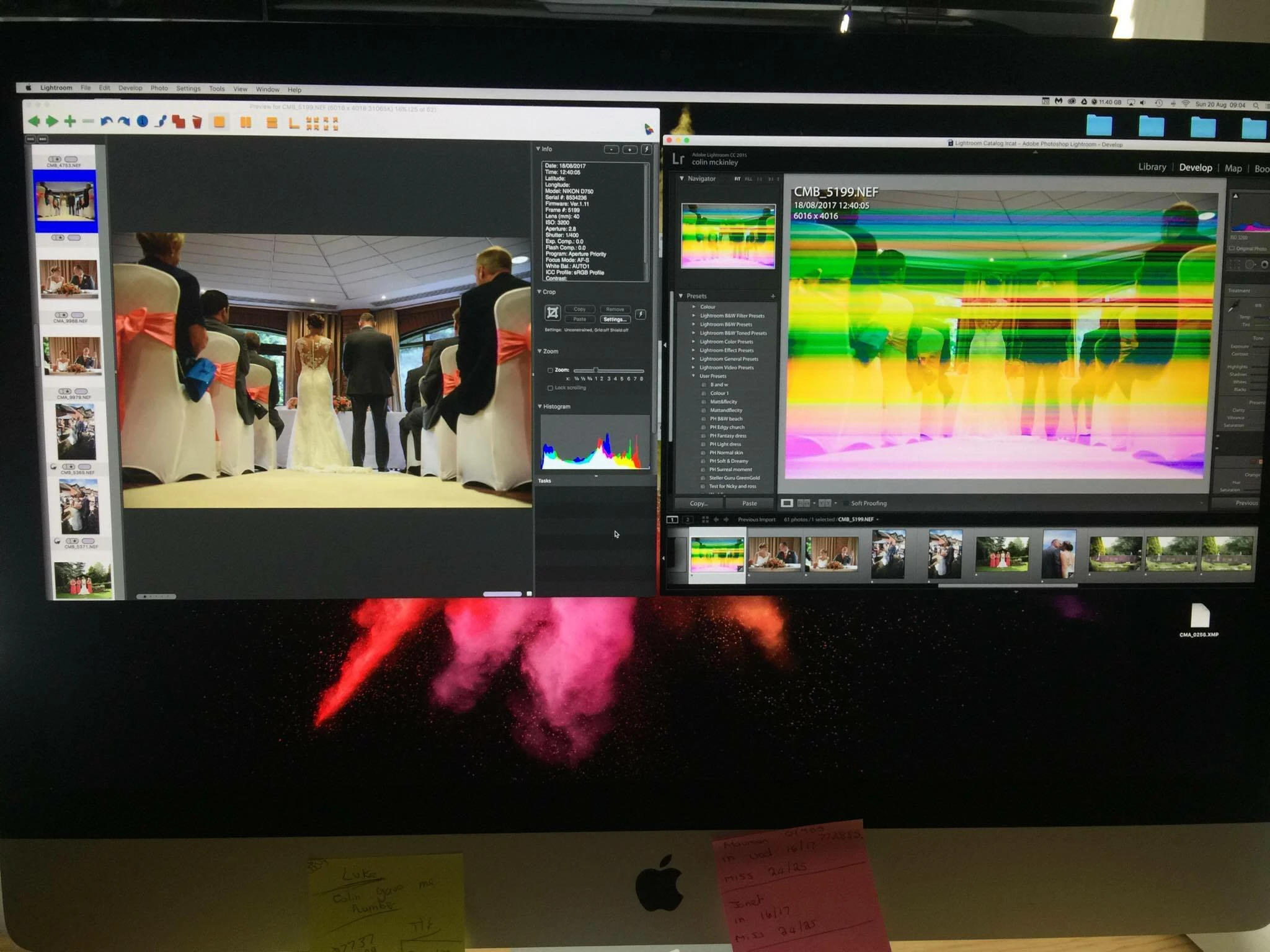

lightroom keeps crashing and banding lines when importing please Help
It looks like the raw file you are displaying in LR is corrupted.
The picture viewer on the left is probably displaying the JPG preview, which is probably not corrupted.
The file corruption normally happens due to a hardware failure:
bad circuit card in the camera
bad memory card (very common)
broken USB cable (very common)
malfunctioning card reader
bad USB port on the computer
bad sectors on the computer's hard drive
bad memory in the computer
Already have an account? Login
No account yet? Create an account
Enter your E-mail address. We'll send you an e-mail with instructions to reset your password.


 AdChoices