Known Participant
May 13, 2024
Question

Lightroom Loading Problem

  • May 13, 2024
  • 2 replies
  • 230 views

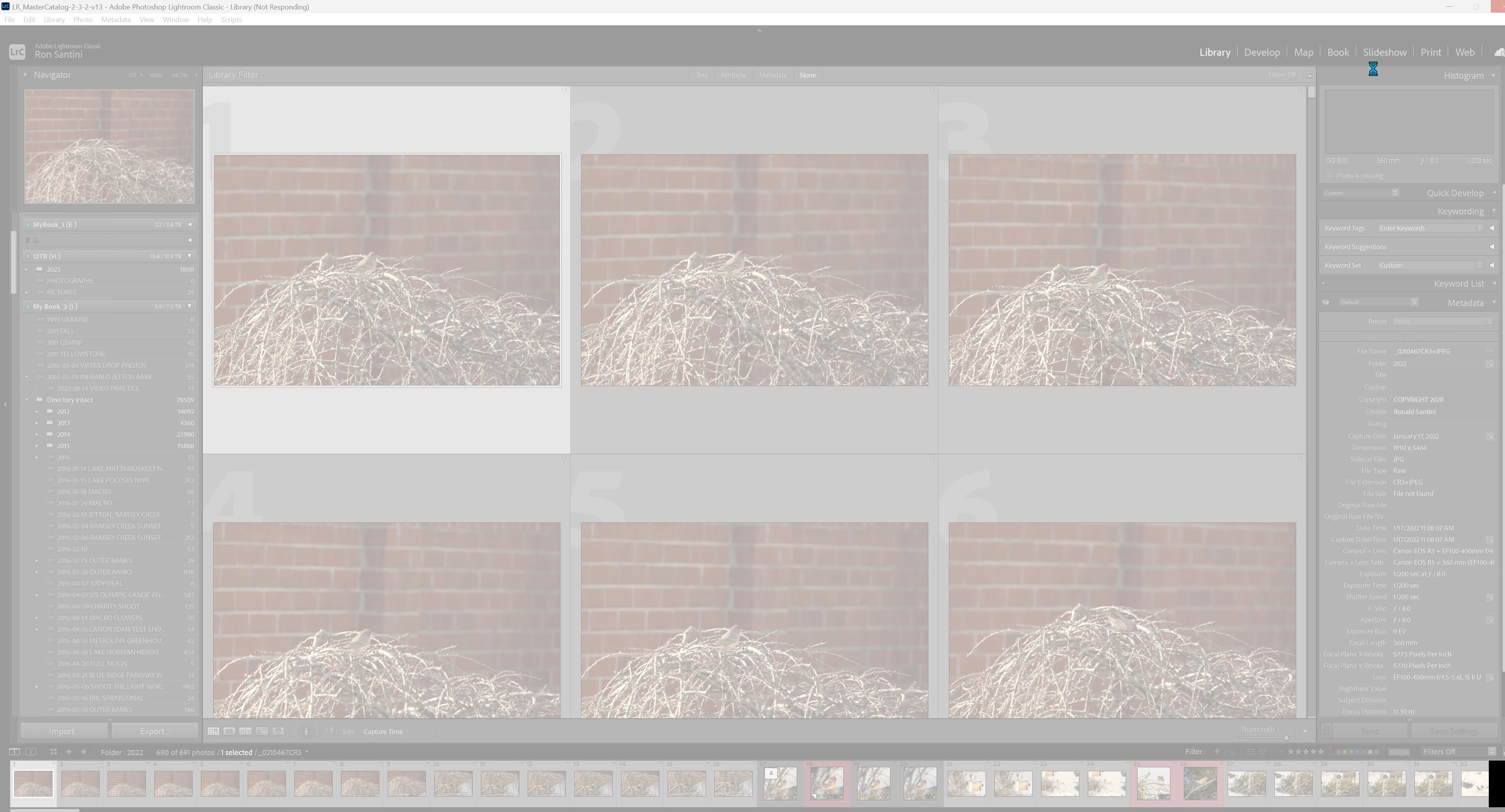
When I attempt to laod Lightroom Classic it opens OK, but then a grey overlay appears on the screen and I cannot access the program. I need to shut down the program via Task Manager. 
This topic has been closed for replies.

2 replies

Rob_Cullen
Community Expert
Community Expert
May 13, 2024

On my 'old' Dell xps-13 with Windows-10 and 8GB ram, I can see this same problem of greyed screen (Not Responding) if I mouse click anywhere on the Lr-Classic interface before the catalog has fully 'loaded'.

ie. I must wait until all features of the interface appear- such as folders showing correctly, info on thumbnail borders all showing, etc. I think in your screenclip I do see folders showing in grey (ie. not fully 'loaded')

IOW- Wait for the catalog to completely open before 'touching' the screen.

What happens if you give your catalog more time to load?


Regards. My System: Windows-11, Lightroom-Classic 15.4.1, Photoshop 27.8, ACR 18.4, Lightroom 9.4, Lr-iOS 10.4.0, Bridge 16.0.3 .
GoldingD
Legend
May 13, 2024

First a diagnostic test


With LrC not running, on your keyboard press down and hold the ALT key, while holding that down, click on your LrC startup icon. This should bring up a dialog where you can select a catalog, or in this case, select to create a new catalog. Select new catalog, and see what happens.


Second a revisit to the desired catalog


If that new catalog came up, and LrC did not hang/crash, close that catalog. Then using Windows File Explorer, navigate to wherever you keep that desired catalog, and double click on it. Does the catalog open? And is this the catalog you thought you were working on before the issues.
