Participant
June 20, 2023
Question

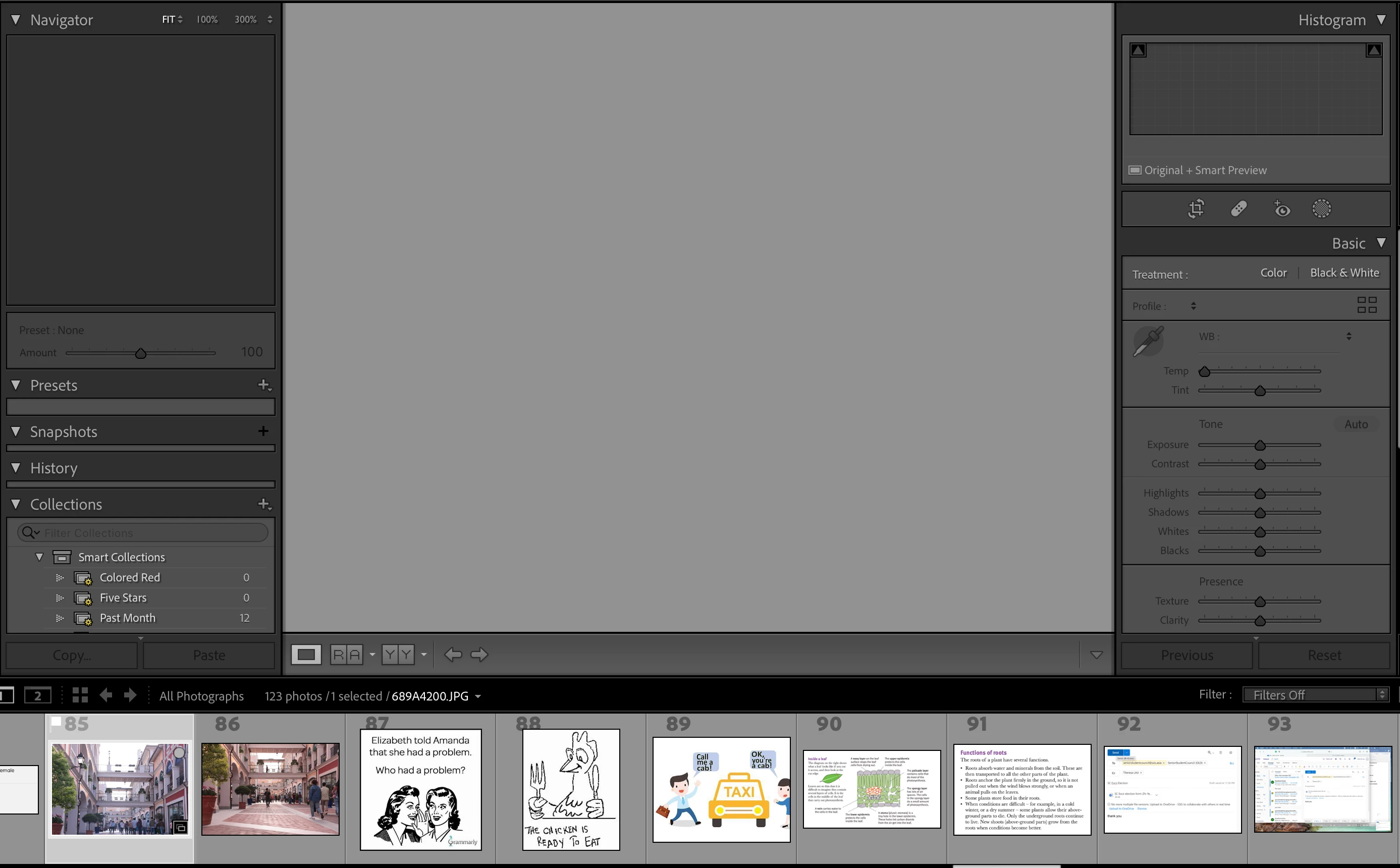
Lightroom picture does not show on developed mode. visible in the list, but unable to edit.
  • June 20, 2023
  • 3 replies
  • 196 views

i am new to Lightroom classic, after importing images to the library and attempting to edit on develop mode, the picture, although selected, does not appear on the large screen thus unable to be edited. I am currently puzzled and panicking, is there any method in solving this?


version: lightroom classic (released in 2022)

This topic has been closed for replies.

3 replies

GoldingD
Legend
June 20, 2023

Please post your System Information as Lightroom Classic (LrC) reports it. In LrC click on Help, then System Info, then Copy. Paste that information into a reply. Please present all information from first line down to and including Plug-in Info. Info after Plug-in info can be cut as that is just so much dead space to us non-Techs.

JohanElzenga
Community Expert
Community Expert
June 20, 2023

Do you have a subscription to the Photography Plan and are you logged into your account? If Lightroom Classic cannot find an active subscription, it goes into 'Expired Mode'. In that mode you can still use it, but the Develop module and the Map module are disabled.


-- Johan W. Elzenga
kglad
Community Expert
Community Expert
June 20, 2023

in the future, to find the best place to post your message, use the list here, https://community.adobe.com/


p.s. i don't think the adobe website, and forums in particular, are easy to navigate, so don't spend a lot of time searching that forum list. do your best and we'll move the post if it helps you get responses.


<moved from using the community bugs>