
Inspiring
May 22, 2017
Question

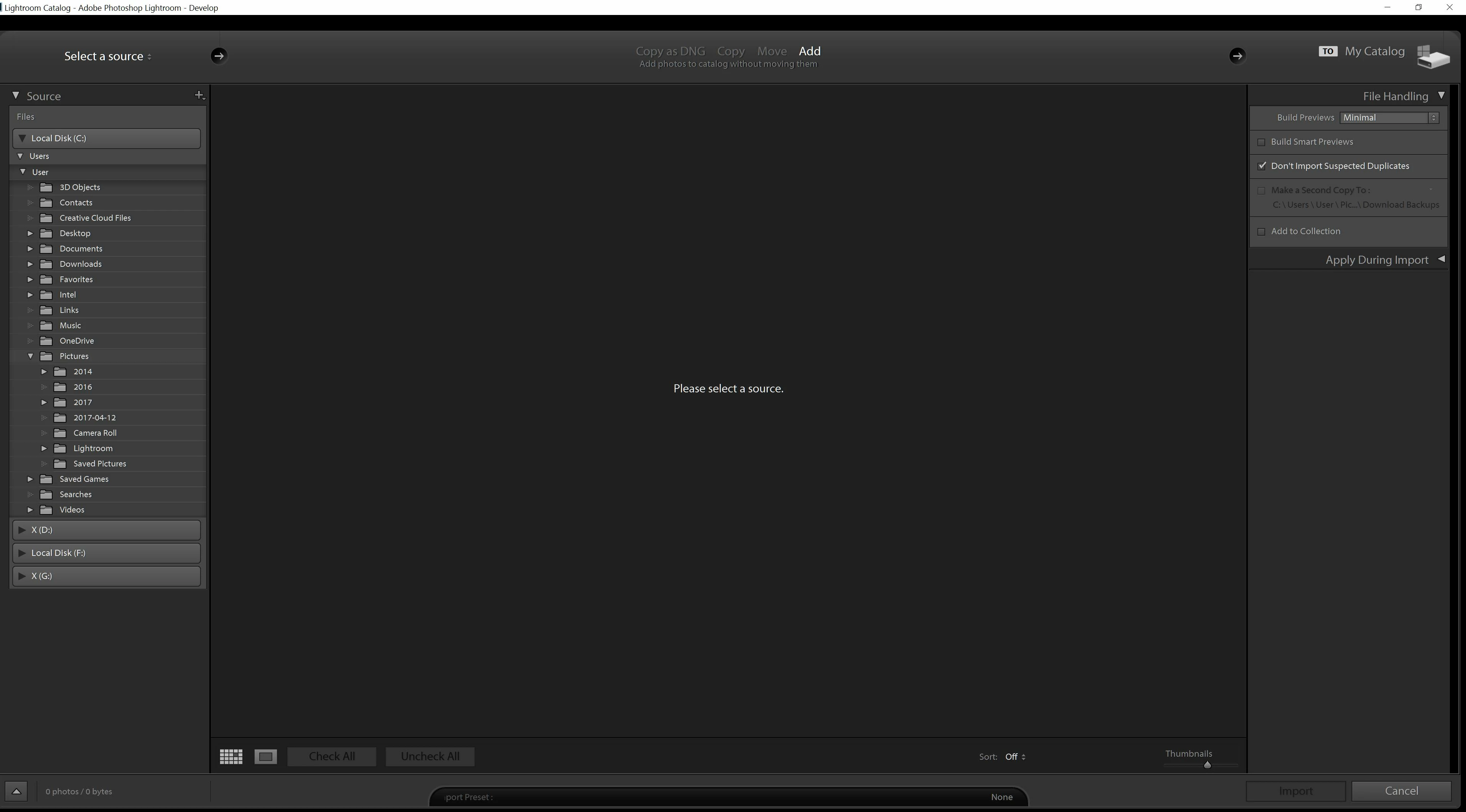
Lightroom .."Please select a source "

  • May 22, 2017
  • 2 replies
  • 8058 views

Hi,

When in development mode every 3 mins or  so I keep being taken to the screen which asks "Please select  a source "

I download images from a CF card reader into folders on my PC. I remove the CF card when images are in the PC folder.

Any ideas as to why I keep being taken to the screen which asks "Please select  a source " ?

I have the latest update installed

Many thanks
This topic has been closed for replies.

2 replies

ManiacJoe
Inspiring
May 22, 2017

In addition to Jim's response, your import is set to "add" which means it will NOT be copying any files to a new location. This is bad if your source is not your hard drive.

JP Hess
Inspiring
May 22, 2017

You're not in Develop mode, you're in the import dialog and Lightroom is waiting for you to import images. Lightroom is expecting you to choose a folder that has images needing to be imported.

Inspiring
May 22, 2017

When I am in develop mode and working on images which have been imported from the folder on my PC, this is when I get taken to "Please select  a source " , I select cancel and get back to Develop mode. My source is a hard drive on my PC.This happens every few minutes which is very annoying

JP Hess
Inspiring
May 22, 2017

Do you have your camera connected to the computer or do you have a card inserted into a card reader with Lightroom configured to start when a card is detected?