wilclaussen
Participant
June 20, 2022
Answered

Lightroom Presets not sticking

  • June 20, 2022
  • 1 reply
  • 642 views

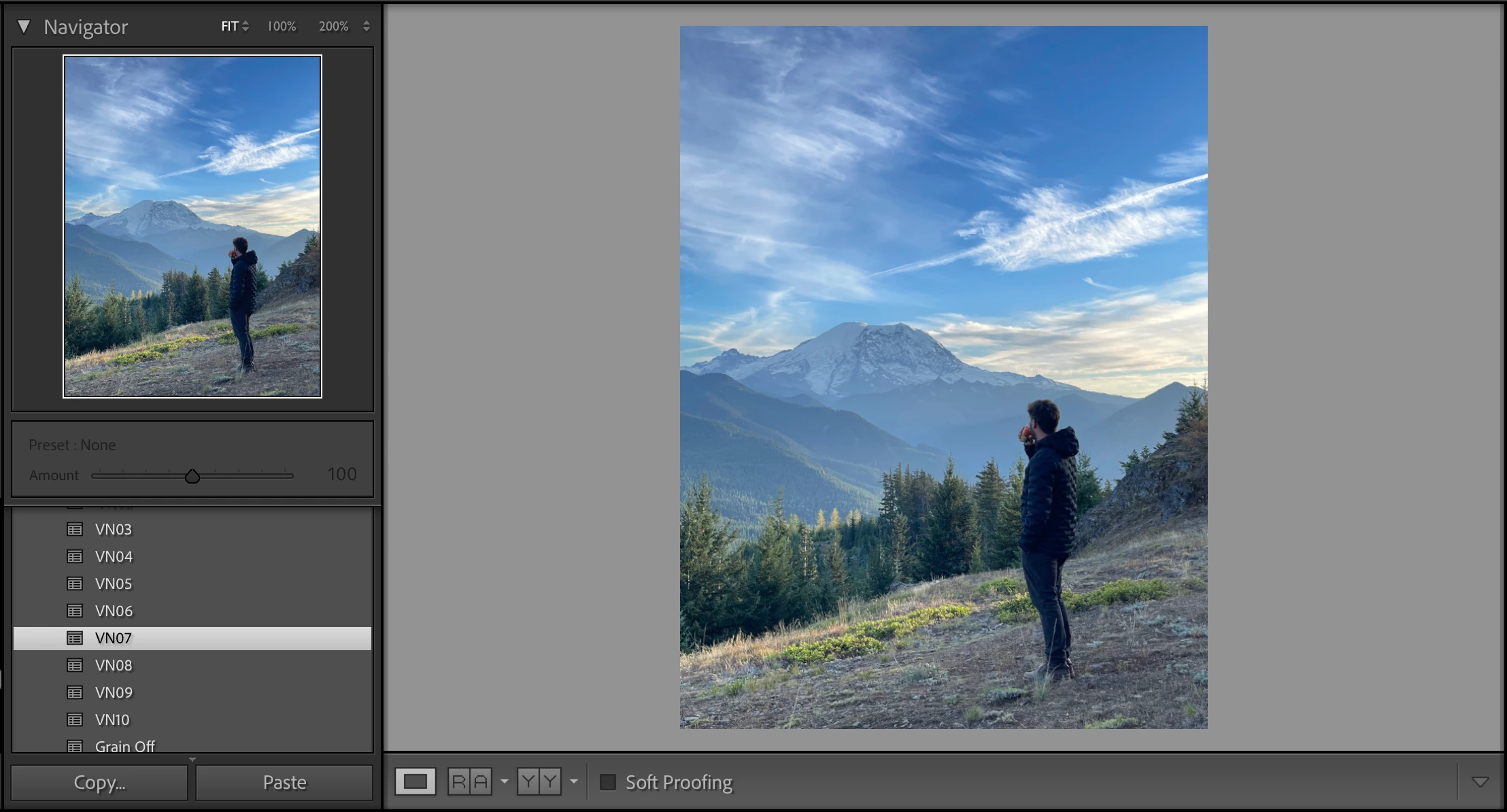
Hello! I have never had a problem with lightroom until just recently, my presets have stopped applying to my photos. They will work in the preview window, but do nothing when I click on them. I have searched through forums, etc but have not been able to find a solution for this issue. Does anyone know why this is happening?

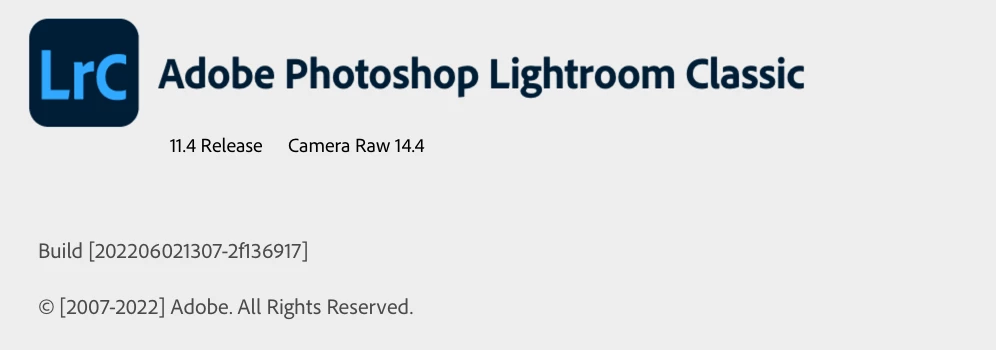
I have the latest update and have also tried re-installing an older version to see if that would fix it but nothing has changed. For context- the photo of me standing should have a dramatic treatment from this preset, but it only shows the raw file. All my presets are the correct format and I also have the "show partially compatible" box checked. 2017 MacBook pro,.


Thanks
This topic has been closed for replies.
Correct answer johnrellis

Try resetting LR's preferences:
https://www.lightroomqueen.com/articles-page/how-do-i-reset-lightrooms-preferences/


LR sometimes soils its preferences file, and resetting it can fix all sorts of wonky behavior. That article explains how to restore the old preferences if resetting doesn't help.


Resetting has fixed this issue for others.

1 reply

johnrellis
johnrellisCorrect answer
Legend
June 21, 2022

Try resetting LR's preferences:
https://www.lightroomqueen.com/articles-page/how-do-i-reset-lightrooms-preferences/


LR sometimes soils its preferences file, and resetting it can fix all sorts of wonky behavior. That article explains how to restore the old preferences if resetting doesn't help.


Resetting has fixed this issue for others.

wilclaussen
Participant
June 25, 2022

This worked! Thanks so much