Participant
March 21, 2017
Question

Lightroom Printing Problem: Image Won't Resize Properly

  • March 21, 2017
  • 3 replies
  • 1362 views

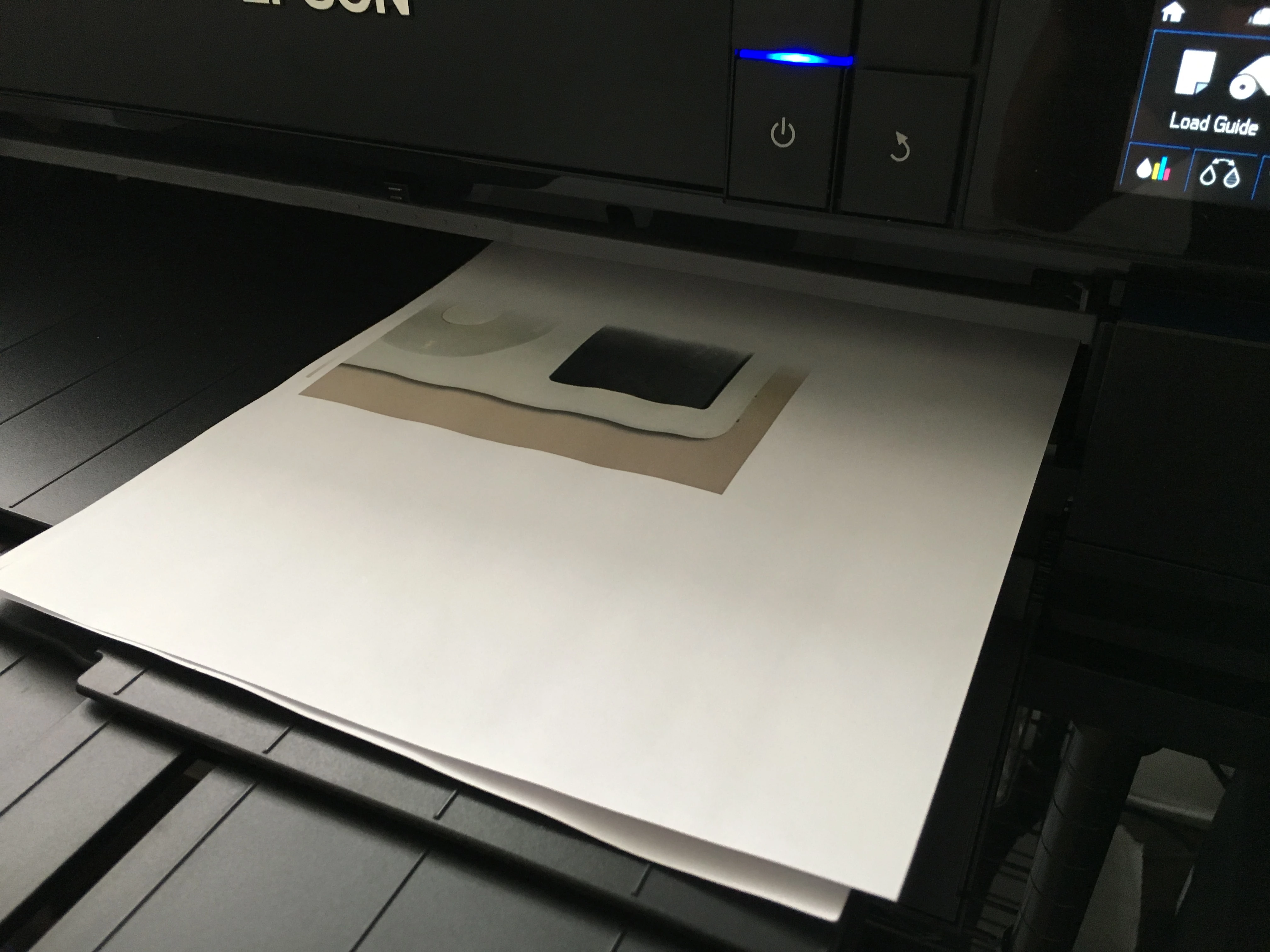
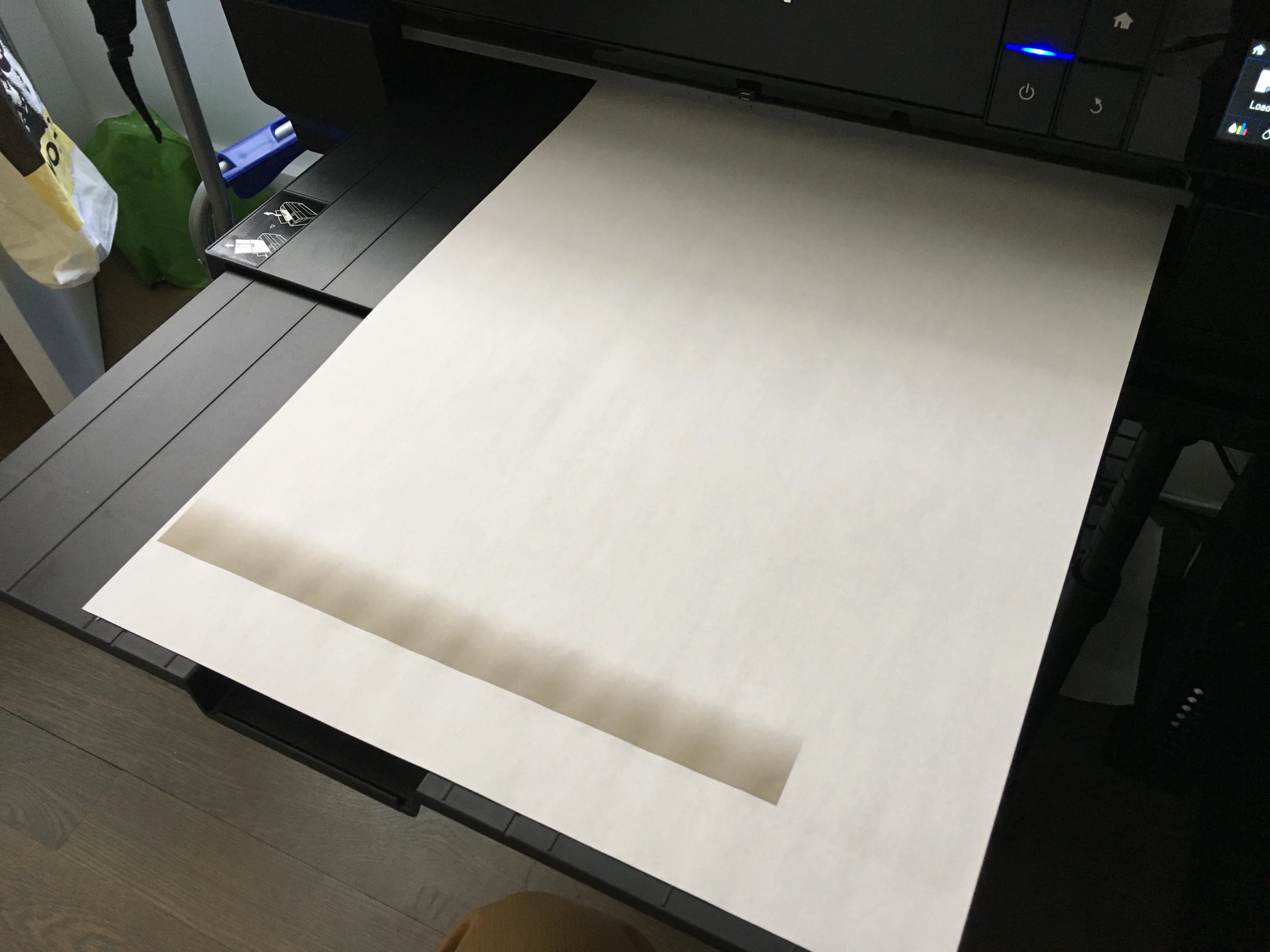
I'm running Lightroom 2015.9 on Mac Sierra. When I change paper sizes in Lightroom, the paper size doesn't change properly at the printer and the image comes out wrong. This problem doesn't happen in Photoshop or other programs, just Lightroom. I'm printing to an Epson P800. I had a similar issue with my Epson 9800 so it's not the printer. I've been printing digitally since the 90's and am well familiar with the various Page Setup settings. The only thing that seems to work is restarting the computer. Has anyone had a similar issue?

The image below should have printed at full size on 8.5x11.
This image should have printed full page at 13x19.
Thanks to all who respond, John

This topic has been closed for replies.

3 replies

Participant
December 15, 2019

John, did you manage to resolve this issue? I have the same problem with Lightroom and an Epson SC P600 in that I couldn't resize a previuously used 7in x5in setting to a larger setting of 39.5cm x 27.5cm setting on A3 paper. I restarted my computer and managed to get a 39.5cm x 25.5cm setting. Thanks.

Participant
November 4, 2017

I am having the same problem in LR CC and what is now called Classic. Its random too. Sometimes I can play with ordination and it somehow works. But I can come back the next day and it will do exactly what yours is doing. Did you ever find the problem?

Laura Shoe
Inspiring
March 22, 2017

I'd be interested in seeing screenshots of your printer driver page setup, the Layout panel, and the main preview window with the information overlay (I) or the rulers on.