
Participating Frequently
October 7, 2024
Question

Lightroom Profile File Location

  • October 7, 2024
  • 1 reply
  • 374 views

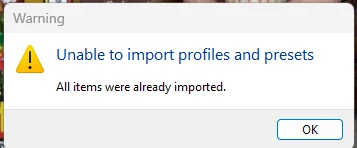
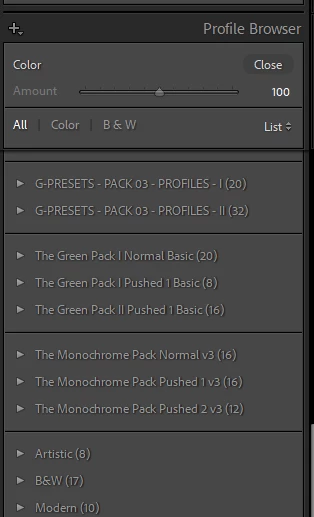
I downloaded LR Profile from the Archetype Process and accidentally deleted a couple from the LR panel. When I try to reinstall them, I receive an error that says that items have already been imported.


Where can I find them on my PC or resolve the issue?
This topic has been closed for replies.

1 reply

johnrellis
Legend
October 8, 2024

Right-click any profile group (e.g. Artistic) and do Reset Hidden Profiles.  Do those profiles now appear?

Psy1ockeAuthor
Participating Frequently
October 9, 2024

I ended up searching and digging and found the files. I deleted, then reinstalled them. But I'll keep your solution in mind if this happens again.