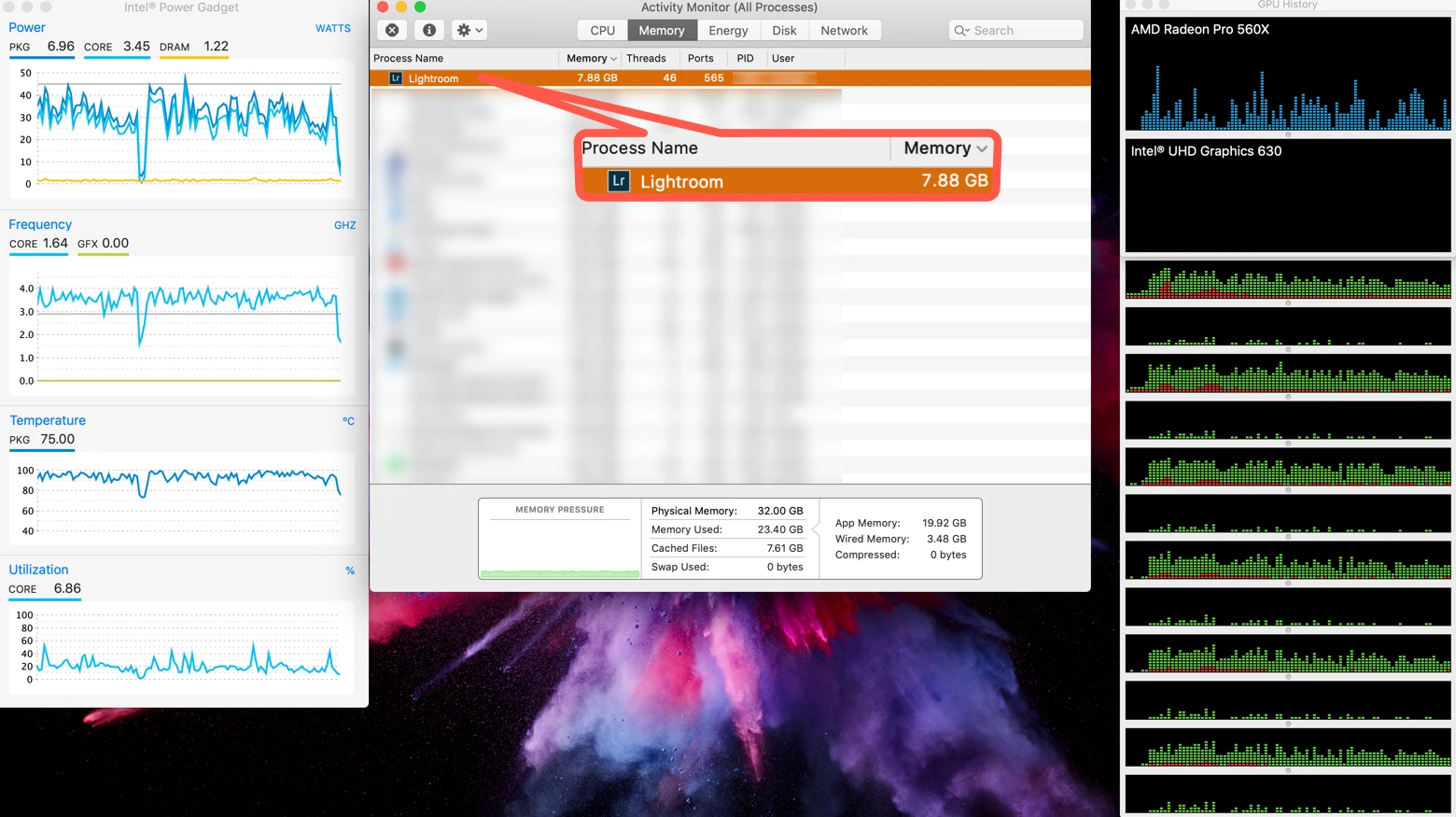
No, and the reason is that RAM management has many dynamic variables on macOS and Windows. If you watch RAM usage over time, not all of the RAM used by programs is reflected in that application's own memory listing. Sometimes an application will do something that calls on a macOS function, and so the amount of RAM that goes up is not under the application like Lightroom, but in a macOS process like kernel_task. In addition, when Lightroom or any macOS application uses more RAM, some of the existing RAM it uses may end up cached, compressed, or swapped to disk, depending on what macOS decides is the most efficient use of RAM at the time. That's why Activity Monitor has those categories at the bottom of the Memory tab.
Because memory management involves multiple resources that are managed dynamically by macOS, there isn't one "lever" provided to the user to move. This is partly because macOS isn't watching one process, but all of them, as each application's demands change over a session. The reason macOS does that is so any application that asks for more RAM gets it, by managing overall RAM usage. In the old days of Mac OS 9 the user could specify RAM per application, but that severely limited the flexibility of the system. That's why Apple hasn't allowed the user to allocate application RAM for almost 20 years.
As far as Lightroom overall RAM usage, I often see it under 8GB when working on a single image, even a single large image. I've seen it rise to use much of my 16GB or 32GB RAM Macs when merging panoramas or HDR images, since many images are held in RAM to get that done.
It's also known that Lightroom will take advantage of RAM above 12GB for performance when it's called for. But I'm not sure if that applies to brushing, I think it's more about preview generation.



 AdChoices