Participant
January 27, 2023
Answered

Lightroom Real Estate photo editing question

  • January 27, 2023
  • 2 replies
  • 584 views

Hello,

This is my first post. I'm a total noob with lightroom.


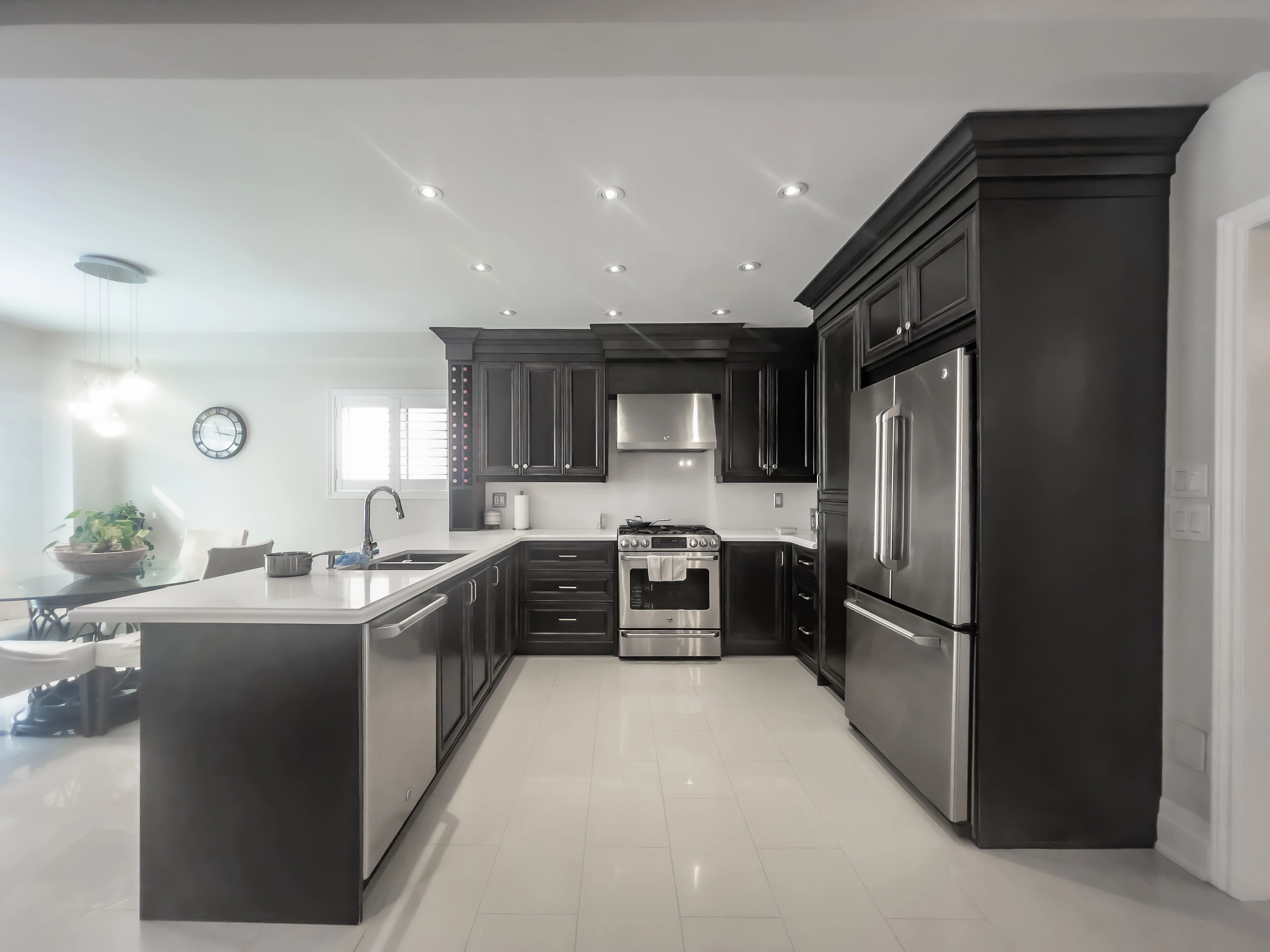
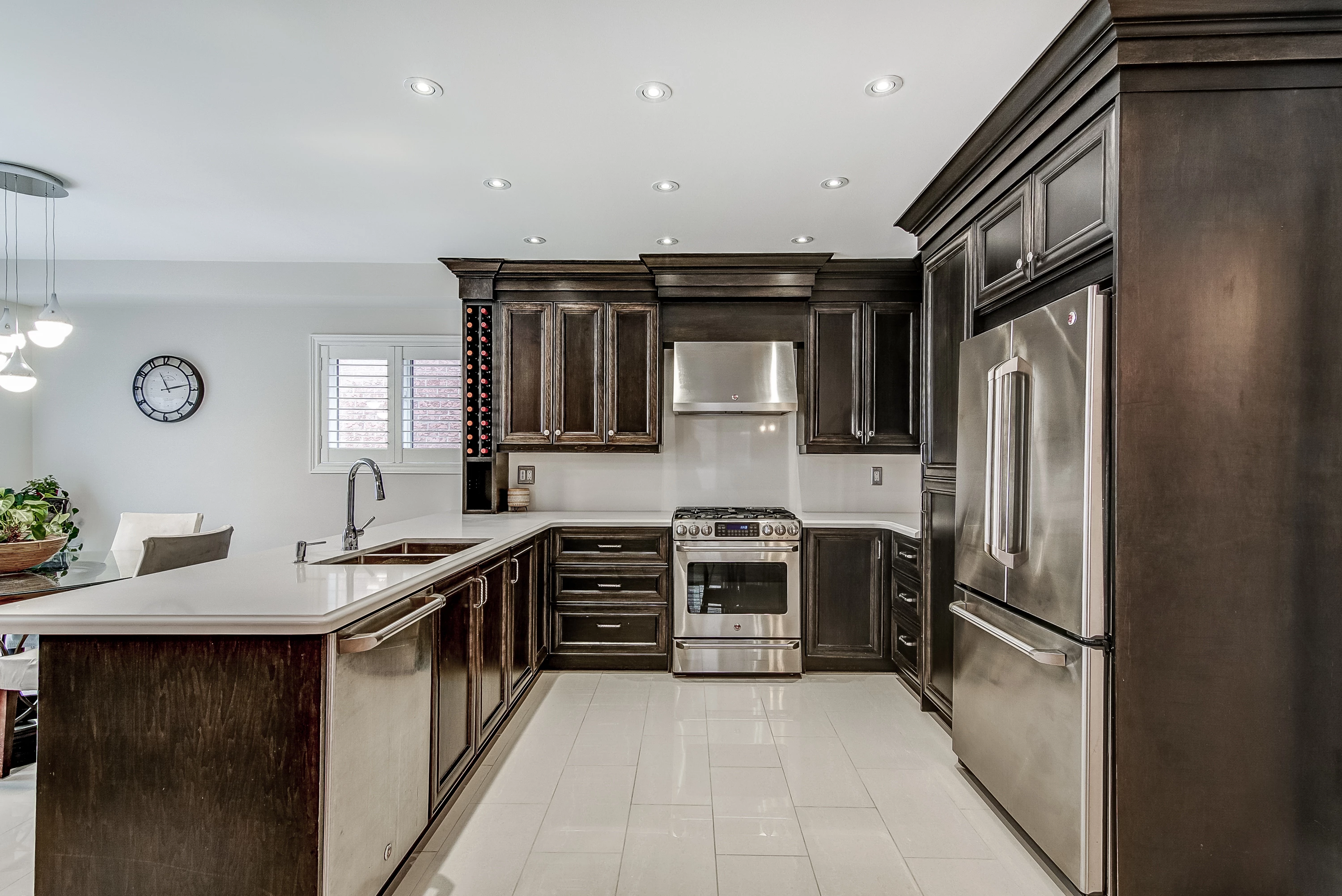
Can the second photo taken with an iPhone 12 Pro be edited in Lightroom to remove the glare/flare from the lights, similar to the first photo taken and edited by a professional photographer?


Thank you!
 

Correct answer Sean McCormack

The issues with the iPhone photo is that you didn't clean the lens. Even with that you're not going to get the same quality as a camera in the hands of a pro. Or on the tripod. 

2 replies

Sean McCormack
Community Expert
Sean McCormackCommunity ExpertCorrect answer
Community Expert
January 27, 2023

The issues with the iPhone photo is that you didn't clean the lens. Even with that you're not going to get the same quality as a camera in the hands of a pro. Or on the tripod. 

Sean McCormack. Author of 'Essential Development 3'. Magazine Writer. Former Official Fuji X-Photographer.
Participant
January 27, 2023

Sean, cleaning the lens was the key.🔑 I would have never thought it would be that simple.😂 Thank you for the excellent advice!🙏


dj_paige
Legend
January 27, 2023

Generally, removing flare is a job for Photoshop, but perhaps with the new masking and cloning tools, some of the flare can be removed in Lightroom Classic. But even better would be to expose the photo in the camera properly. You can ask the professional photographer for advice on how he does that. Or look on the Internet for "protect the highlights"